Introduction
A pull-up window effect is a great way to reveal a view — such as a landscape, skyline, or interior — by animating curtains or a window overlay. By using chroma keying and proper layer setup, you can composite the elements together so the window frame stays fixed while the curtain lifts naturally, creating a polished cinematic transition.
Step 1: Import Your Assets
Go to File > Import > File, bring in your footage, and place everything onto the timeline. You should have:
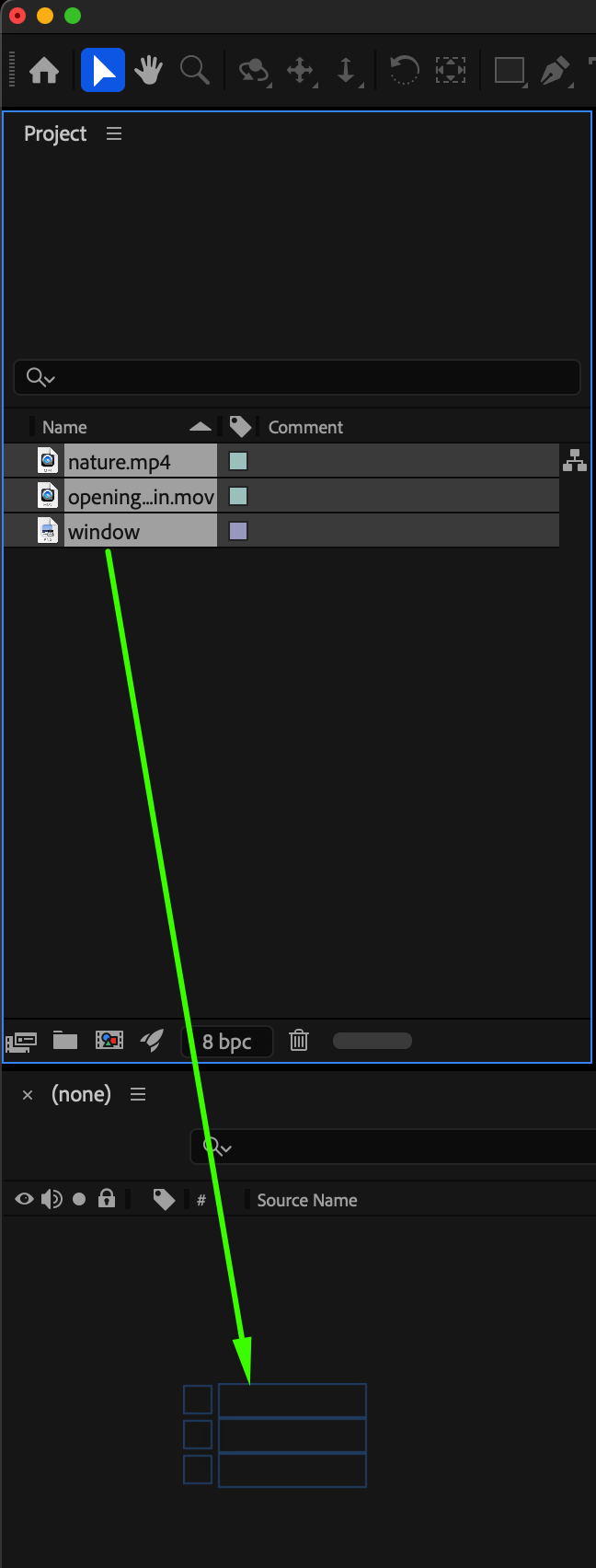
your background footage (the view),
the window frame or panoramic frame with a green background,
a curtain or opening animation shot.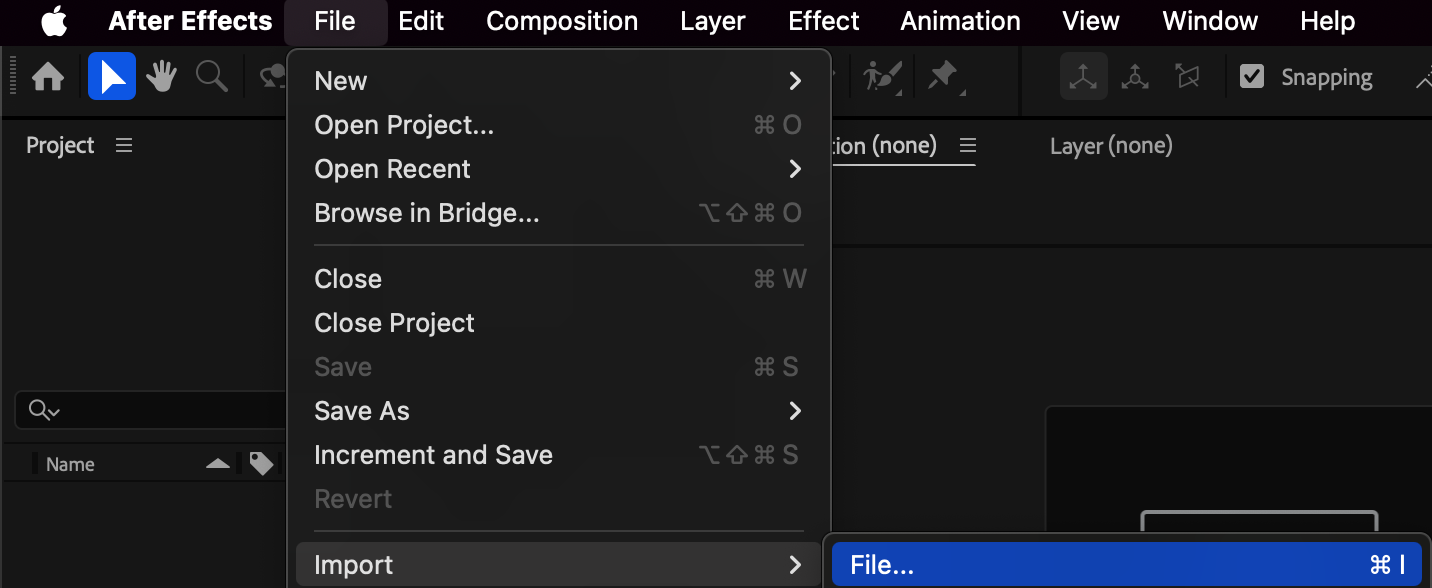
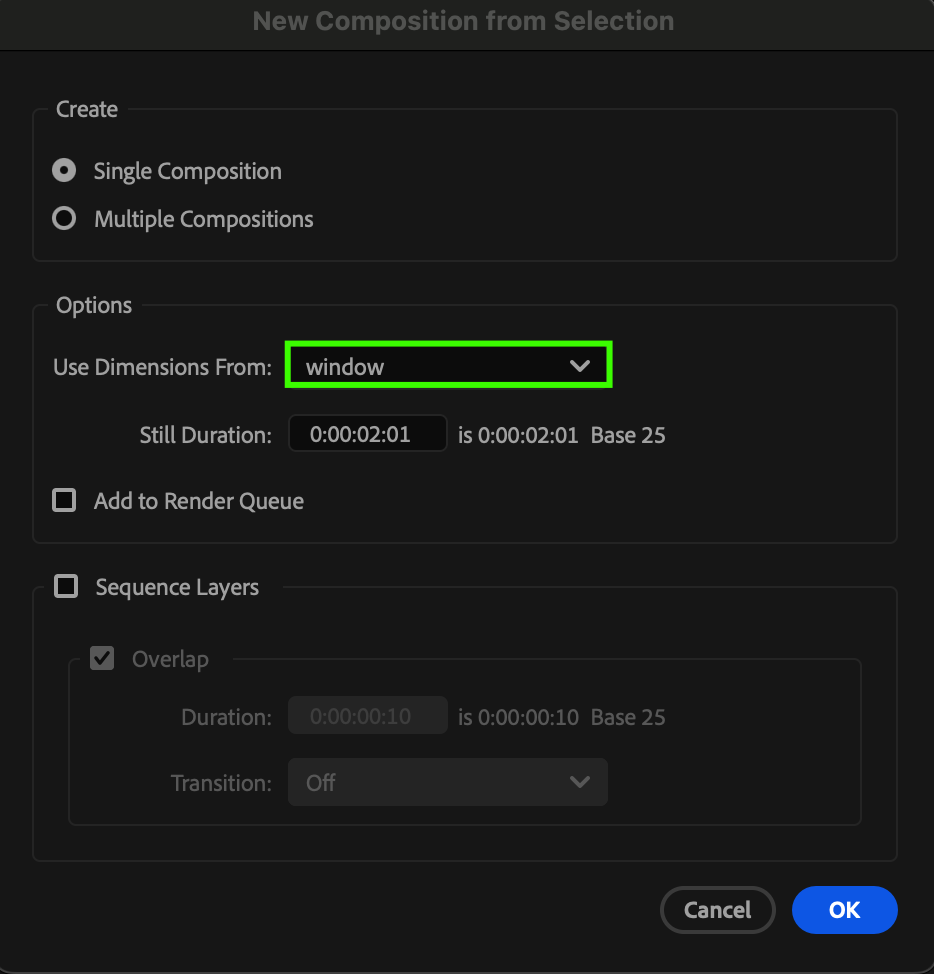 Step 2: Arrange and Scale the Layers
Position your background at the bottom, the window frame above it, and the curtain layer on top. Adjust the Scale and Position of each layer so they align realistically within the window composition.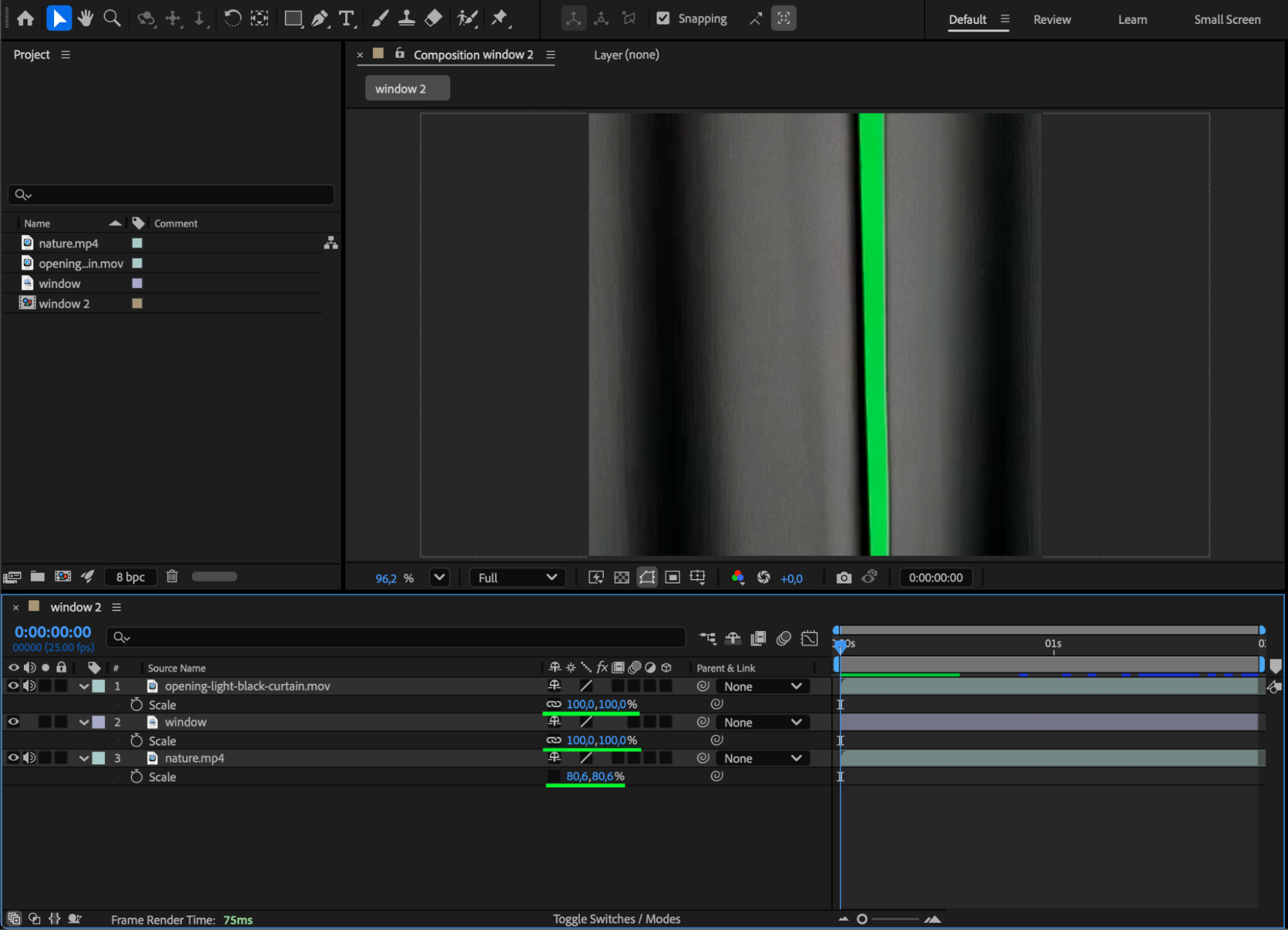
Get 10% off when you subscribe to our newsletter

Step 3: Remove the Green Screen with Keylight
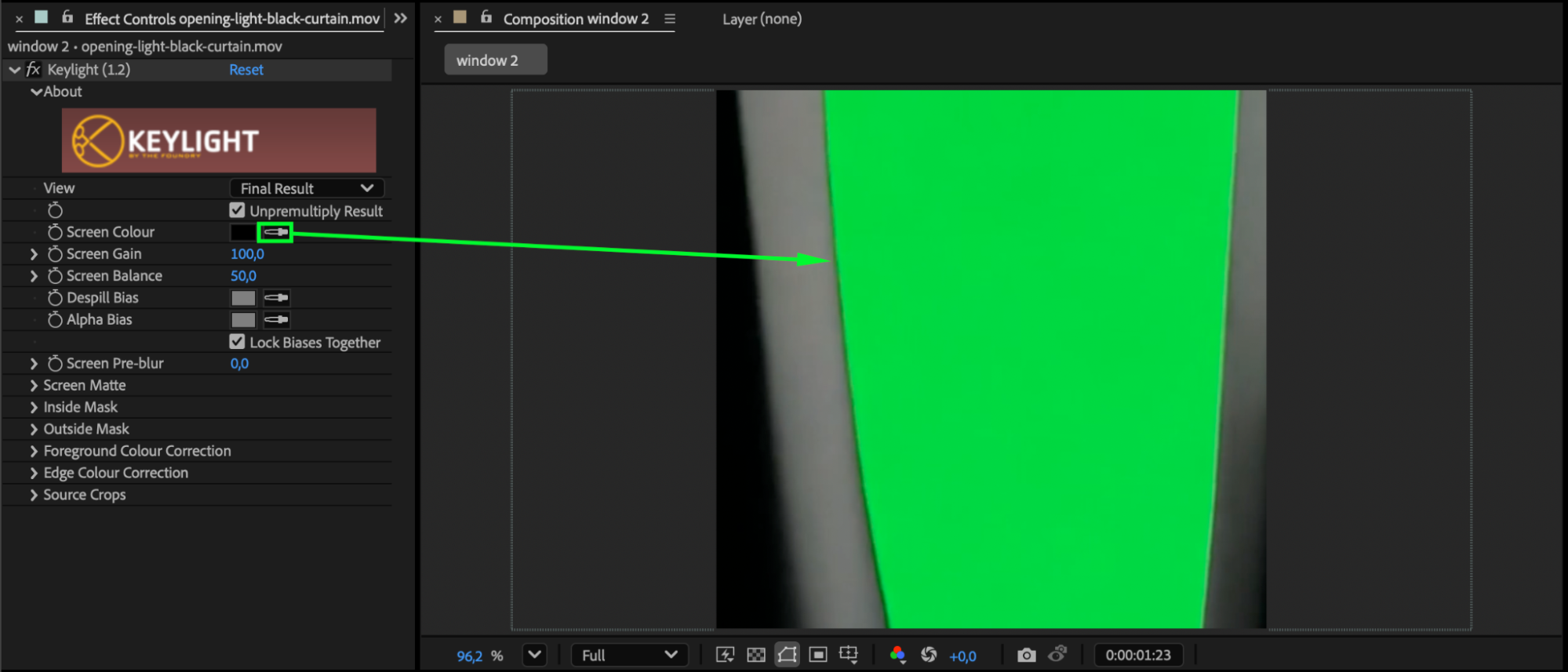
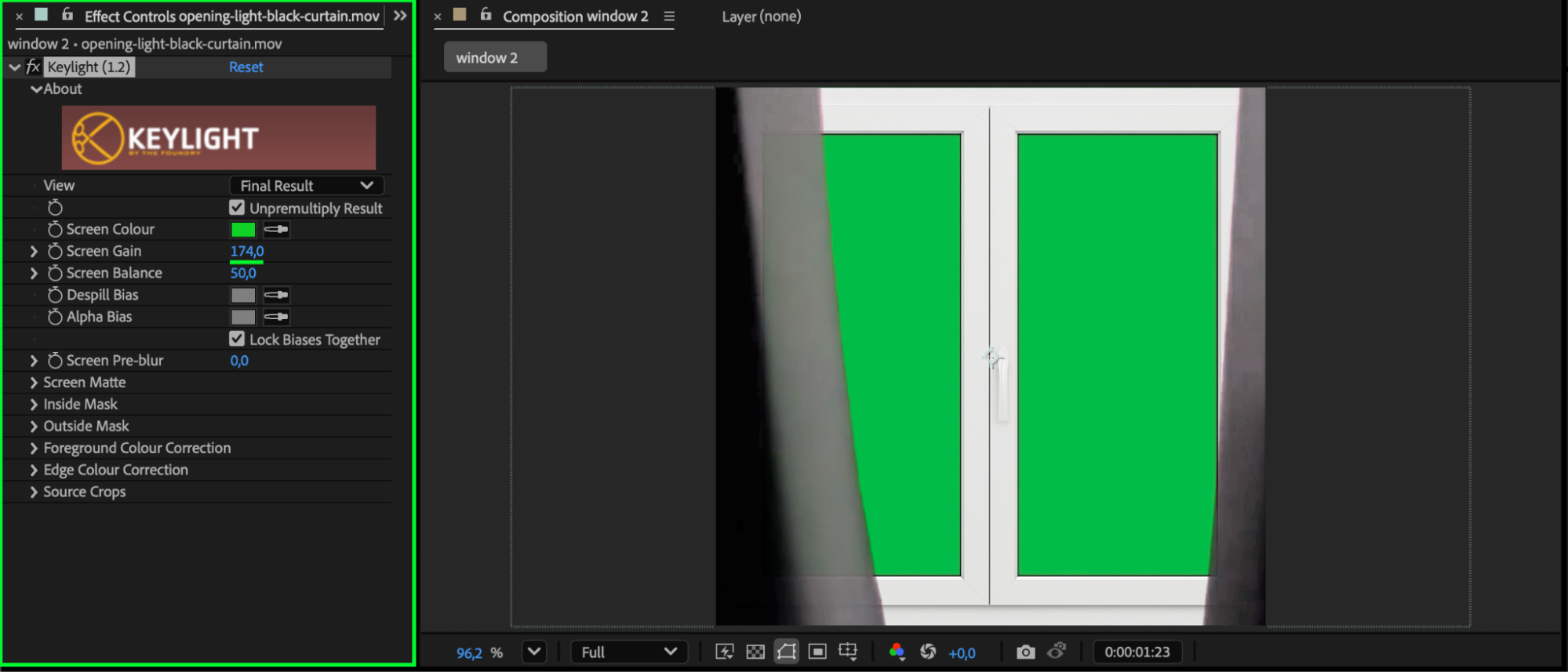
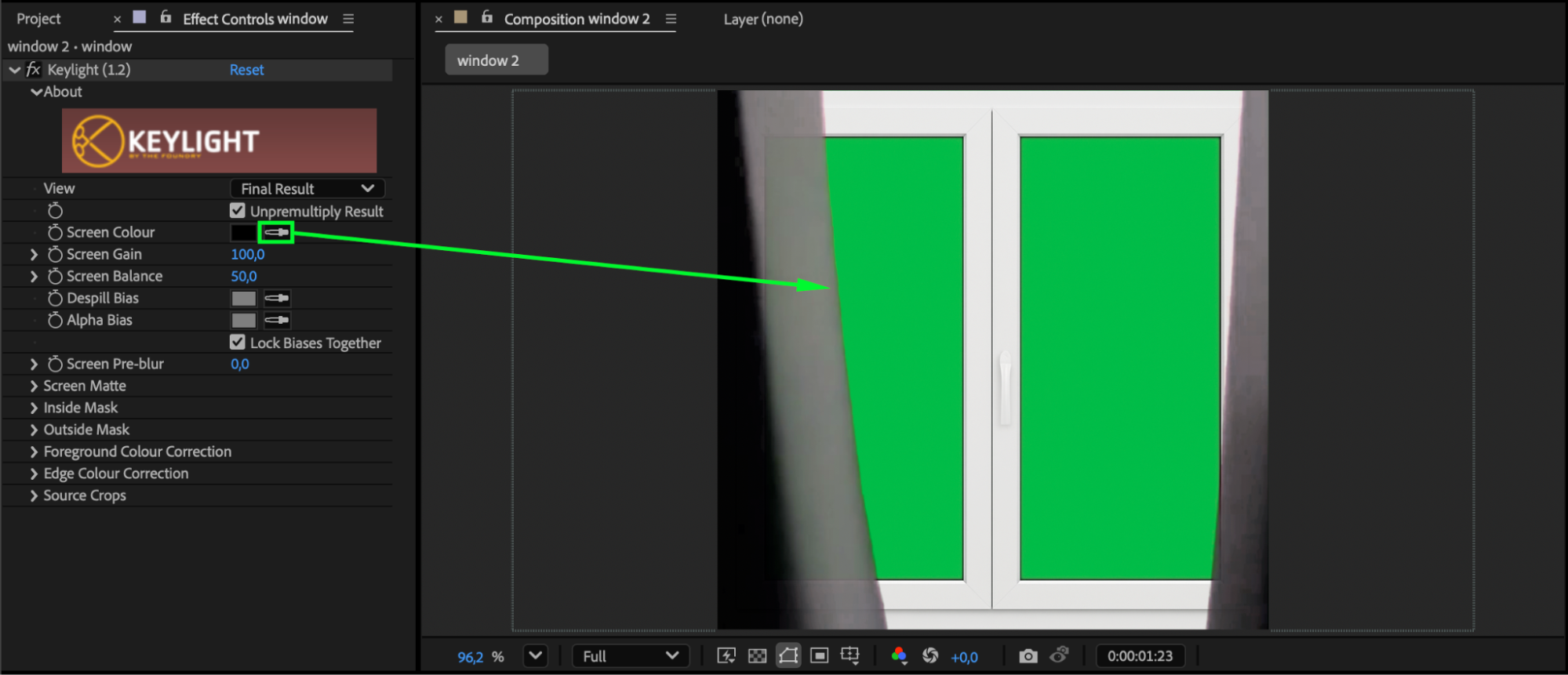
From the Effects & Presets panel, drag the Keylight (1.2) effect onto the layers with the green background. In the Effect Controls panel, use the Screen Color eyedropper to select the green color so it gets removed automatically. Then fine-tune the result using Screen Gain and Screen Pre-Blur for a cleaner and more natural key.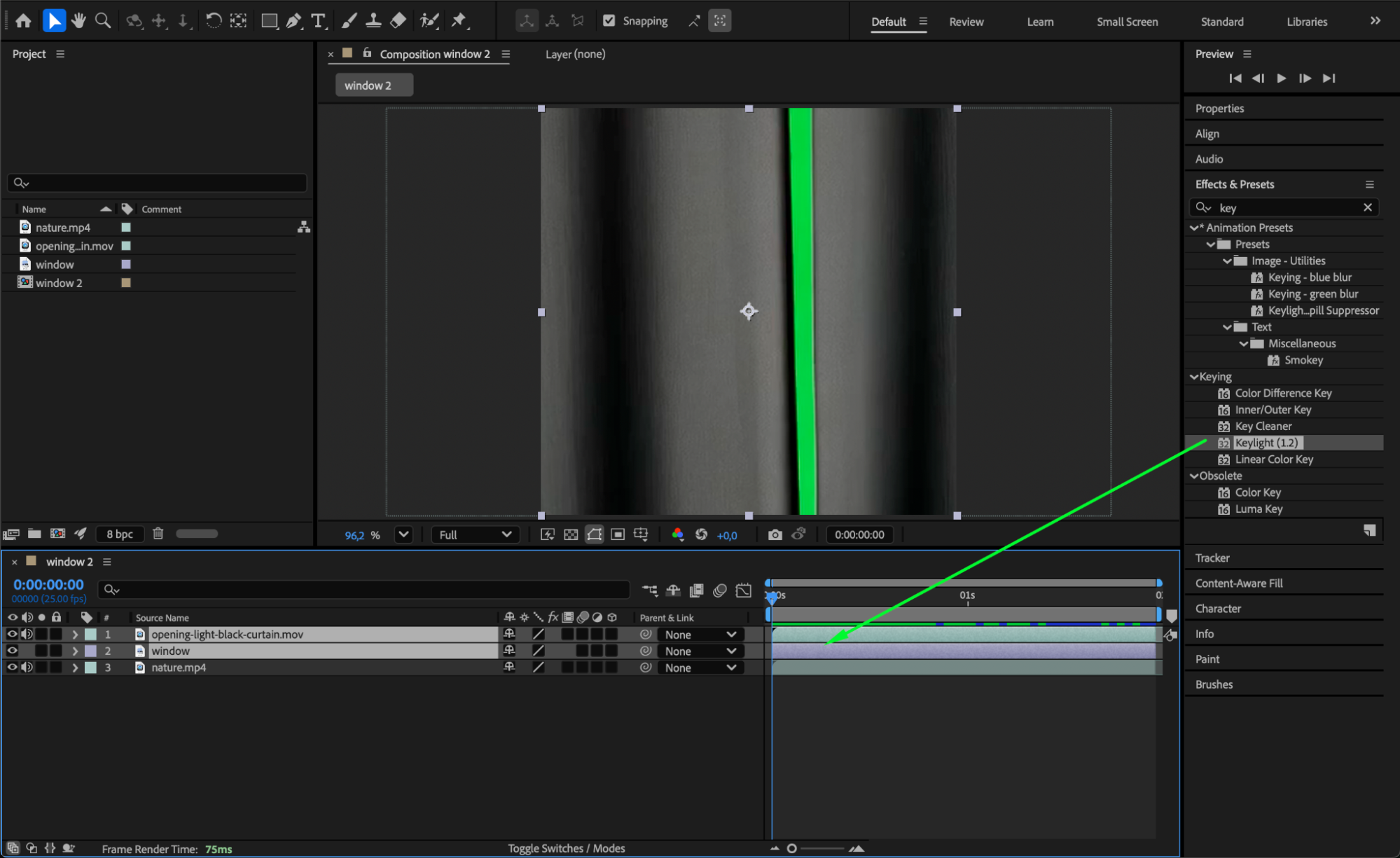
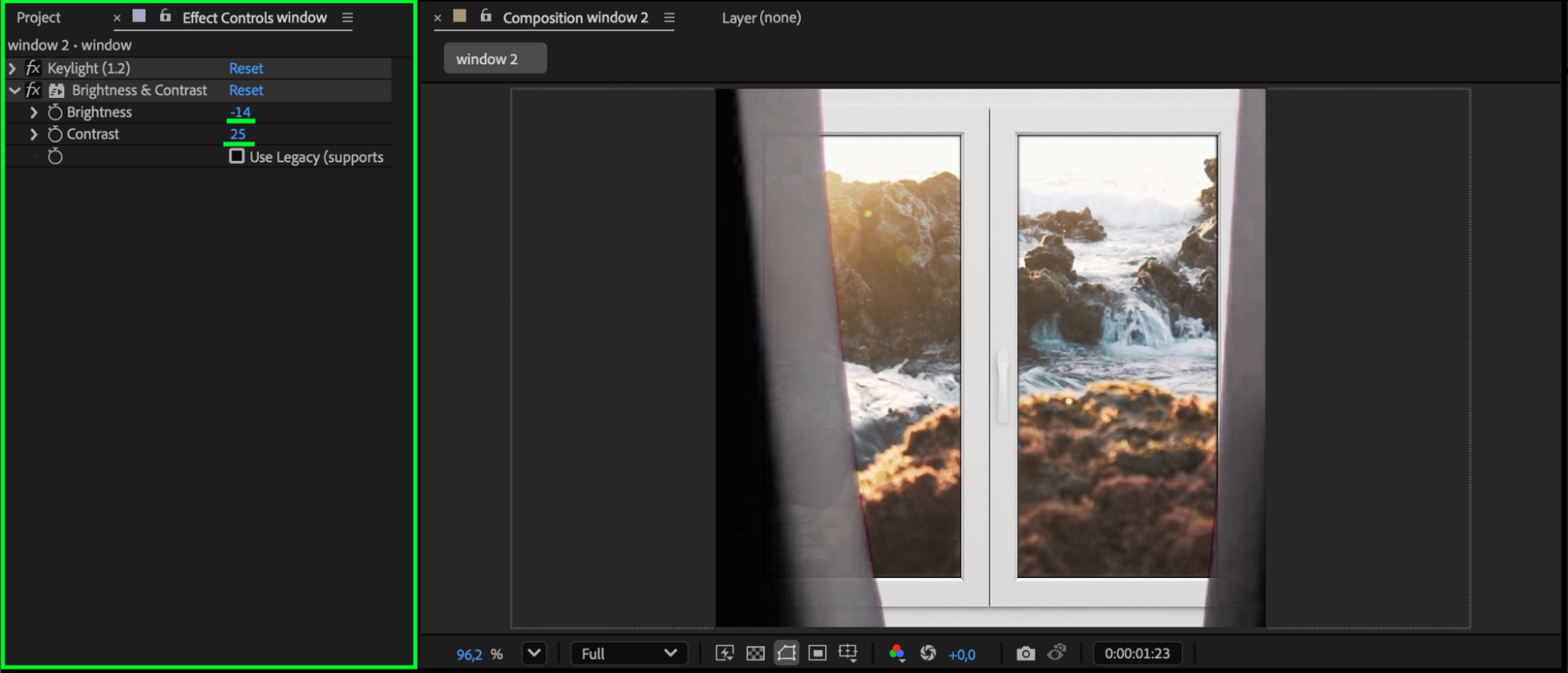
 Step 4: Adjust Brightness and Contrast
Apply Brightness & Contrast to the window frame layer and slightly darken it if needed, making the frame blend smoothly with the background footage and enhancing realism.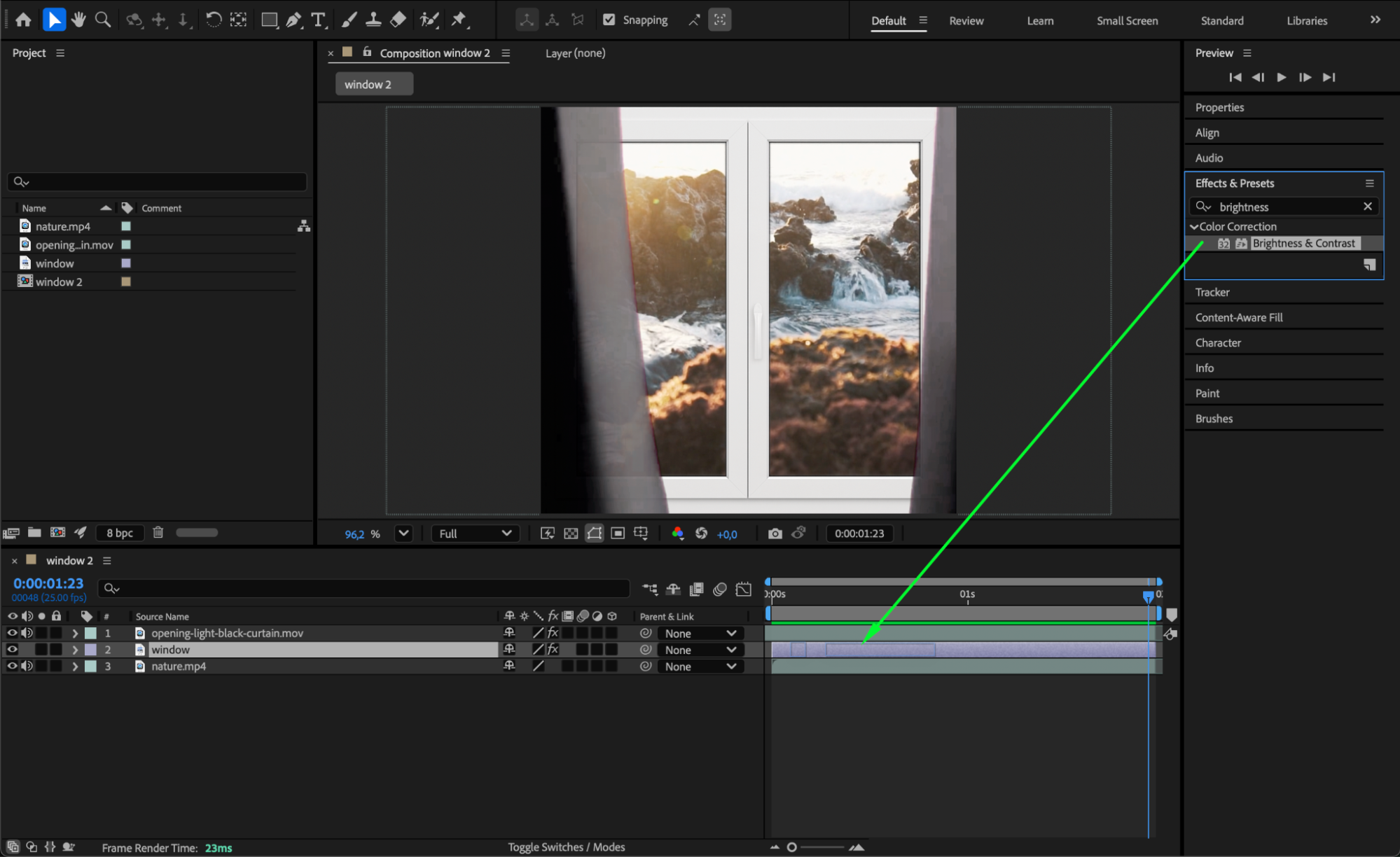
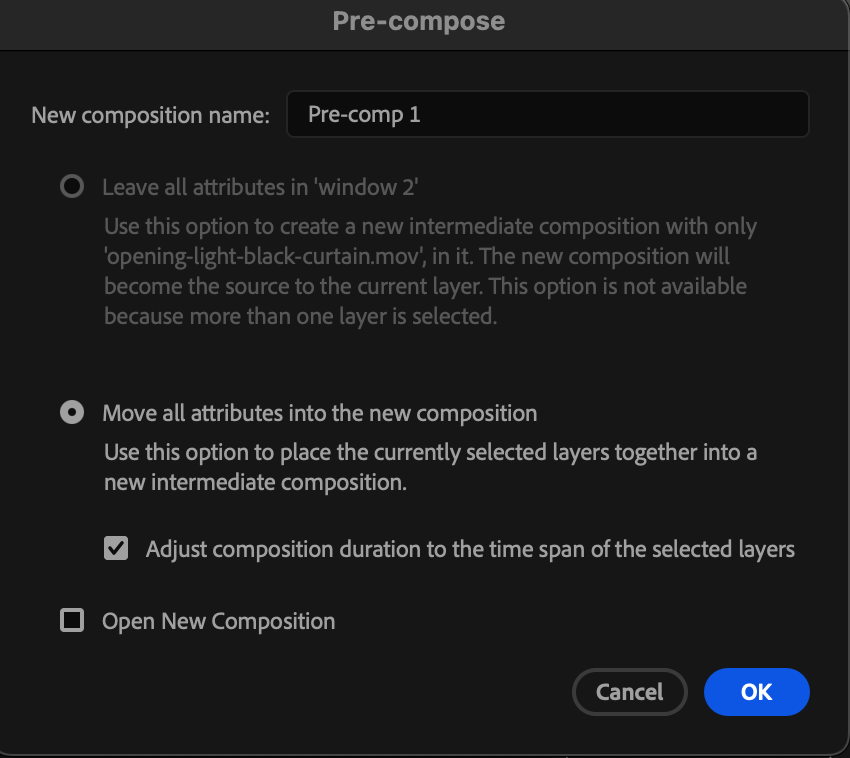
Step 5: Pre-Compose for Unified Animation (Optional)
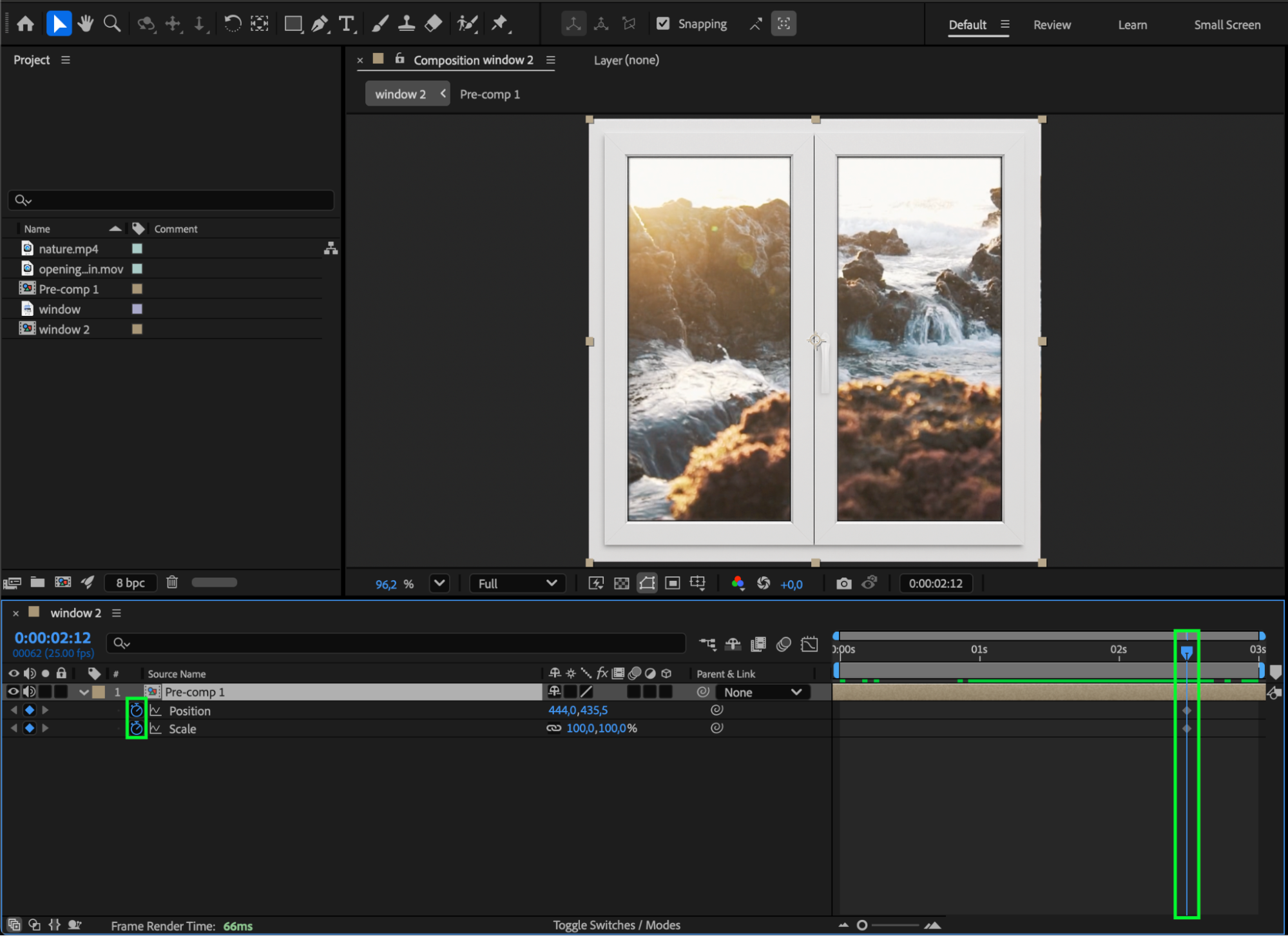
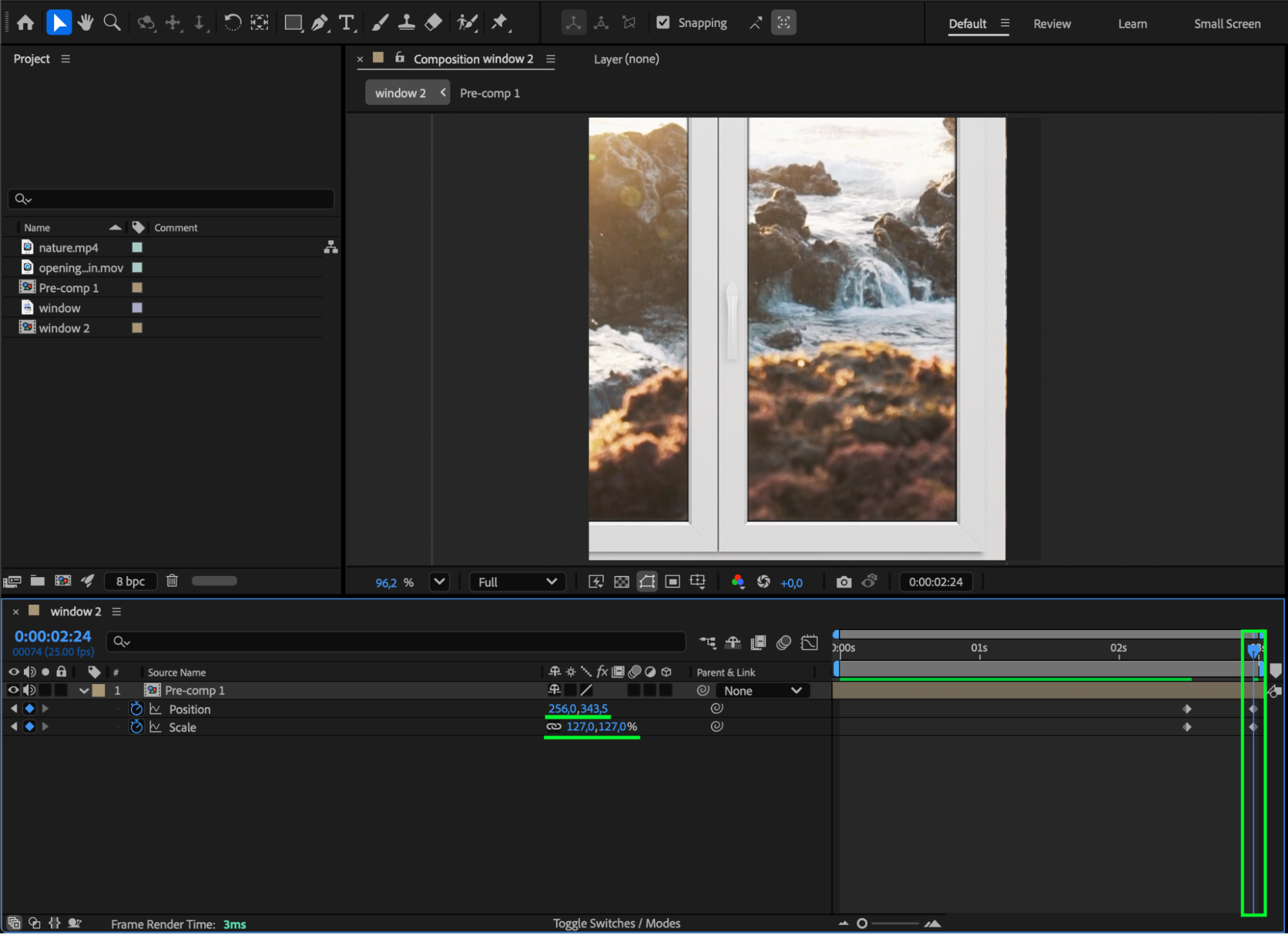
Select all layers, right-click, and choose Pre-compose to combine them into a single composition. This allows you to animate the entire window setup — such as creating a subtle zoom-in — using only Scale and Position keyframes for a more cinematic reveal.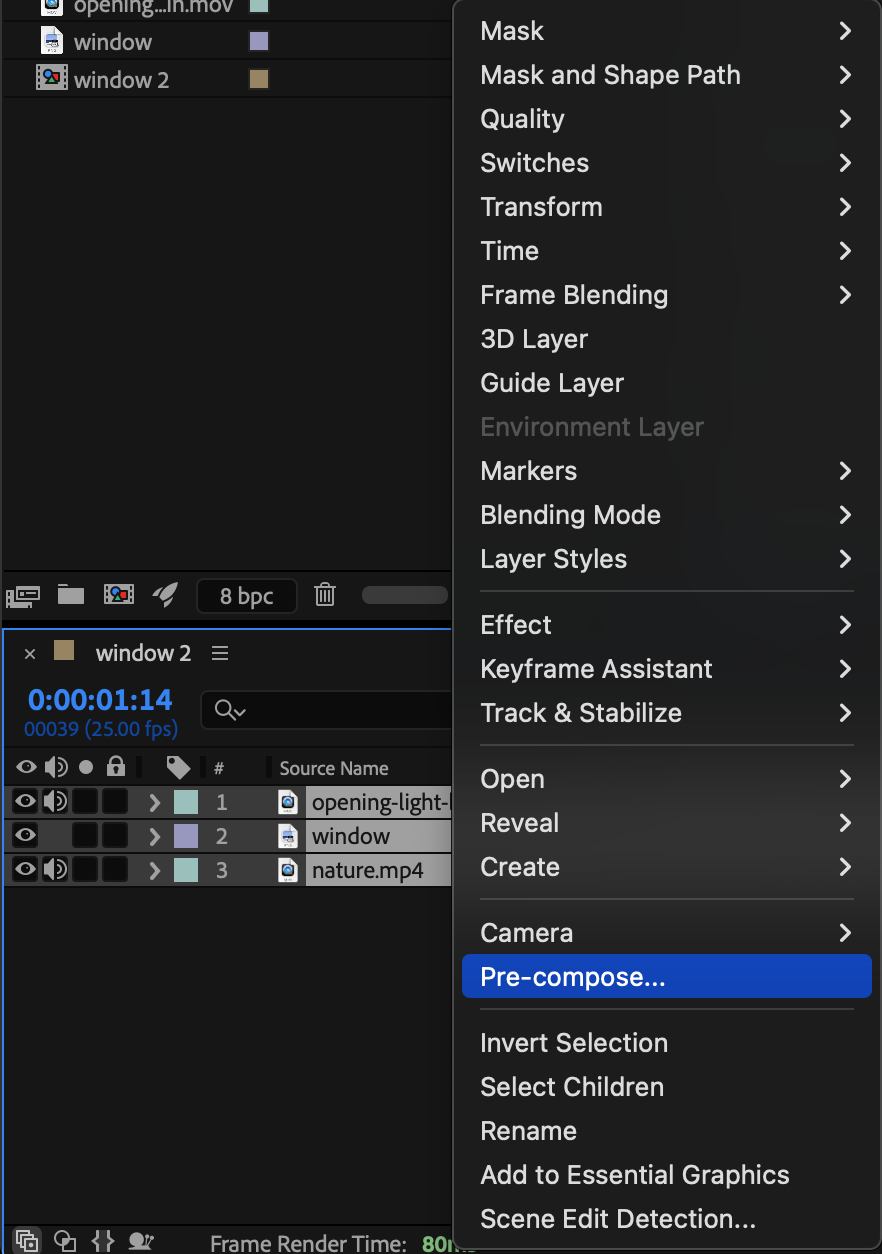
 Step 6: Preview and Adjust
Press Spacebar to preview the animation, and fine-tune timing, keying, brightness, or the curtain movement until the pull-up effect looks smooth and convincing.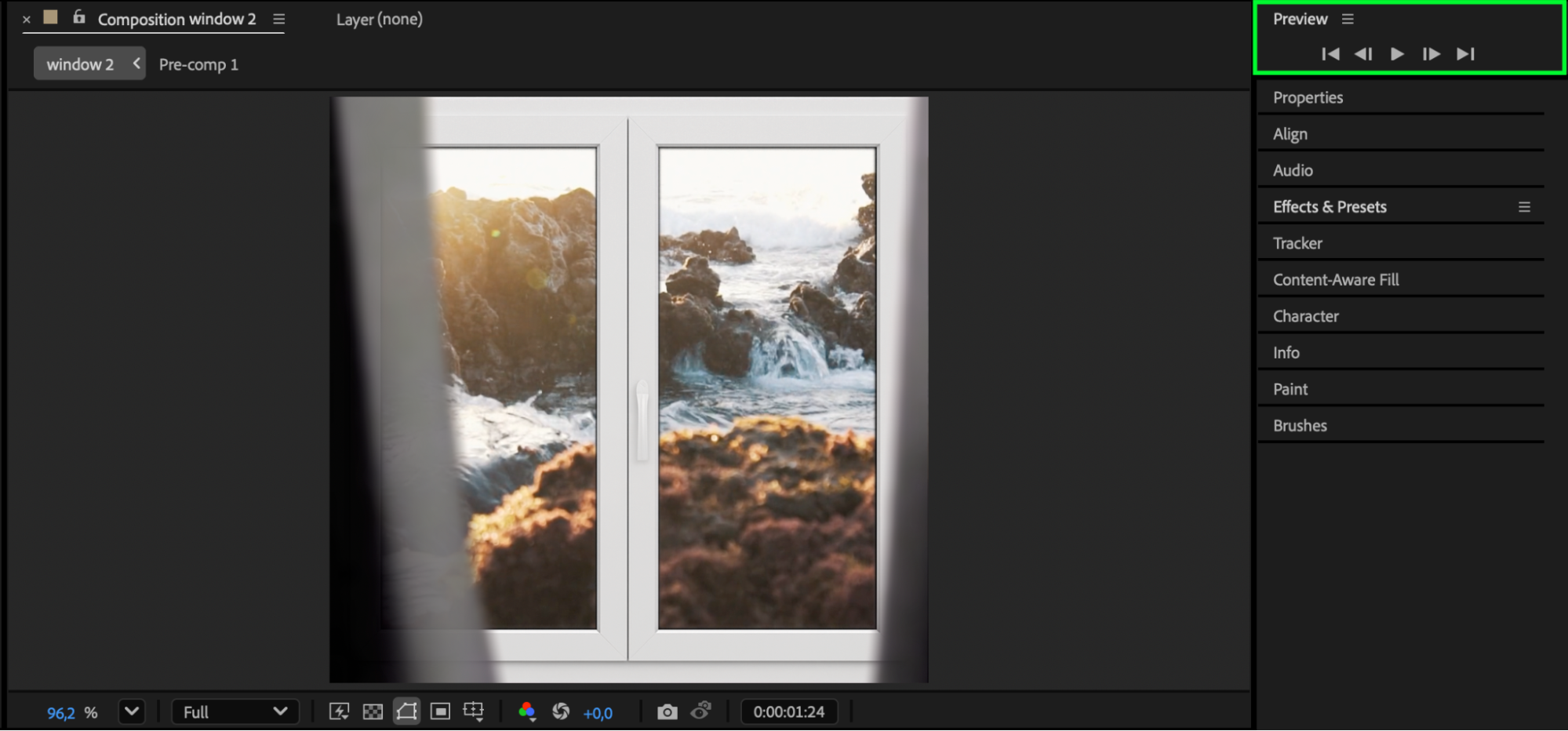 Conclusion
Creating a pull-up window effect in After Effects is easy and highly customizable. With proper layering, clean chroma keying, and optional pre-composition animation, you can achieve a polished reveal that works perfectly for cinematic scenes, transitions, or interior visualizations.
Our Bestsellers


