
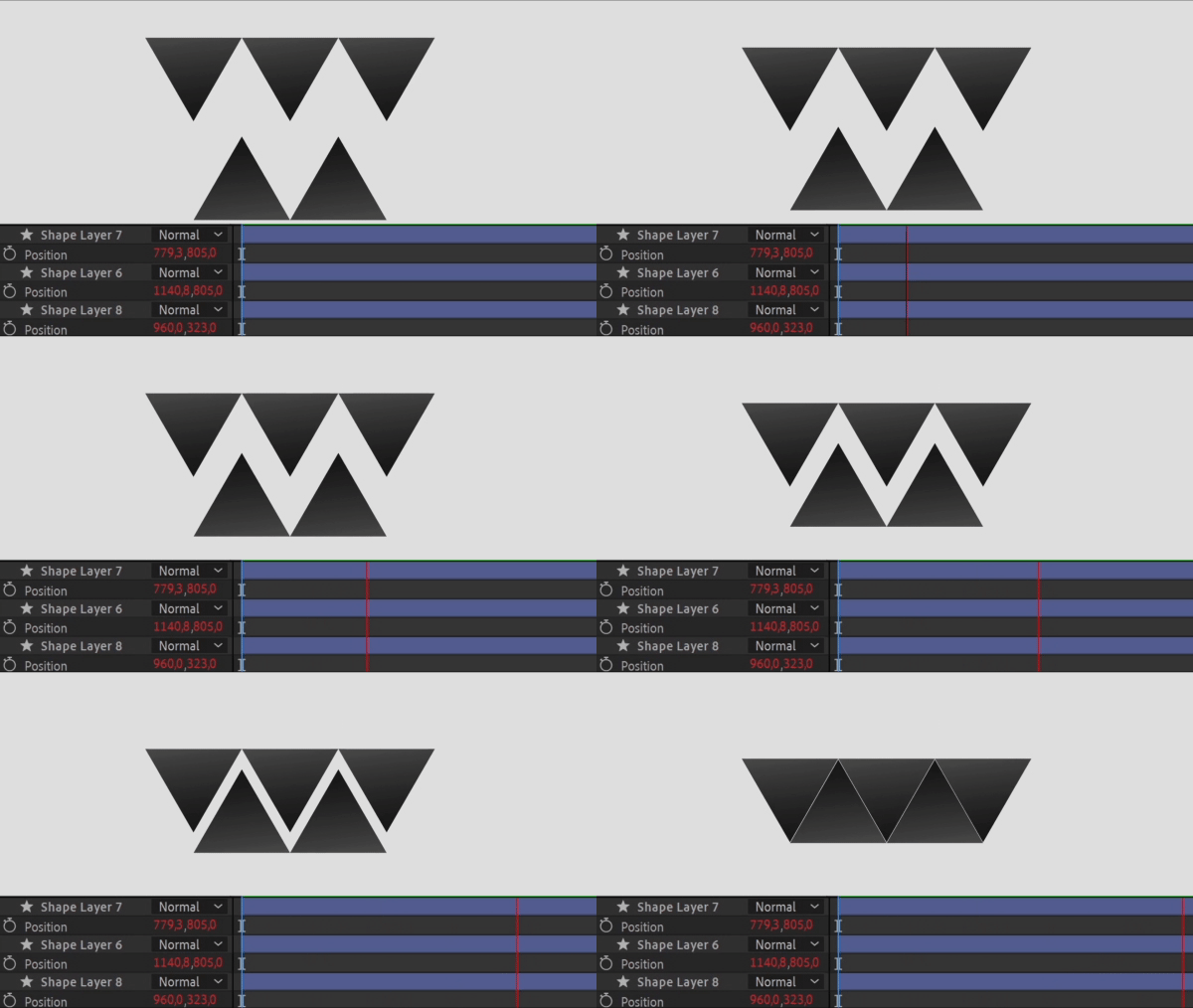
The Time expression allows you to control a property’s value over time, making it change dynamically as your timeline progresses. It’s ideal for creating evolving animations and transitions.
x = time * 100;
x;This is a fundamental expression. However, you can also apply the following expressions for more control:
x = time * 100;
x;This is a fundamental expression. However, you can also apply the following expressions for more control:
x = time * 100;
[value[0], value[1] + x];
With this expression, you can control the time-based displacement only along the Y-axis for the layer’s position.
x = time * 100;
[value[0] + x, value[1]];
This expression allows you to achieve time-based displacement exclusively along the X-axis for the layer’s position.
Pro tip: Go to AEJuice Pack Manager – Expressions Pack to apply this expression in 1 click. Here are direct links for the latest plugin version:
Windows / macOS
Our Bestsellers
Our Bestsellers
Similar Articles

