
How to Flip Text in After Effects Step by Step
Introduction
Flipping text in After Effects can add a dynamic effect to your animations. By using per-character 3D animation, you can create smooth and professional-looking text flips. Follow this guide to learn the process step by step.
Step 1: Create a New Composition
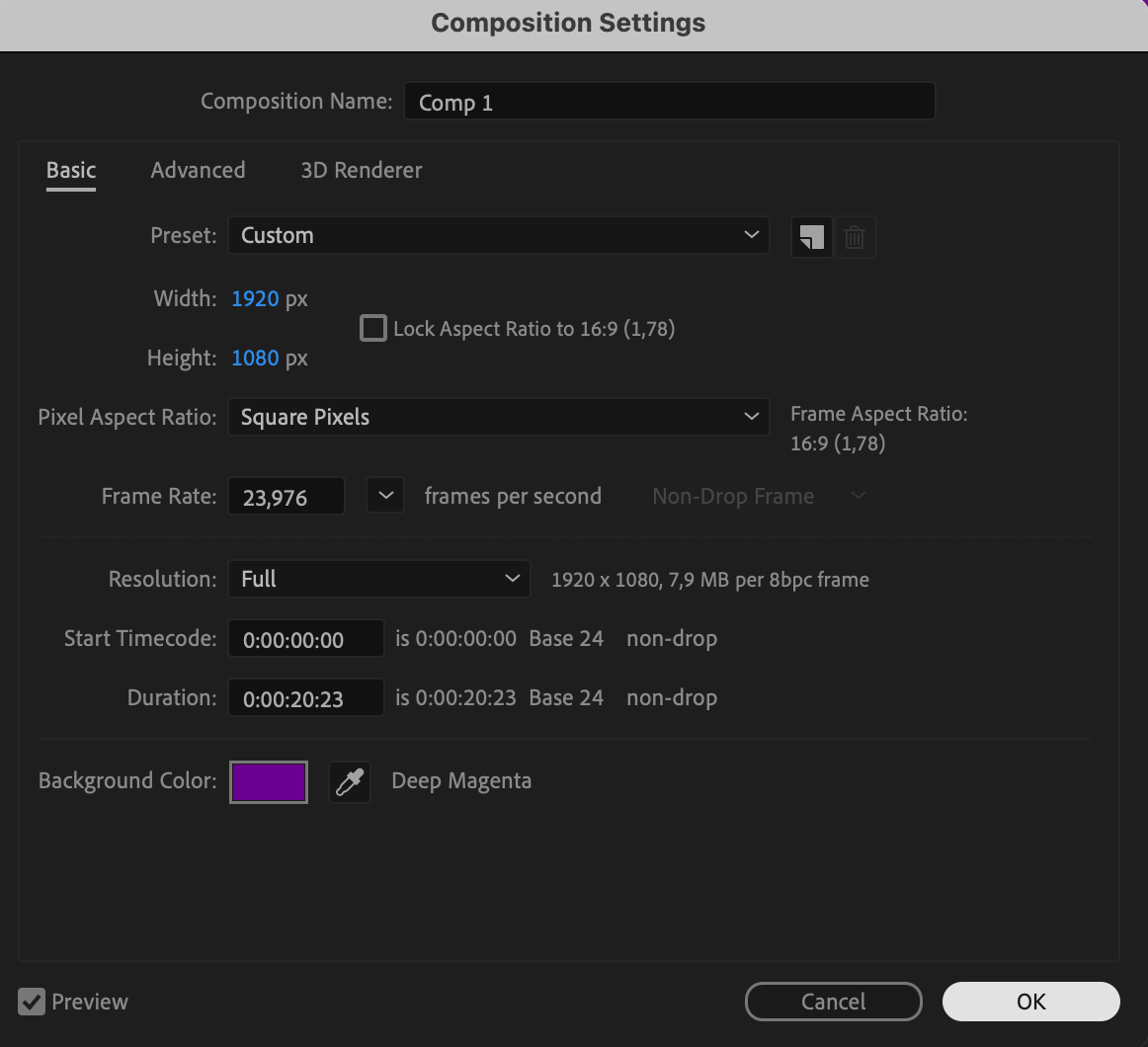
Start by creating a new composition. Go to Composition > New Composition and set your desired resolution, frame rate, and duration. Click OK to confirm.
 Step 2: Add Text Using the Type Tool
Our Bestsellers
Our Bestsellers
Similar Articles

