
How to save an After Effects project as an MP4 file using Adobe Media Encoder:
- First, open the After Effects project that you want to export. This can be done by going to File > Open Project…, or by double-clicking the project file on your computer.
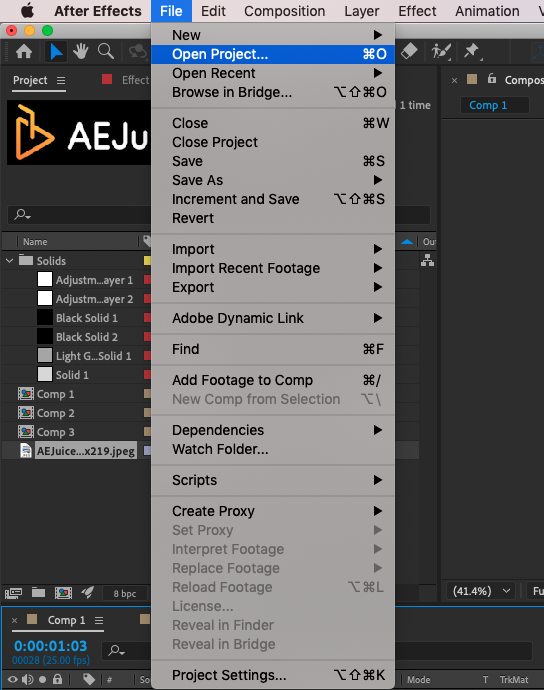
- Next, go to File > Export > Add to Adobe Media Encoder Queue… This will start Media Encoder where you can specify the details for exporting your project.
Similar Articles

