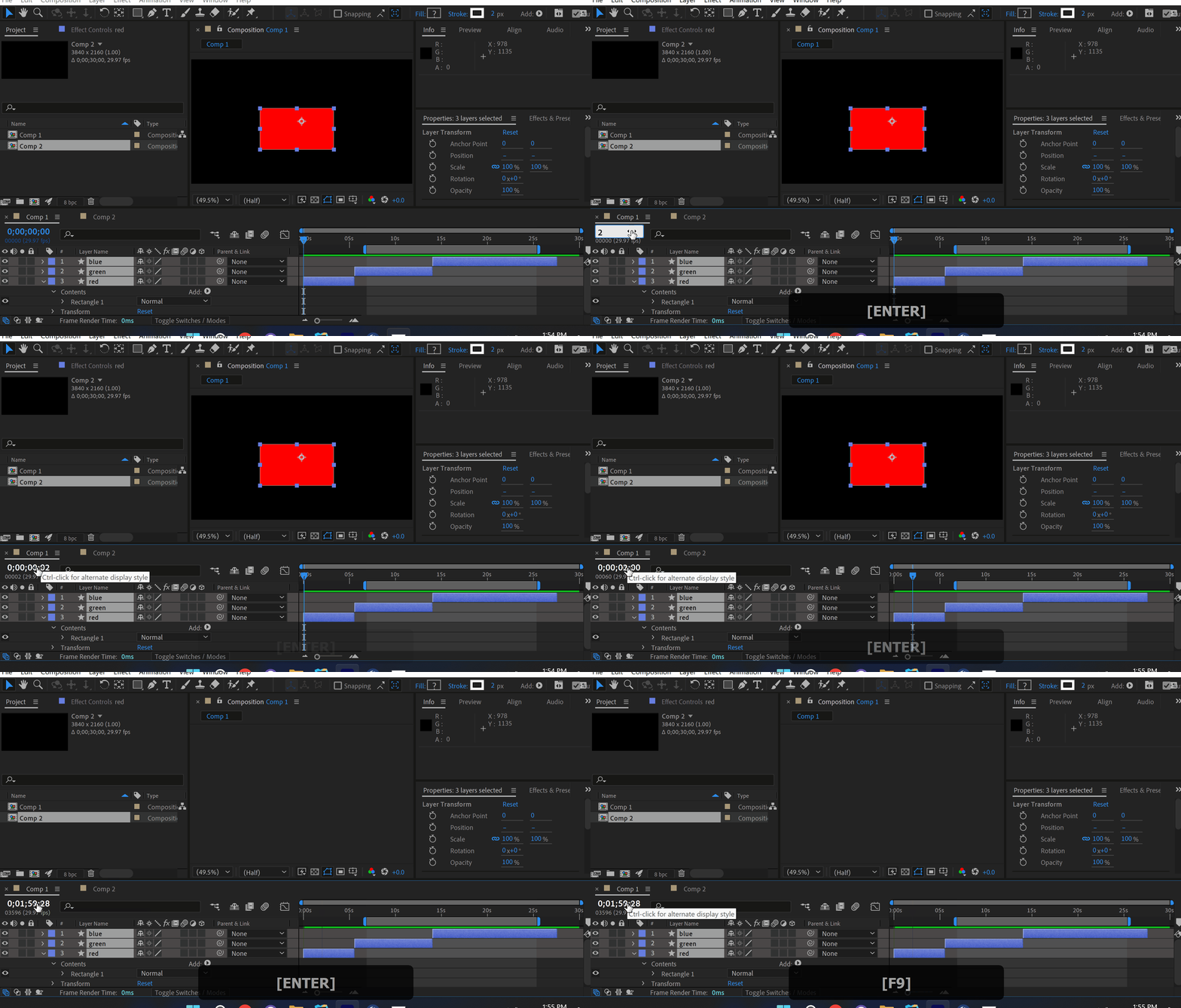
Voici comment naviguer rapidement dans le temps dans After Effects. Saisissez dans le champ de temps 2 – 2e image 2. – 2e seconde -50%-50%00h : 00min : 00sHappy HolidaysPromo partoutAcheter 2.. – 2e minute Cliquez ici pour recevoir plus d'astuces par e-mail. Our BestsellersOur BestsellersJacob SyrytsiaSimilar ArticlesHow to Animate a Cape in the Wind in After EffectsTutorialsHow to Animate a Cape in the Wind in After EffectsTutorialsHow to Align Objects on a Diagonal Axis in After EffectsTutorialsHow to Align Objects on a Diagonal Axis in After EffectsTutorialsHow to Animate a Jumping Logo in After EffectsTutorialsHow to Animate a Jumping Logo in After EffectsTutorials