
Running Scripts and Plugins in After Effects
Introduction
Scripts in Adobe After Effects allow you to streamline tasks, automate workflows, and add features that are not available by default. Whether you’re exporting GIFs, creating loops, or applying complex effects, running a script can save time and improve results. In this tutorial, you’ll learn how to install, access, and run scripts inside After Effects.
Step 1: Find and Download a Script or Plugin
Start by browsing trusted websites for After Effects scripts or plugins, such as AEJuice, Aescripts, or Adobe Exchange. Make sure you’re downloading from an official or well-reviewed source. Download the script or installer file to your computer.
Step 2: Install the Script or Plugin
Follow the installation instructions provided with the script. Some scripts require you to drag .jsx or .jsxbin files into the Scripts or Scripts/UI Panels folder inside your After Effects installation directory. Others come with an installer and go directly into your system. Restart After Effects after installation.
Step 3: Open Your Project
Launch Adobe After Effects and open the project you want to work with. If the script has been installed correctly, it will appear in the Window menu in the top bar.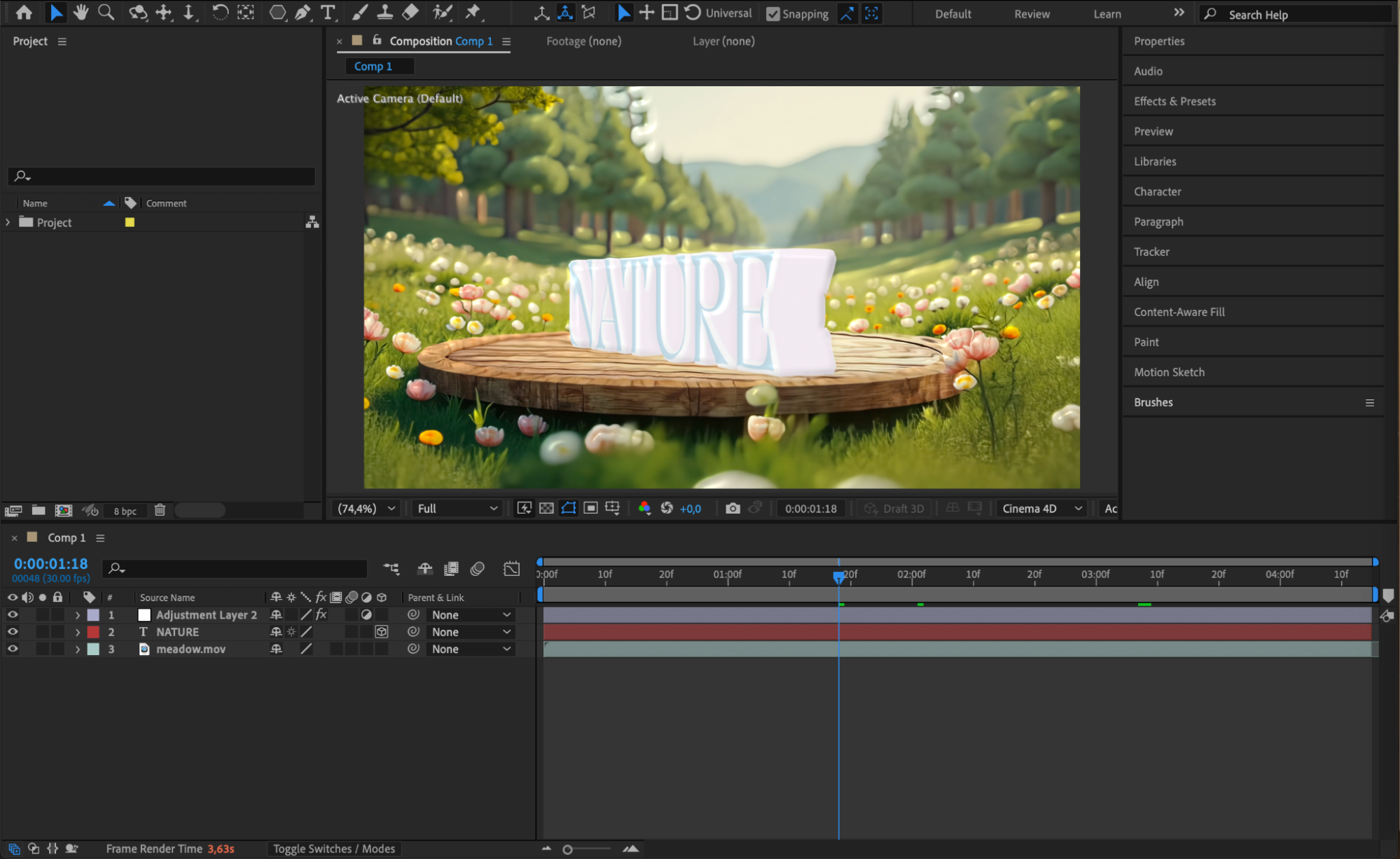
Step 4: Launch the Script from the Window Menu
Go to Window > [Script Name] and click it to launch the interface. For example, if you installed AEJuice GIF Exporter, select AEJuice Export GIF from the list. A panel or floating window will appear with script-specific options.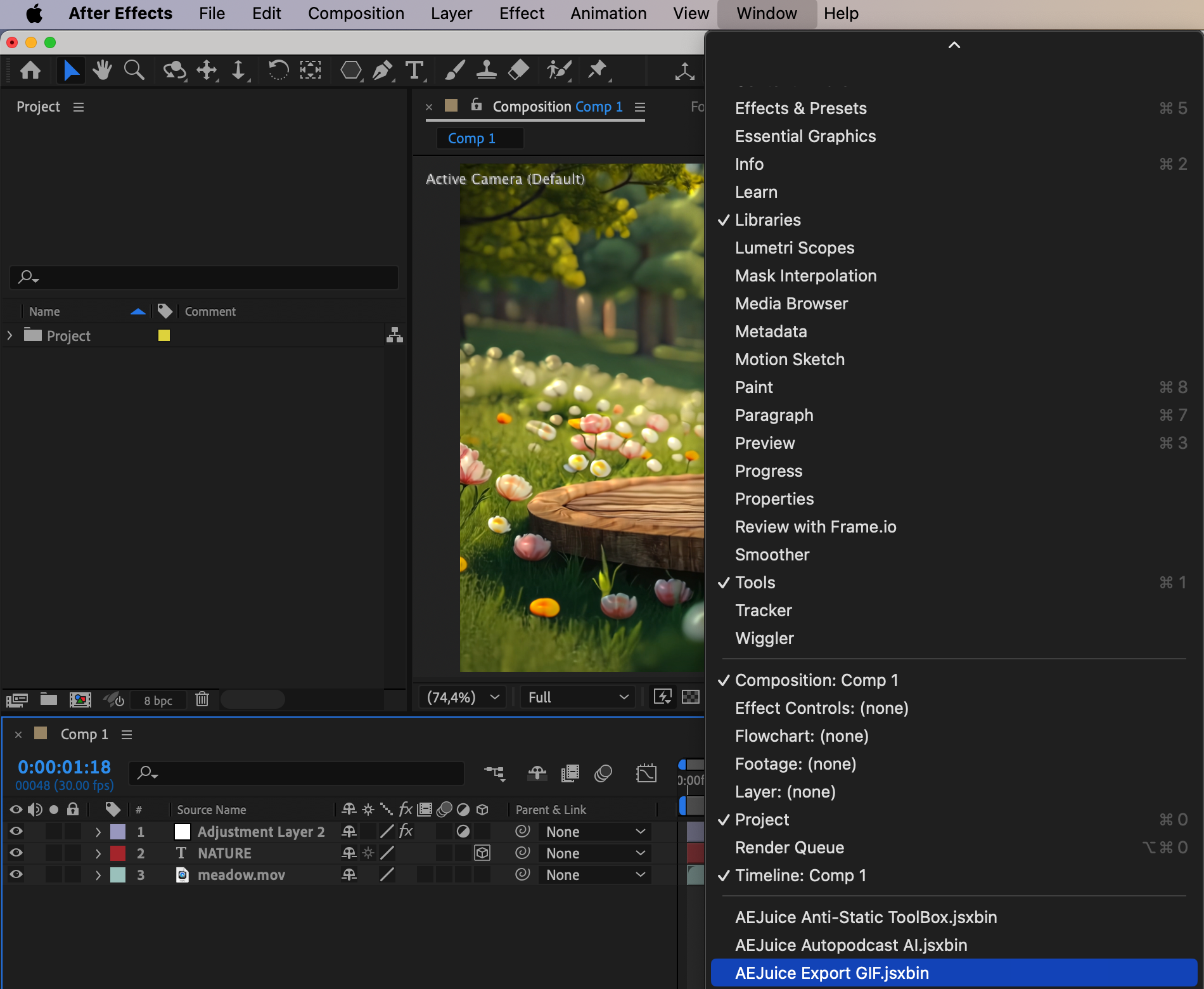
Step 5: Choose an Action and Format
Inside the script interface, select what you want to do. For a GIF exporter, this could include options like Loop Animation or Choose Format. You can often export in multiple formats such as GIF, MP4, PNG sequence, or even MP3.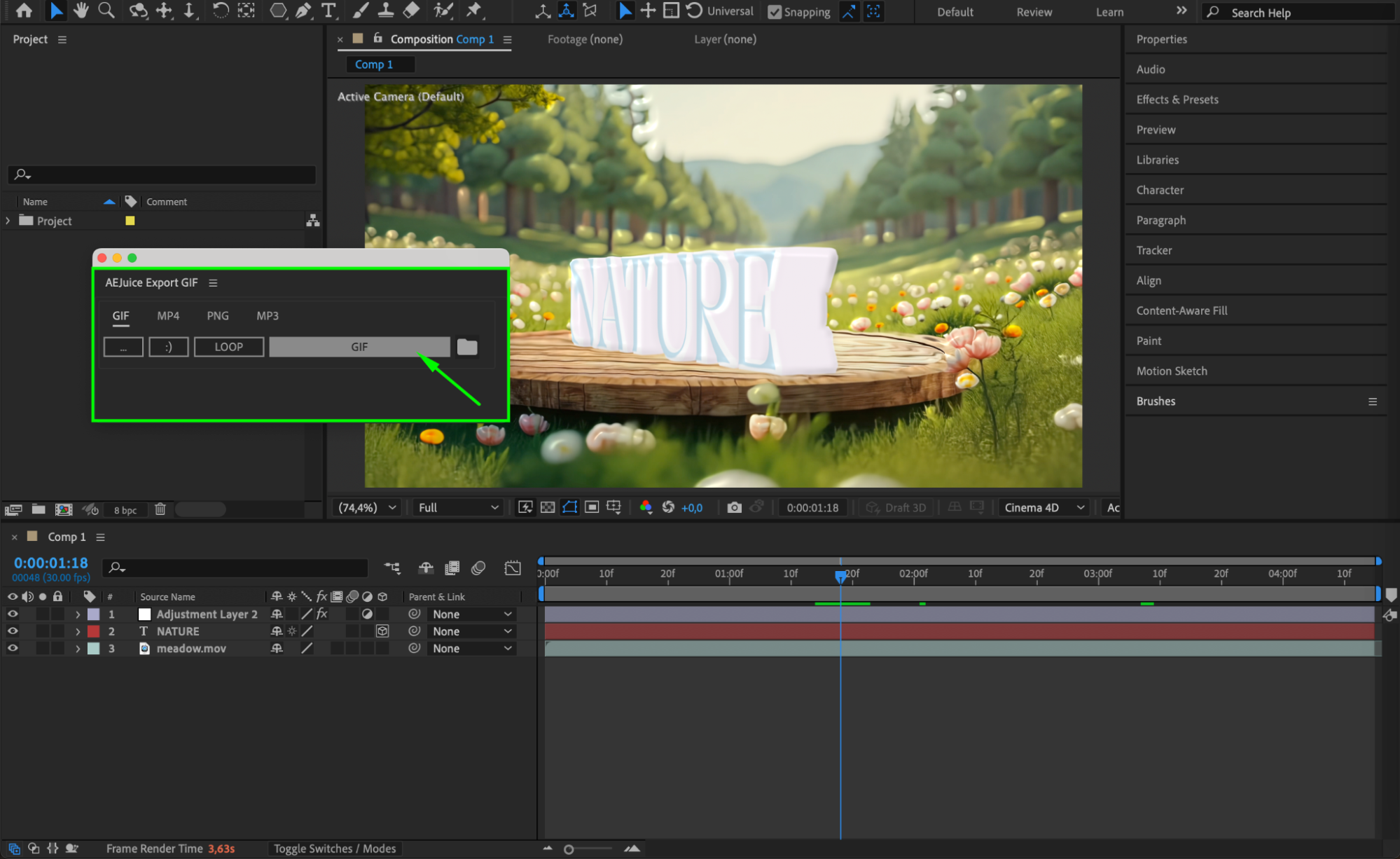
Step 6: Start the Render Process
The script will automatically render your project based on the chosen format and settings.
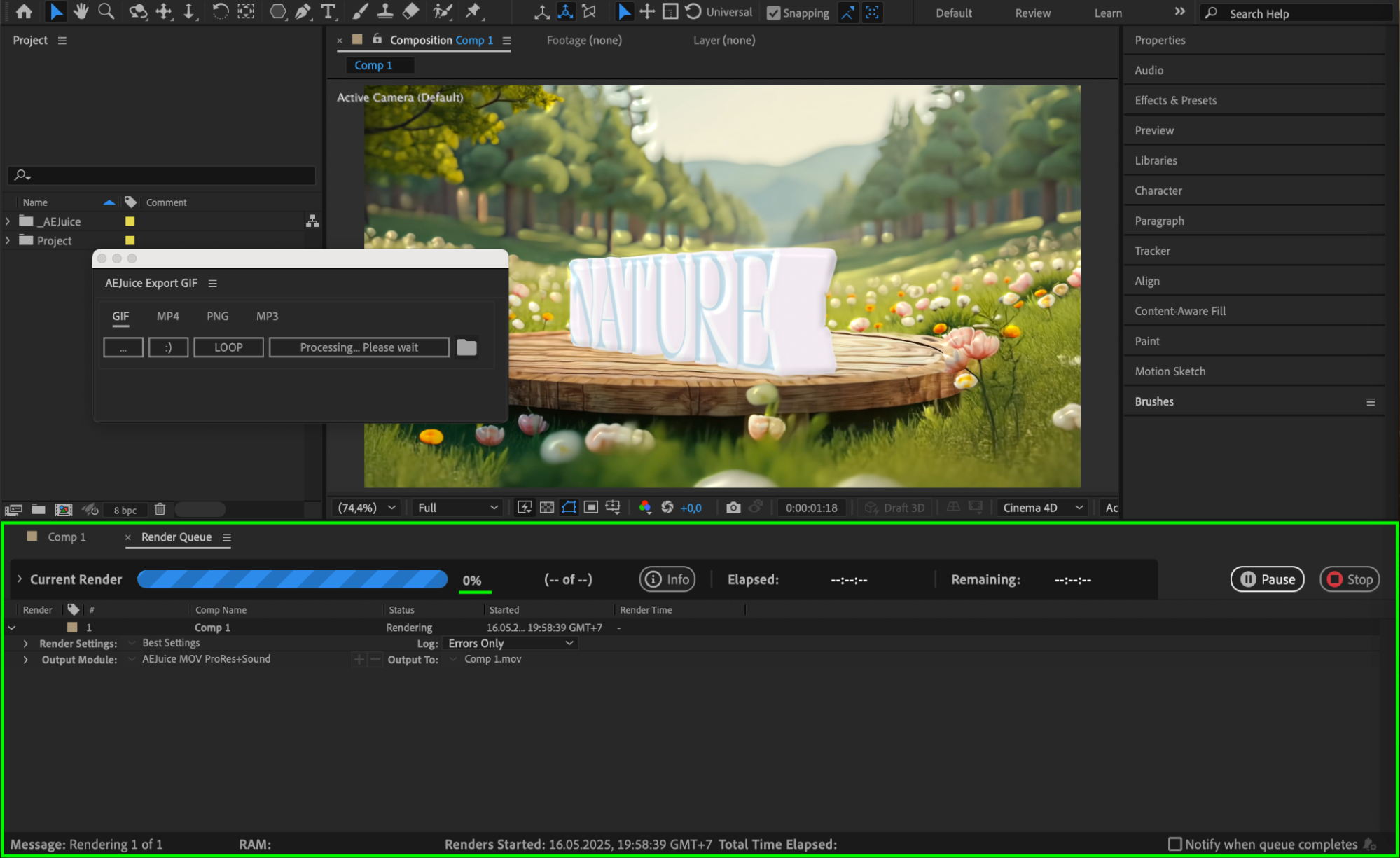
Step 7: Locate Your Exported File
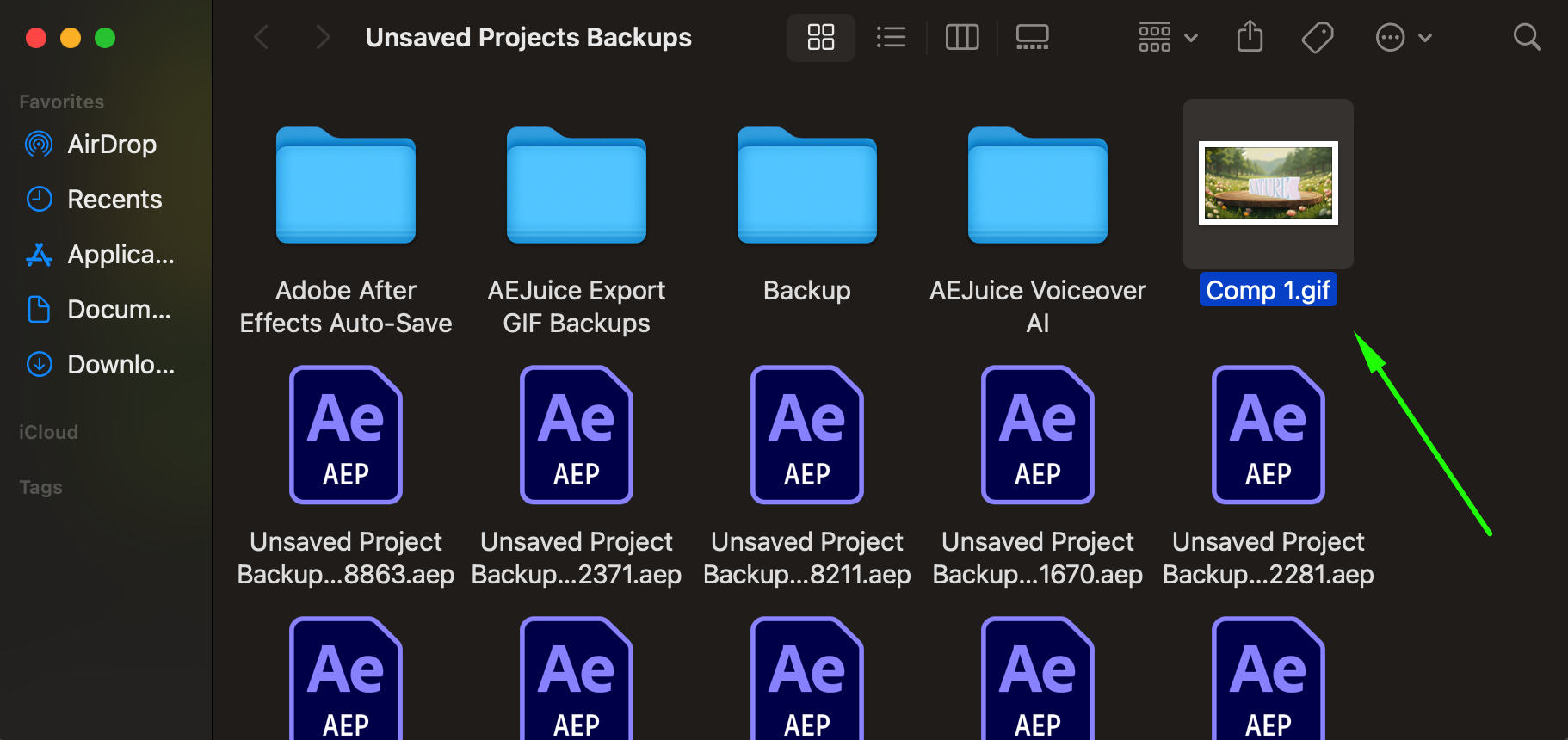
After the render is complete, the script will usually open the destination folder where your file is saved. You can now access and share your exported content directly from your computer.
 Conclusion
Running scripts in After Effects is a powerful way to boost your productivity and creative potential. From exporting files to automating effects, scripts can handle repetitive tasks and unlock features that go beyond the standard toolkit. With just a few setup steps, you can integrate new workflows into your After Effects environment and save valuable time on every project.
Our Bestsellers
Our Bestsellers


