無料プラグイン
製品
全製品アクセス
リソース
ログイン
ホームブログ4つのレイヤーショートカット

4つのレイヤーショートカット

TipsJacob Syrytsia
506487
After Effects
30 Apr, 2025
AEJuiceプロモコードでお得に
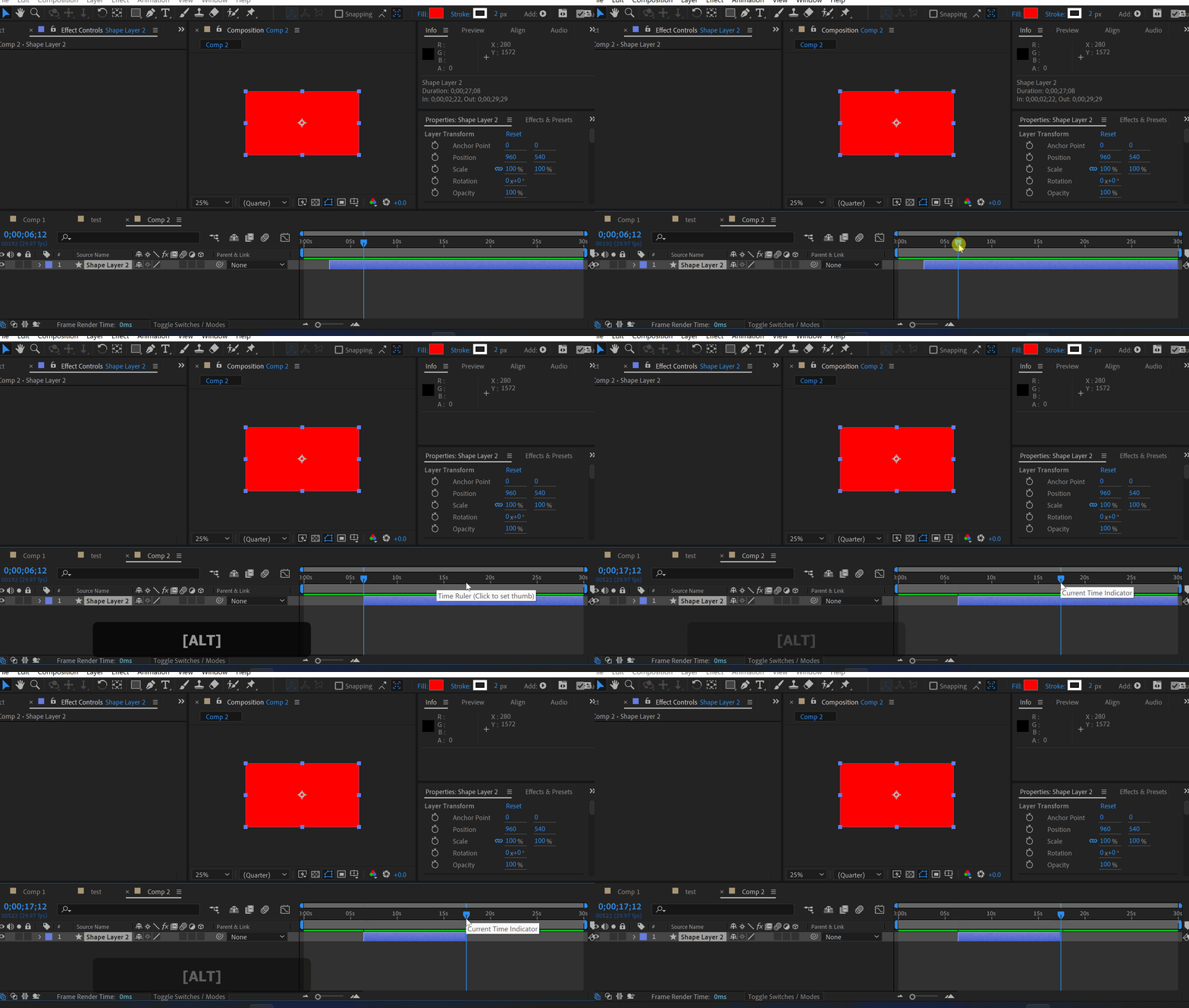
These are the 4 most often used shortcuts for layers on the timeline.
Alt+[ and Alt+] will trim the layer at the current time indicator.
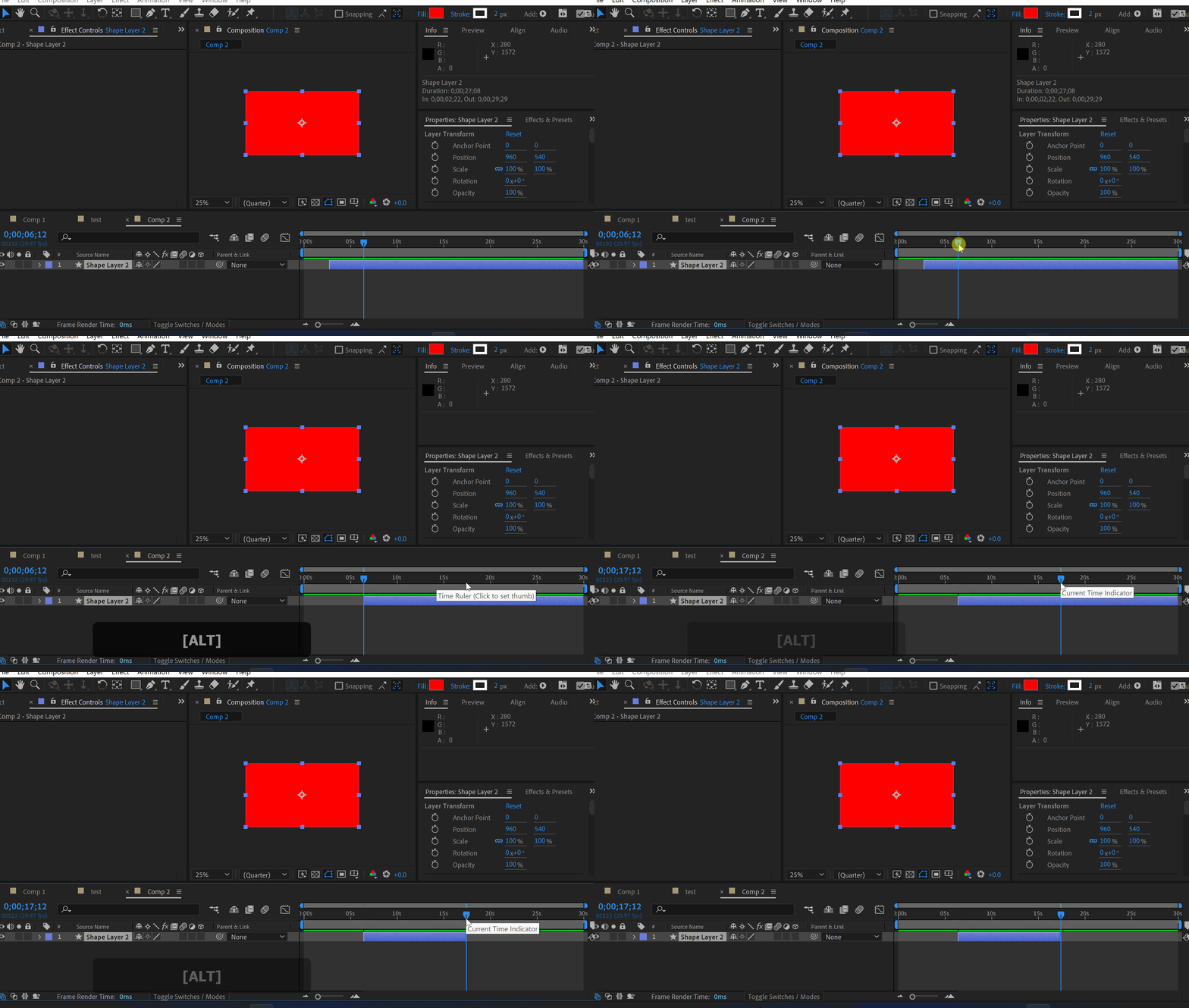
Press [ or ] to move the layer to the time indicator.
-50%
-50%
00時間 : 00分 : 00秒
Happy Holidaysサイト全体セール
今すぐ購入

Click here to receive more tips by email.

Our Bestsellers

Our Bestsellers

Jacob Syrytsia
Similar Articles
thumbnail-fallback.16c3af4eHow to Animate a Cape in the Wind in After Effects
Tutorials
thumbnail-fallback.16c3af4eHow to Animate a Cape in the Wind in After Effects
Tutorials
thumbnail-fallback.16c3af4eHow to Align Objects on a Diagonal Axis in After Effects
Tutorials
thumbnail-fallback.16c3af4eHow to Align Objects on a Diagonal Axis in After Effects
Tutorials
thumbnail-fallback.16c3af4eHow to Animate a Jumping Logo in After Effects
Tutorials
thumbnail-fallback.16c3af4eHow to Animate a Jumping Logo in After Effects
Tutorials
3526675
メールで問い合わせ24時間以内に返信ヘルプセンター詳細なドキュメント
クイックリンク
ホームアフィリエイトプライバシーポリシー利用規約返金お問い合わせ
サポート
製品無料プラグイン最新情報ブログ会社概要販売を始める
10%オフ — メルマガ登録で割引を受け取ろう!
Copyright © 2021 - 2026 AEJuice LLC. All rights reserved.
support@aejuice.com