
Learn how to create a smooth and natural bird flight animation in After Effects by animating wing flaps, looping motion, and adding flight movement with motion blur.
Introduction
Animating a bird in After Effects is a great way to practice symmetrical motion, looping animations, and secondary movement. In this tutorial, you’ll animate wing flapping using scale animation and then create a natural flying trajectory.
Step 1: Prepare Your Layers
Open your project where you have three layers:
One layer for the bird’s body
One layer for Wing 1
One layer for Wing 2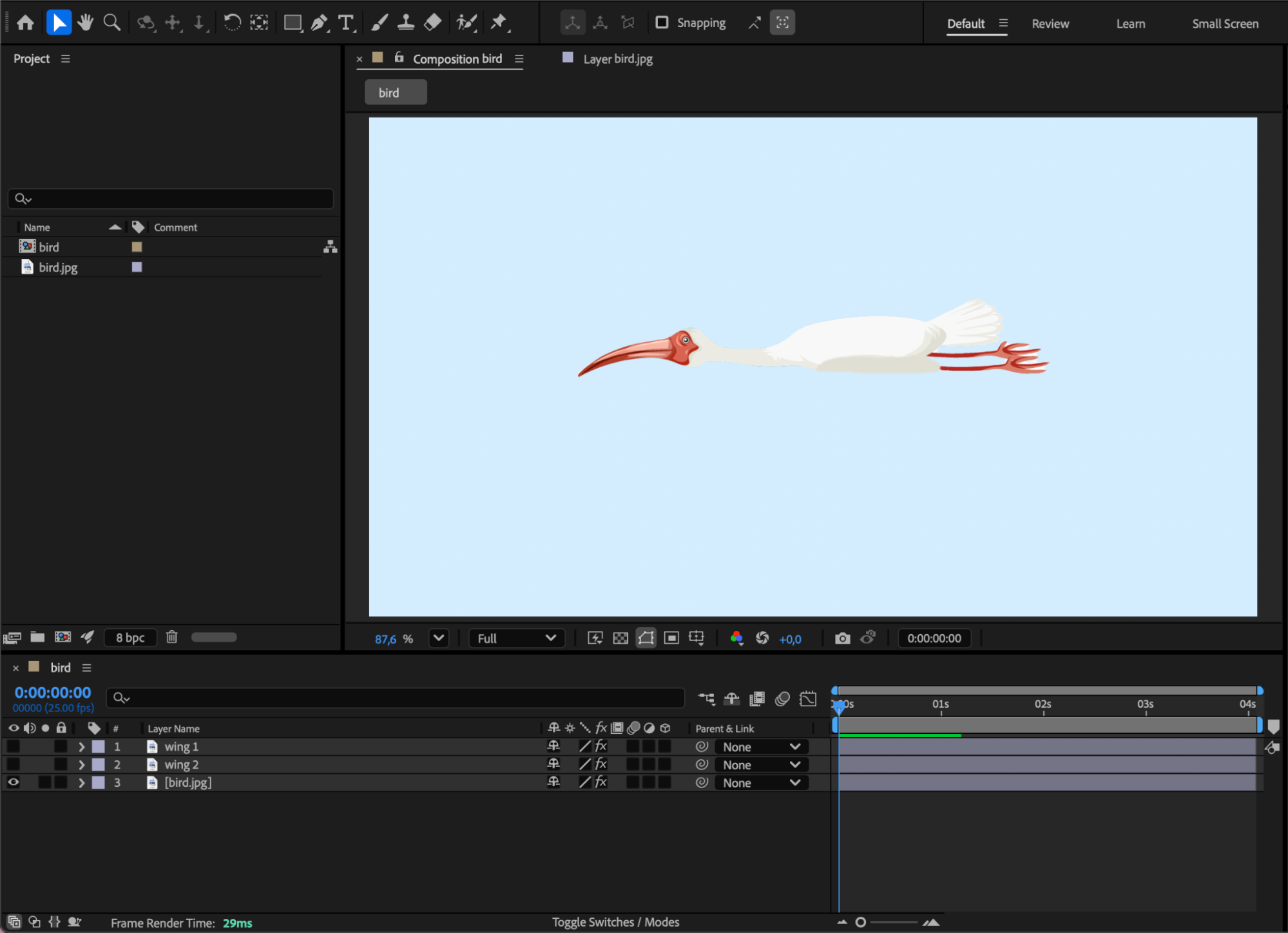
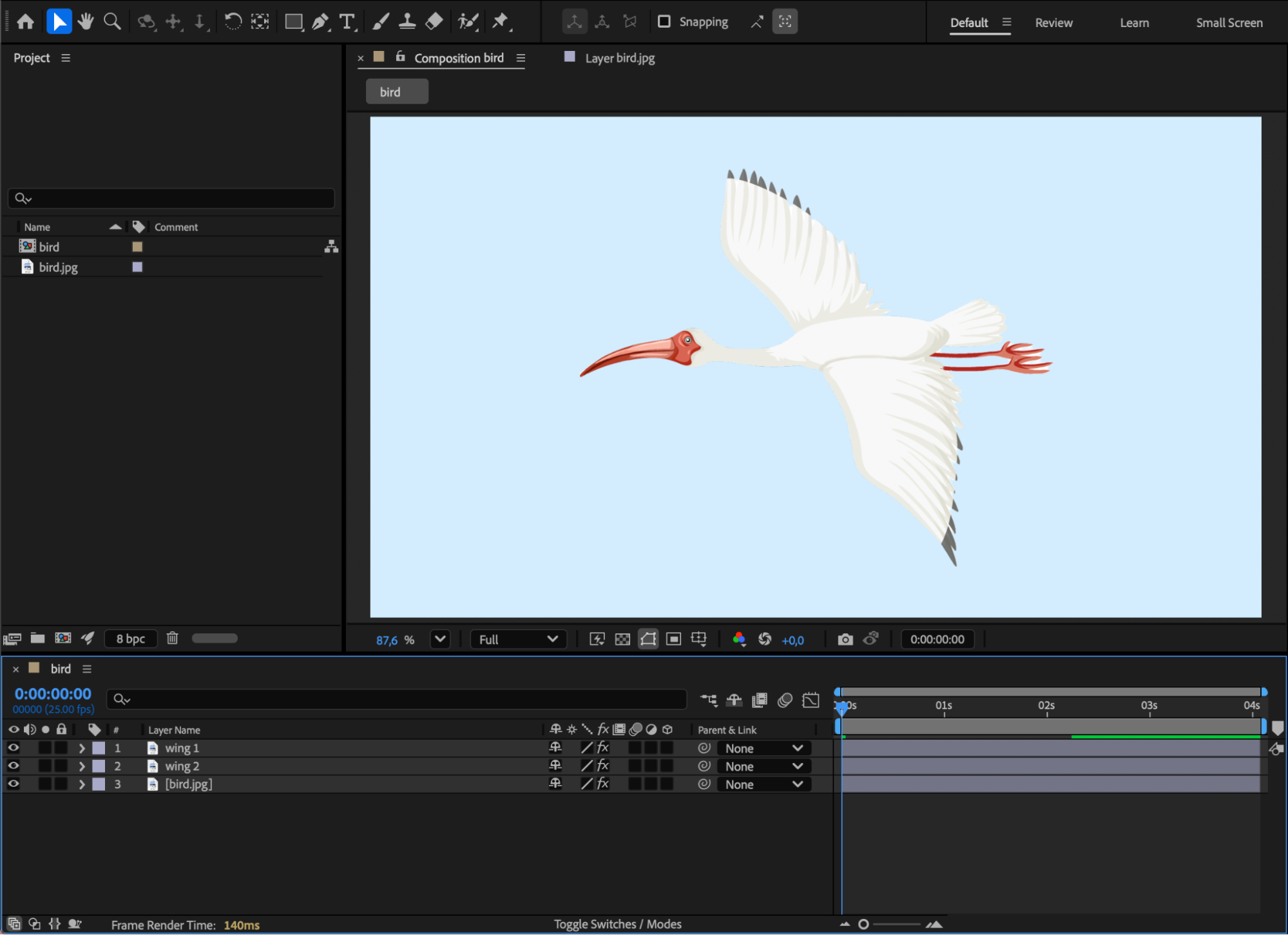 Step 2: Set Wing Anchor Points
Use the Pan Behind Tool (Y) to move the anchor point of each wing layer to the center of the wing, exactly where it connects to the bird’s body.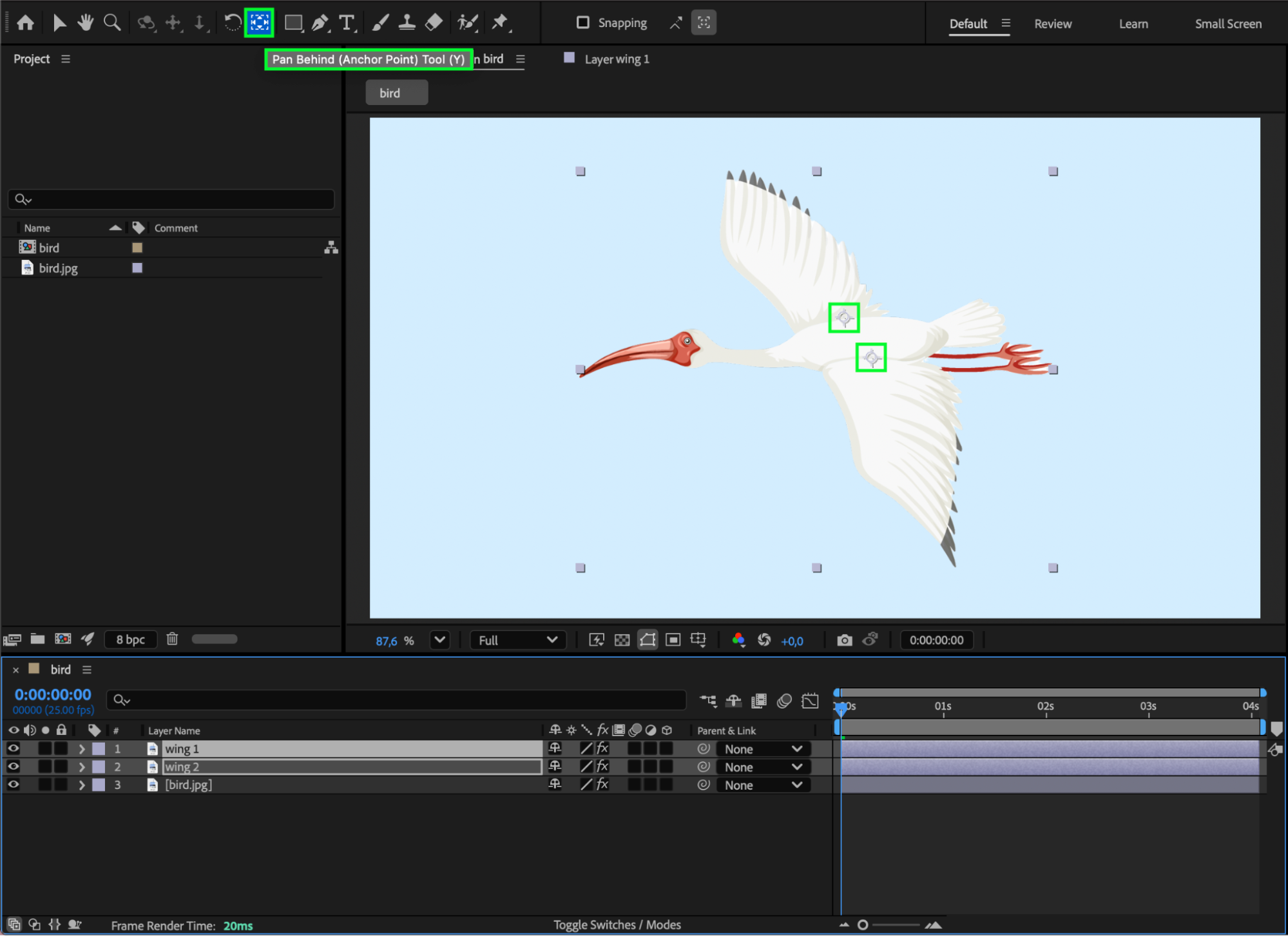 Step 3: Set Initial Keyframes
Place the CTI at the beginning of the composition and enable the Scale stopwatch for both wing layers.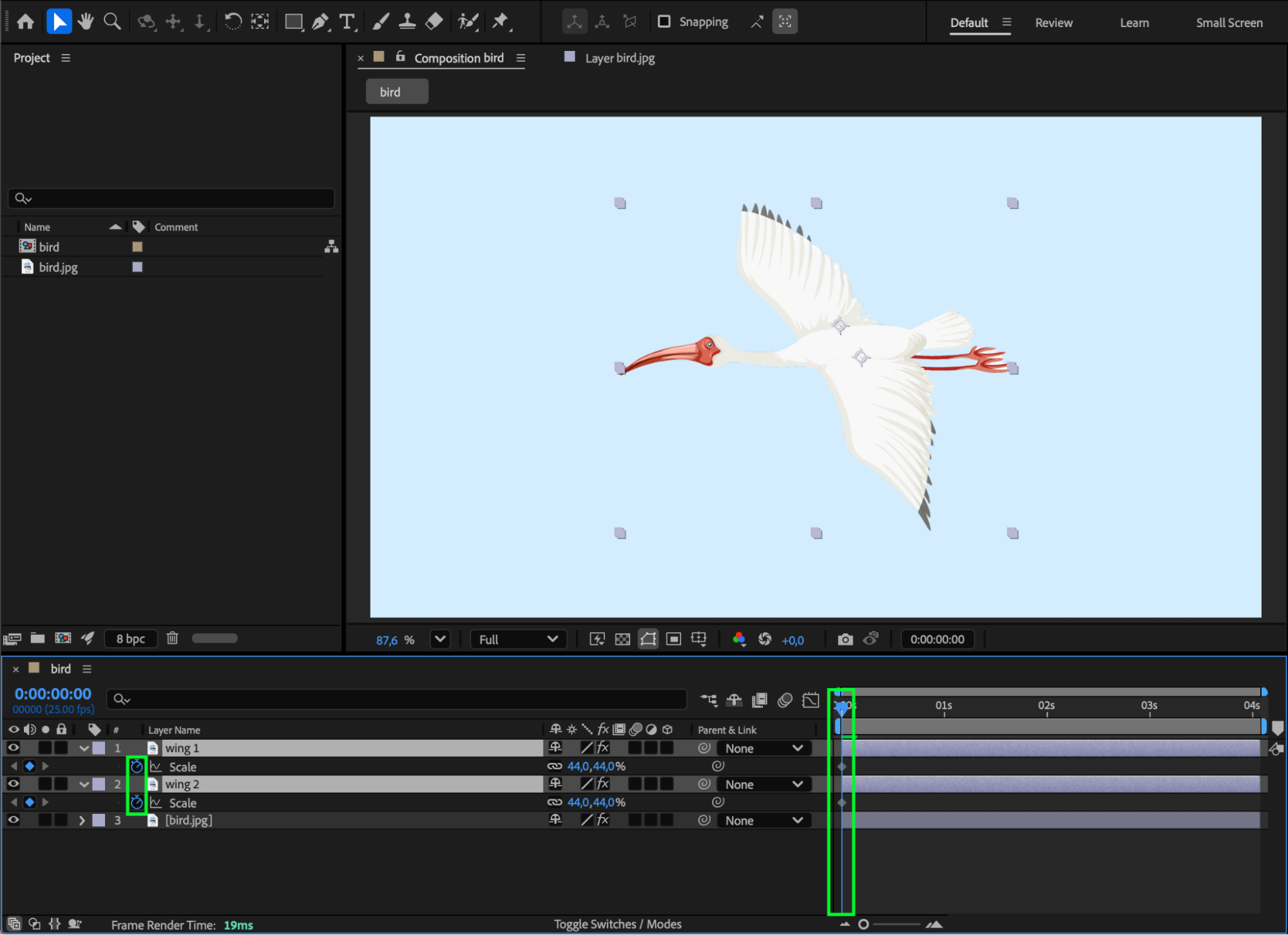 Step 4: Animate the First Wing Position
Move the CTI 4 frames forward. Unlink the Scale values and change the Y value of the wings to the same magnitude but with opposite signs, for example:
Wing 1: Scale 44, -52
Wing 2: Scale 44, 52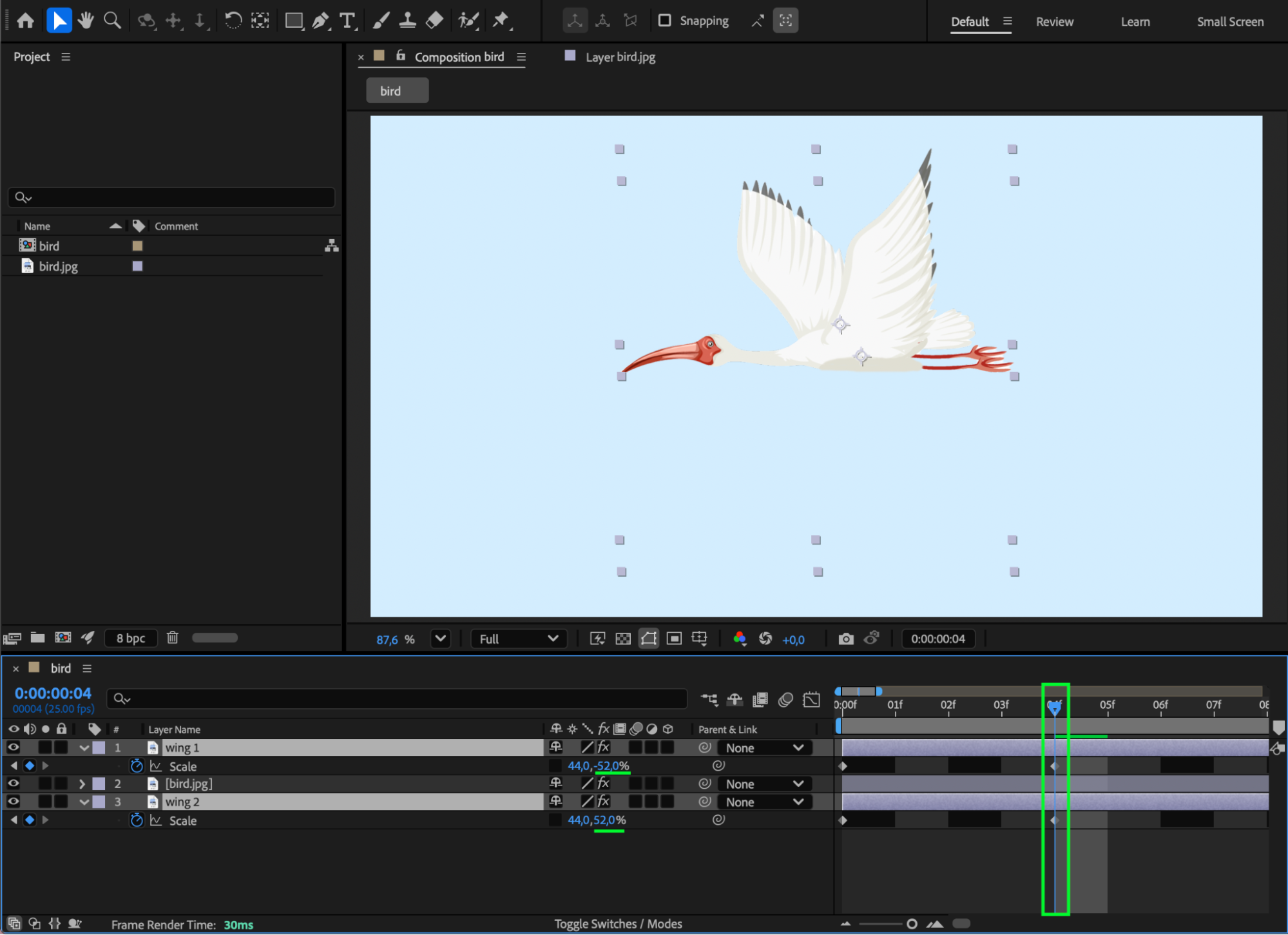
Step 5: Animate the Opposite Wing Position
Move the CTI another 4 frames forward and swap the Y-scale values while keeping the same numbers, for example:
Wing 1: Scale 44, 52
Wing 2: Scale 44, -52
If needed, slightly animate the Anchor Point to keep the motion symmetrical.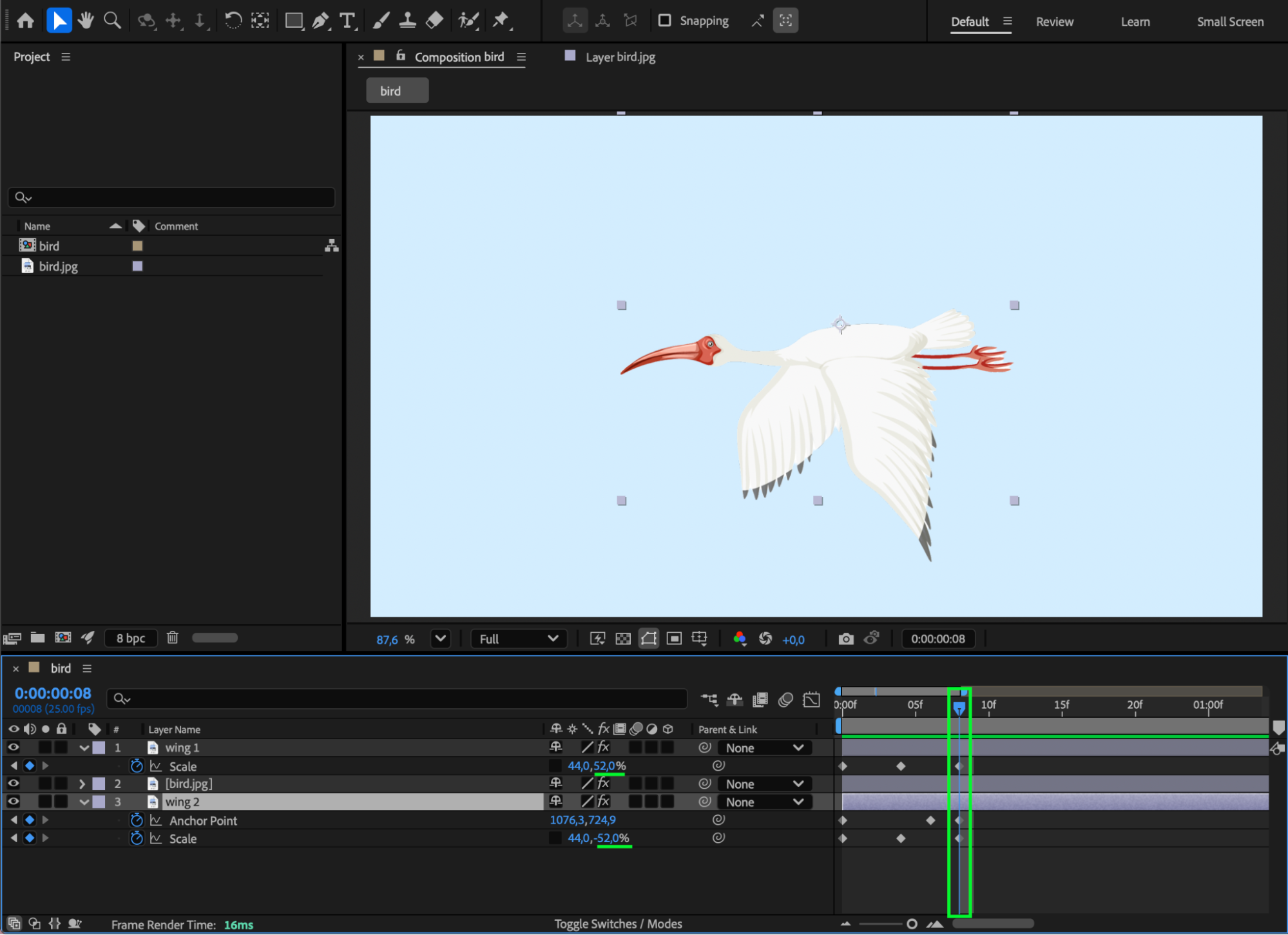 Step 6: Smooth the Motion
Apply Easy Ease to all wing scale keyframes.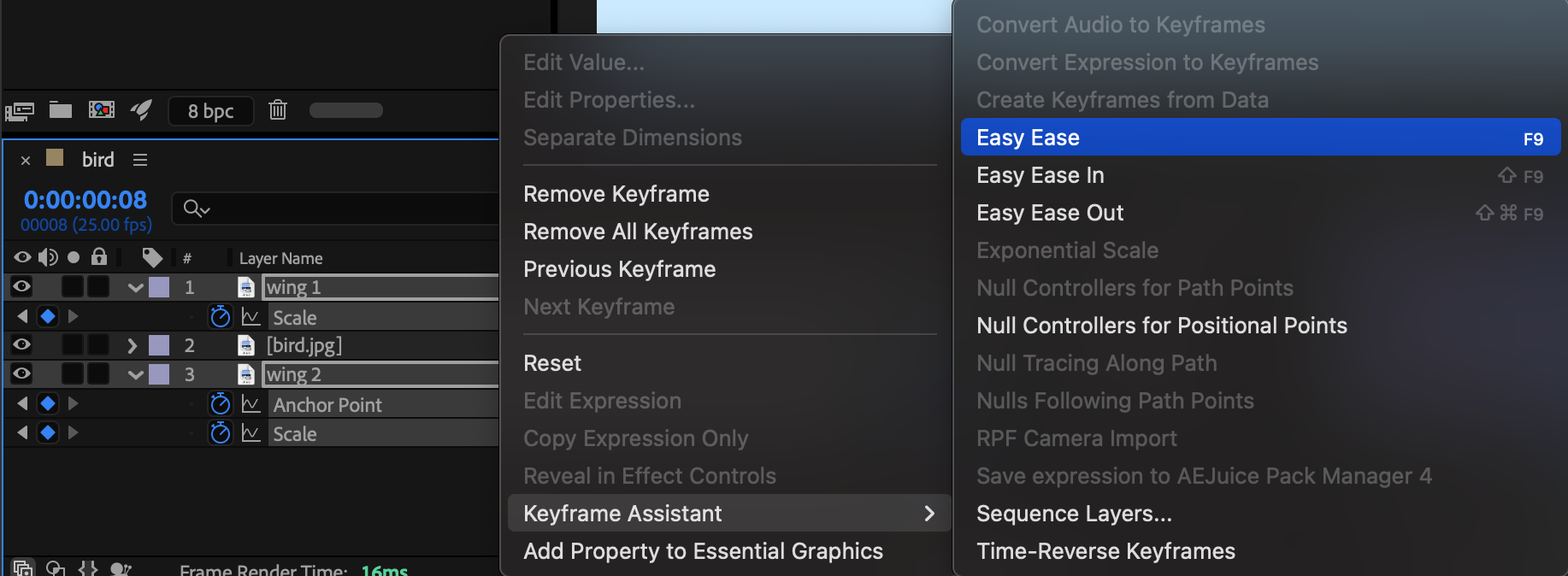 Step 7: Loop the Wing Animation
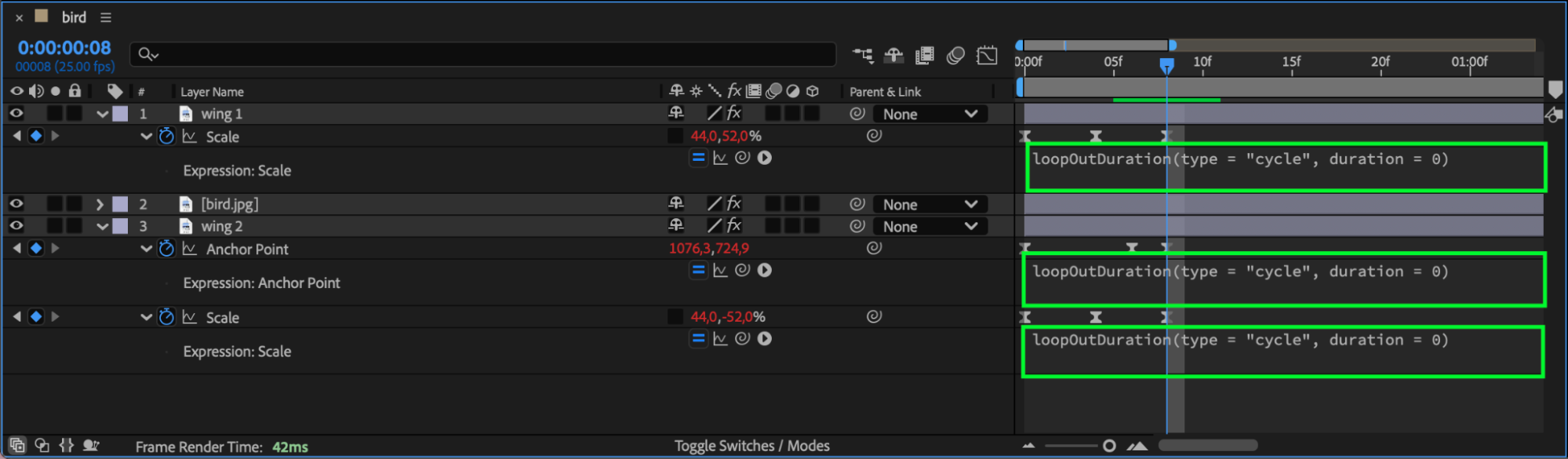
For each animated Scale property, Alt/Option-click the stopwatch and add the following expression:
loopOutDuration(type = “cycle”, duration = 0)
This creates a seamless looping wing flap.
Step 8: Enable Motion Blur
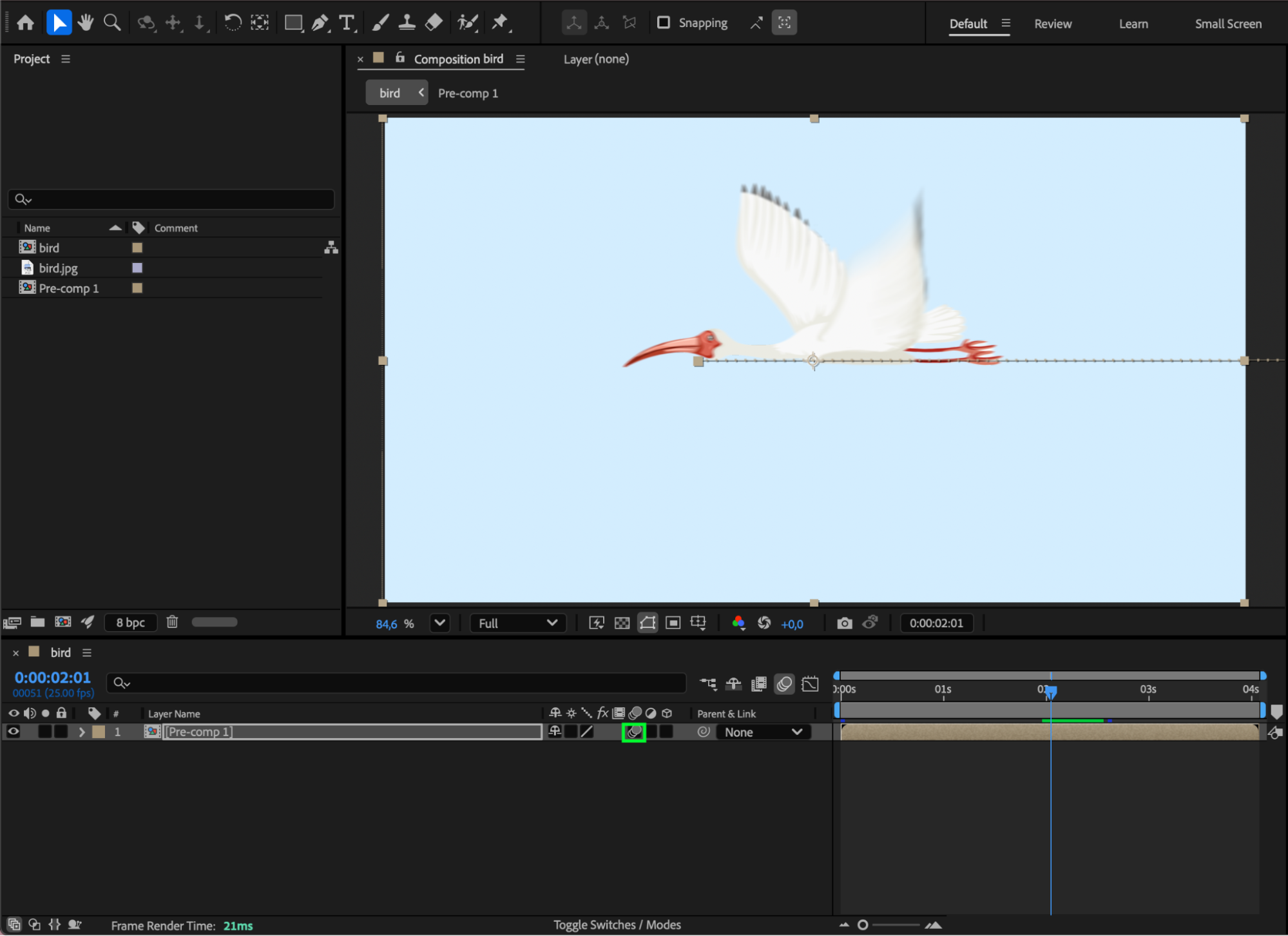
Enable Motion Blur for both wing layers to add realism.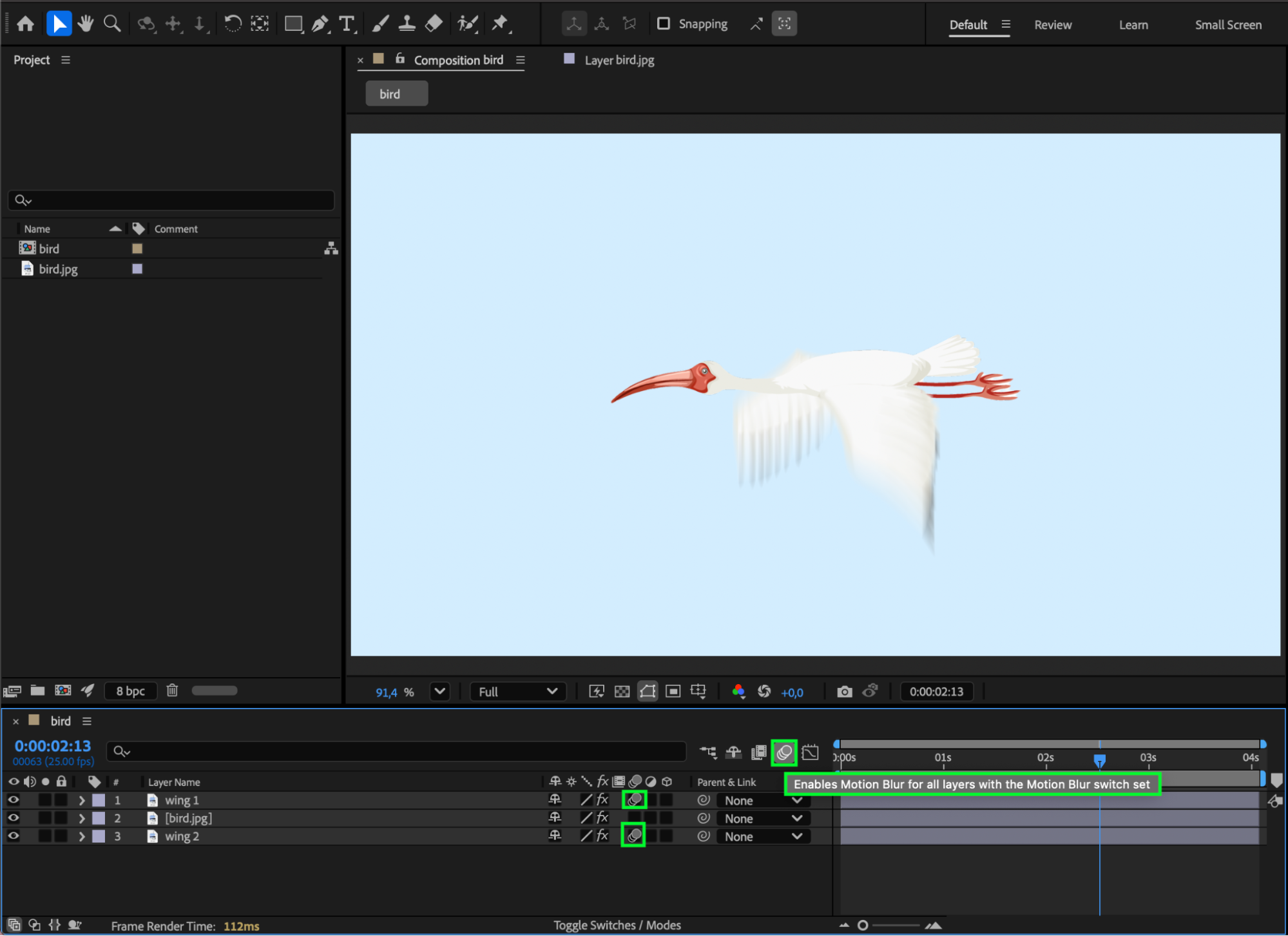 Step 9: Animate the Flight Path
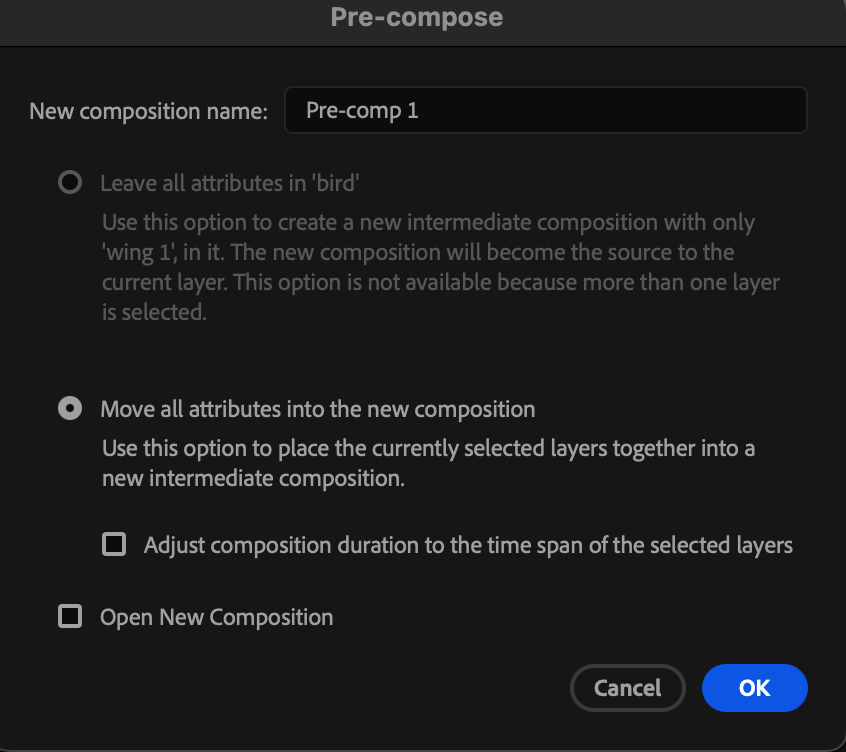
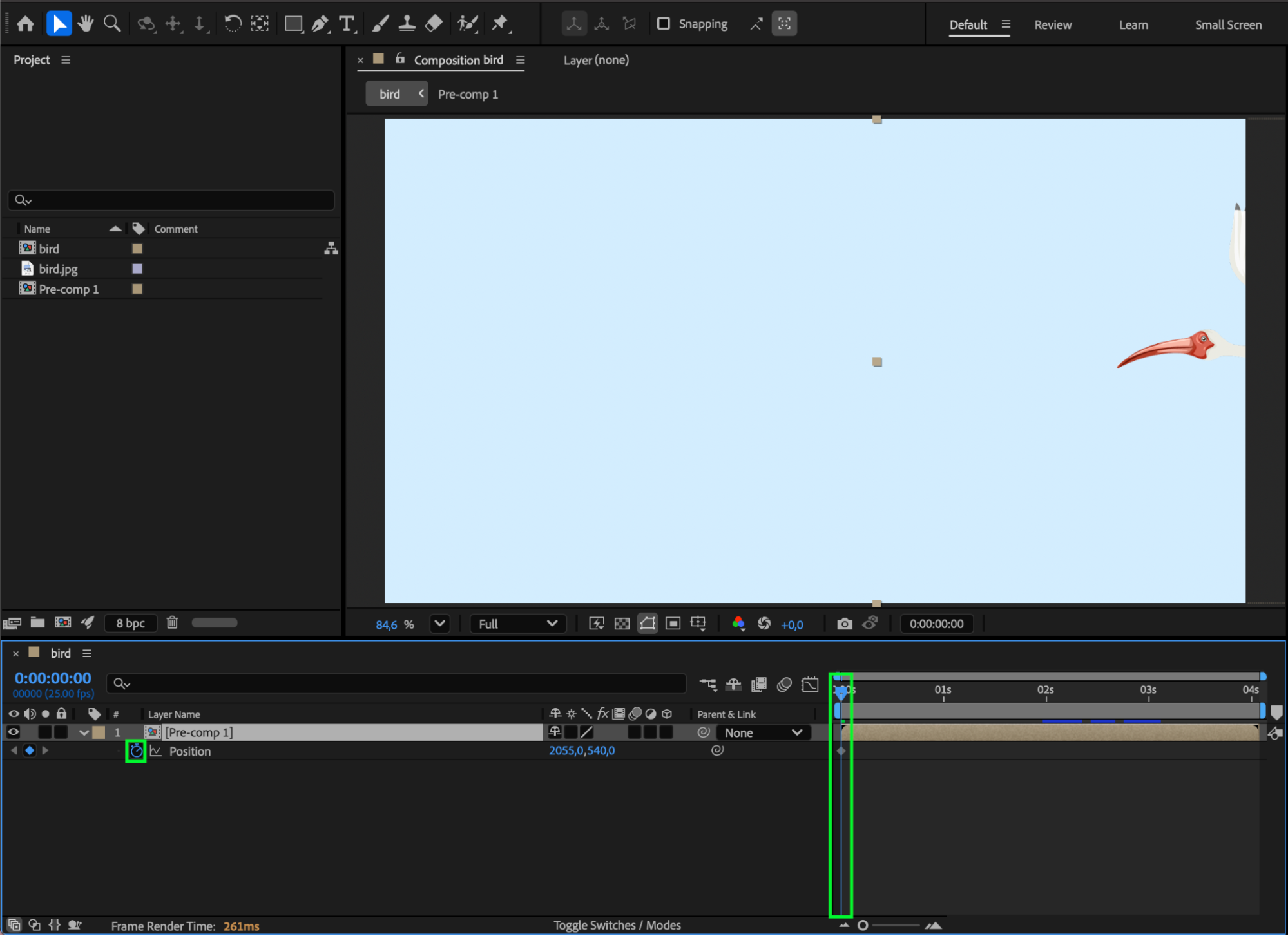
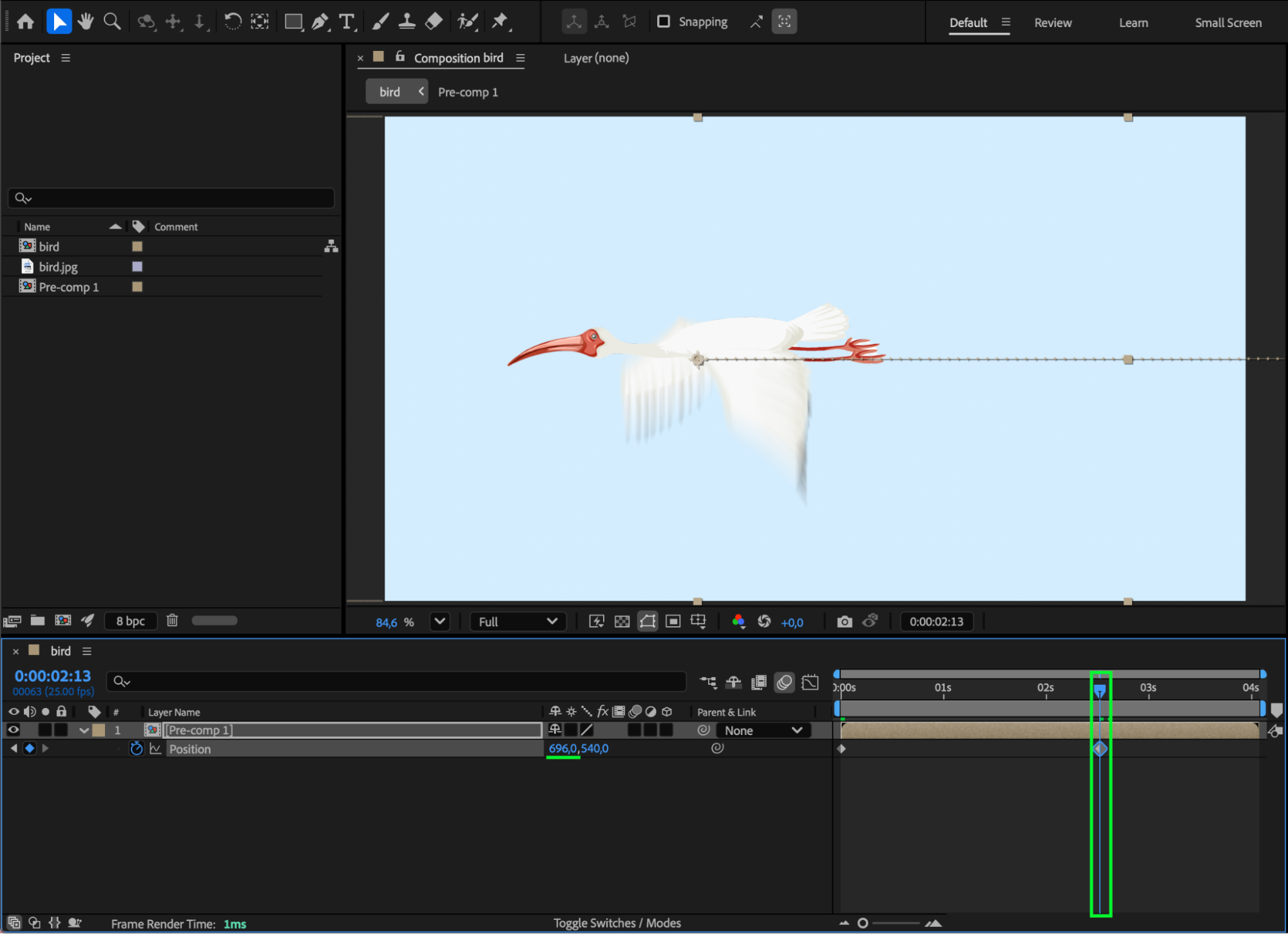
Pre-compose all bird layers. Animate the Position of the pre-composition to simulate the bird’s flight trajectory. You can also add a subtle Blur for depth and motion realism.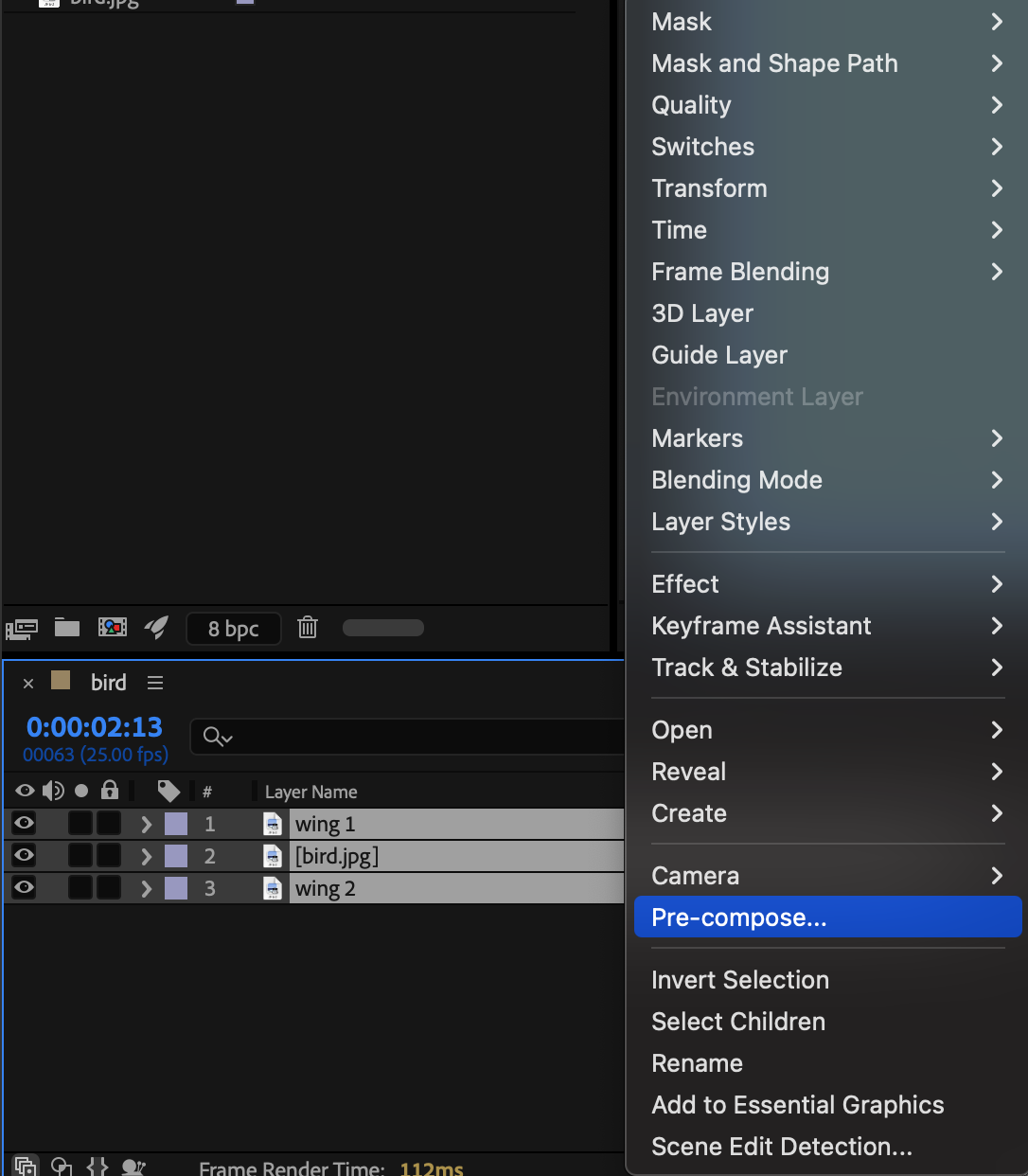
Preview
Preview the animation and adjust the timing if needed.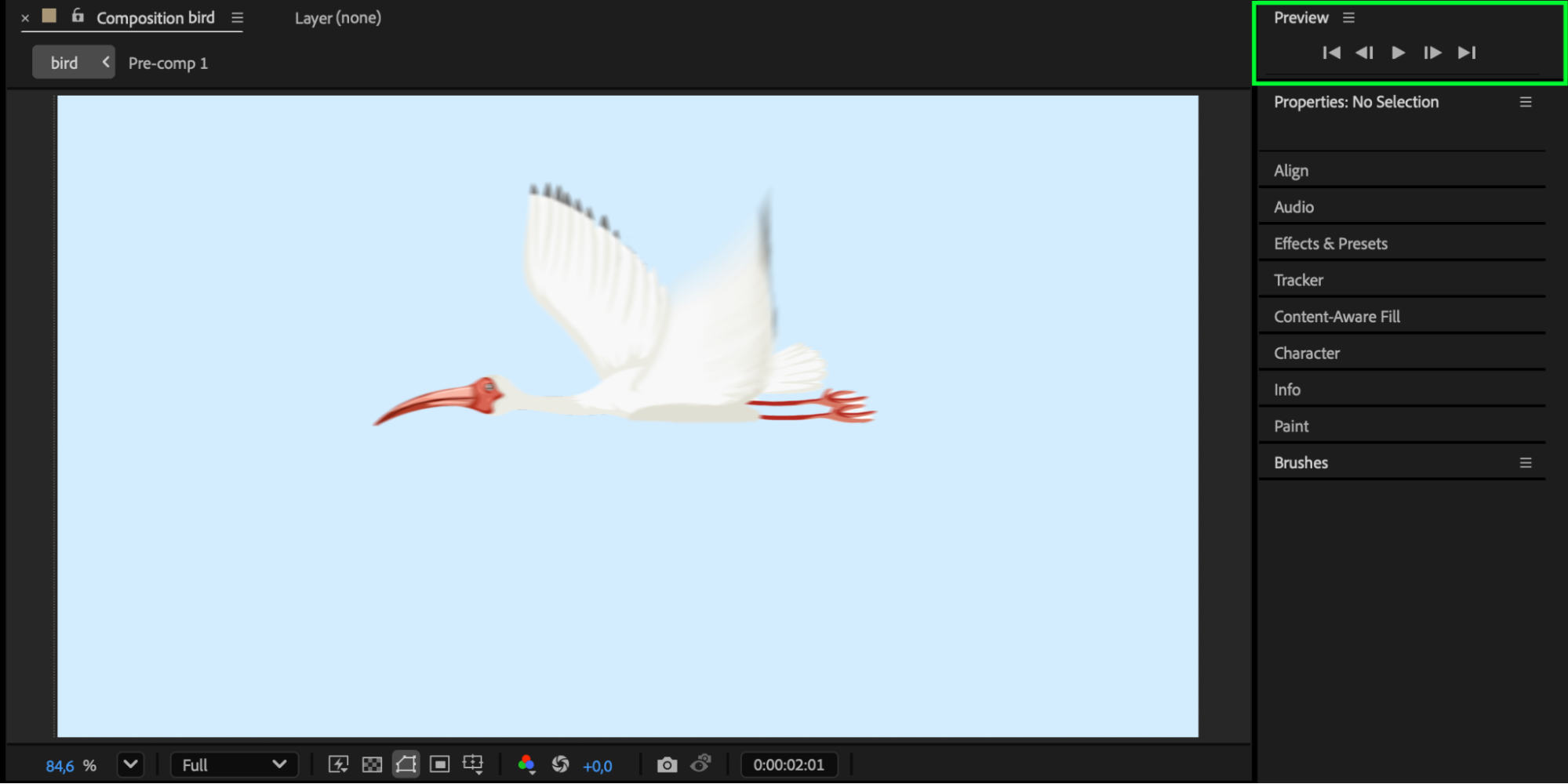
Conclusion
By looping the wing motion and animating the overall movement, you can create a smooth, natural bird flight entirely inside After Effects.
Our Bestsellers
Our Bestsellers


