
How to View All Keyframes in After Effects
Introduction
Keyframes are essential for creating animations in After Effects, allowing you to control movement, effects, and transitions. When working with multiple layers, it’s useful to see all keyframes at once to make precise adjustments. In this guide, we’ll show you how to quickly display all keyframes in your composition.
Step 1: Select Your Layer(s)
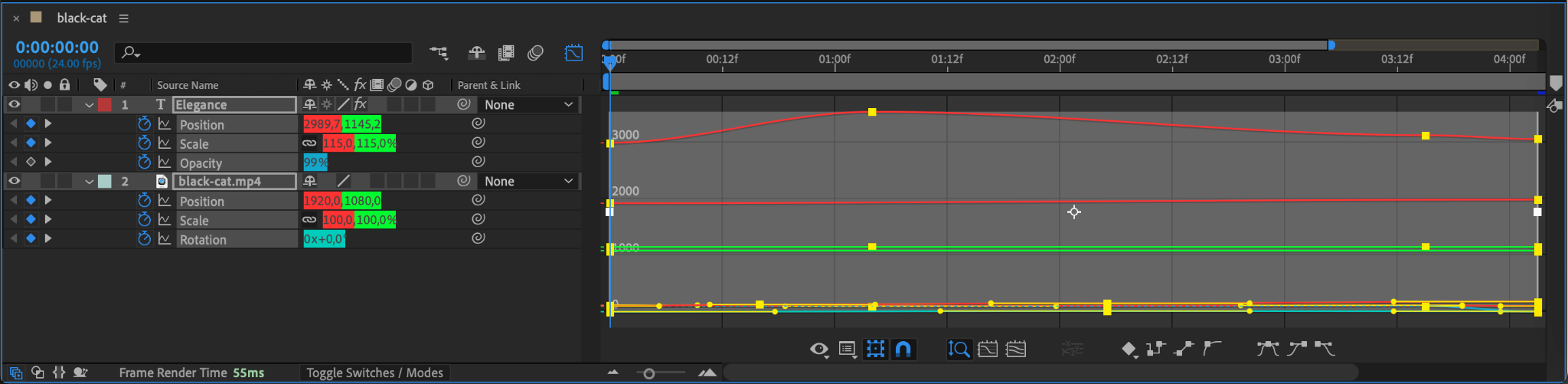
To start, make sure you have selected the layer(s) containing keyframes. Click on a single layer or hold “Shift” to select multiple layers in the Timeline panel. If you want to view keyframes for all layers, simply don’t select anything.
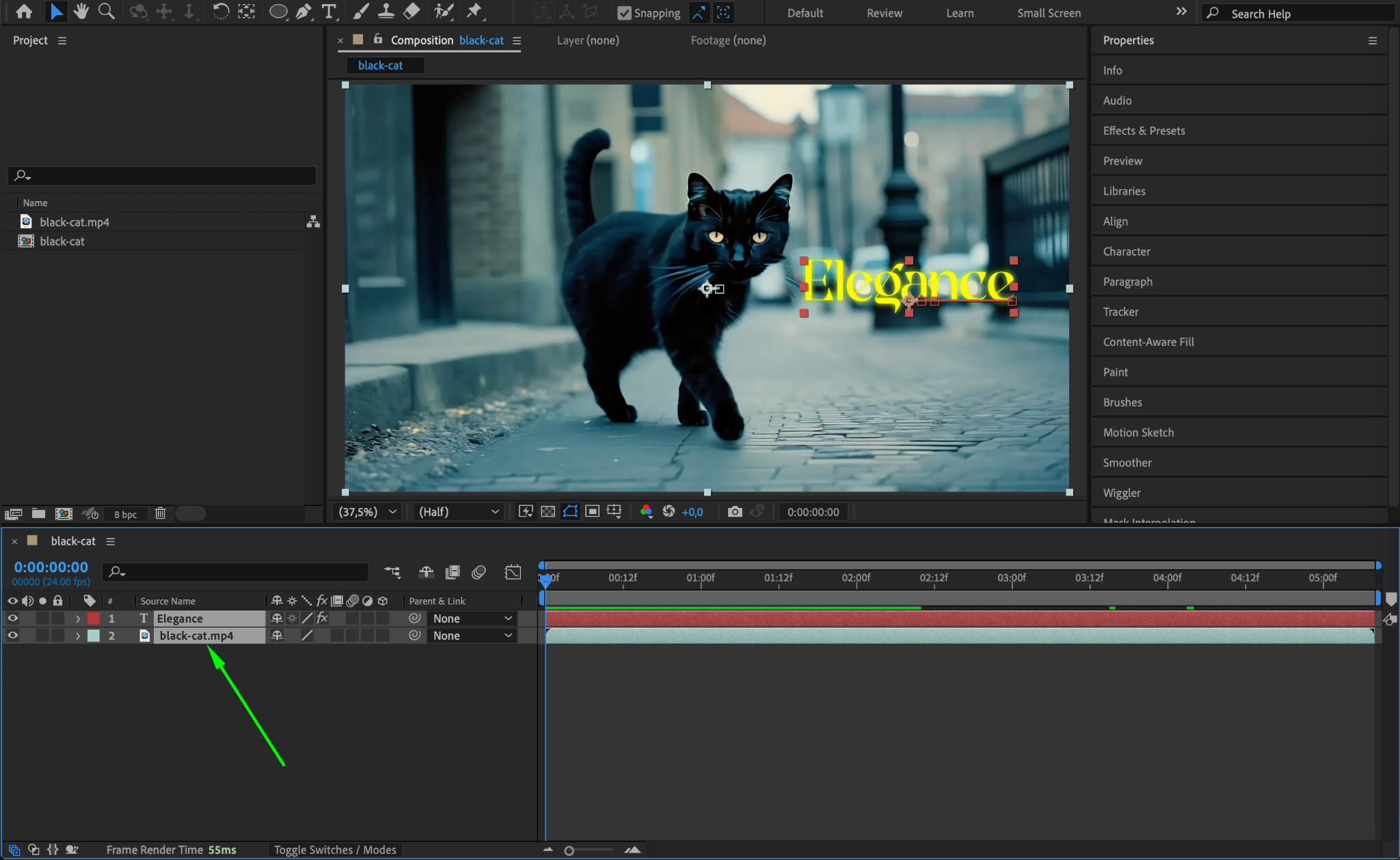
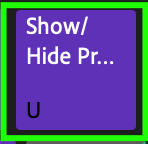
Step 2: Press the Shortcut to Show Keyframes
Press “U” on your keyboard. This reveals all keyframes on the selected layer(s). If no layers are selected, pressing “U” will show keyframes for all layers in the timeline.
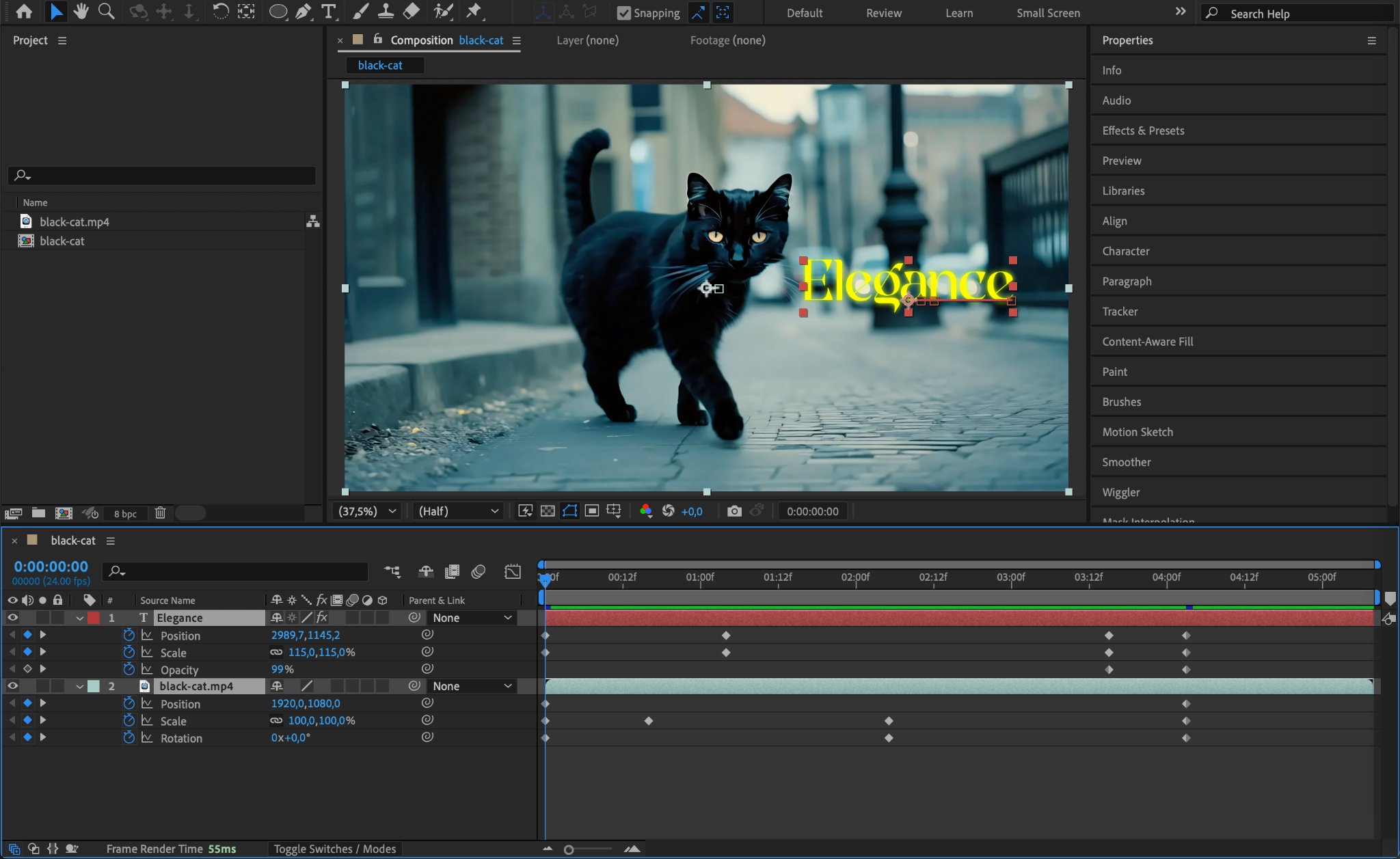
Step 3: Show Only Modified Properties
If you want to see only properties that have been modified (even without keyframes), press “UU” (double-tap the U key). This will expand any property that has been changed from its default settings, helping you track adjustments.
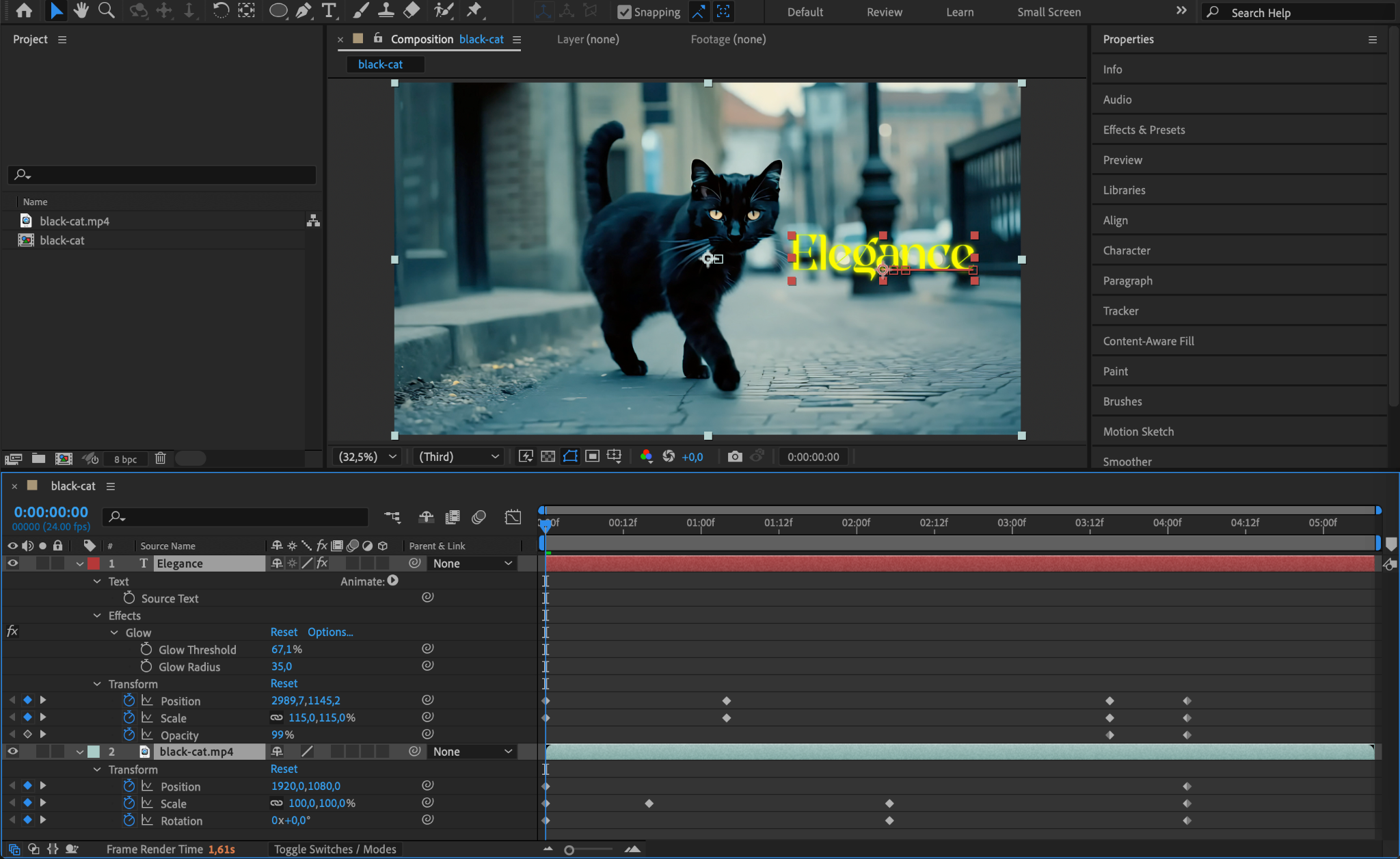
Step 4: Expand Specific Properties Manually
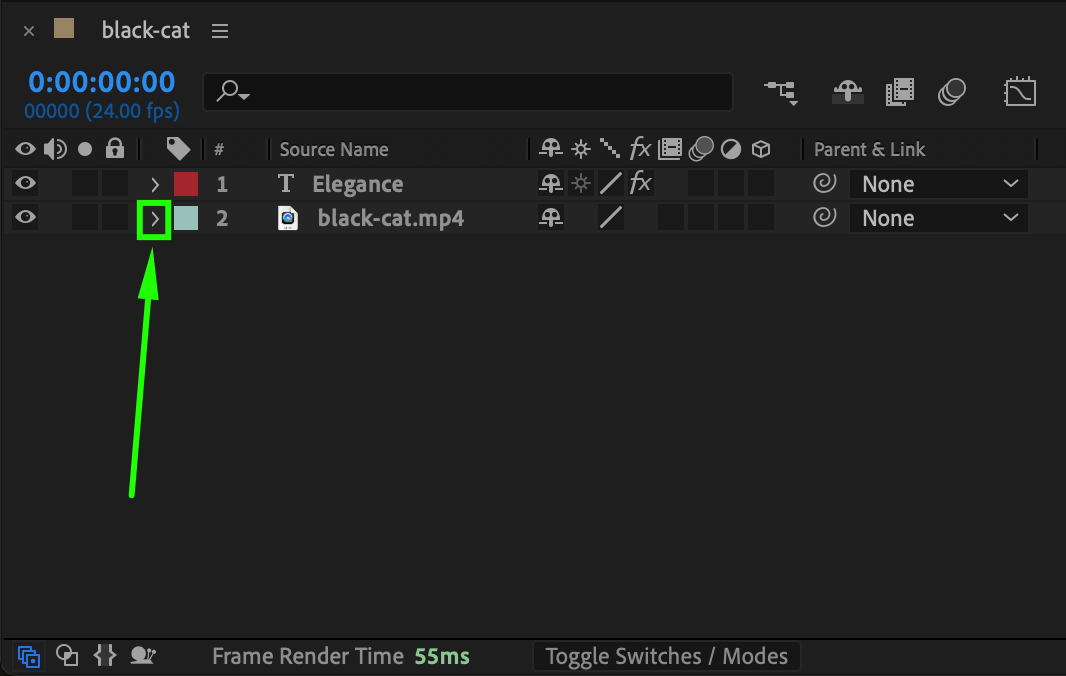
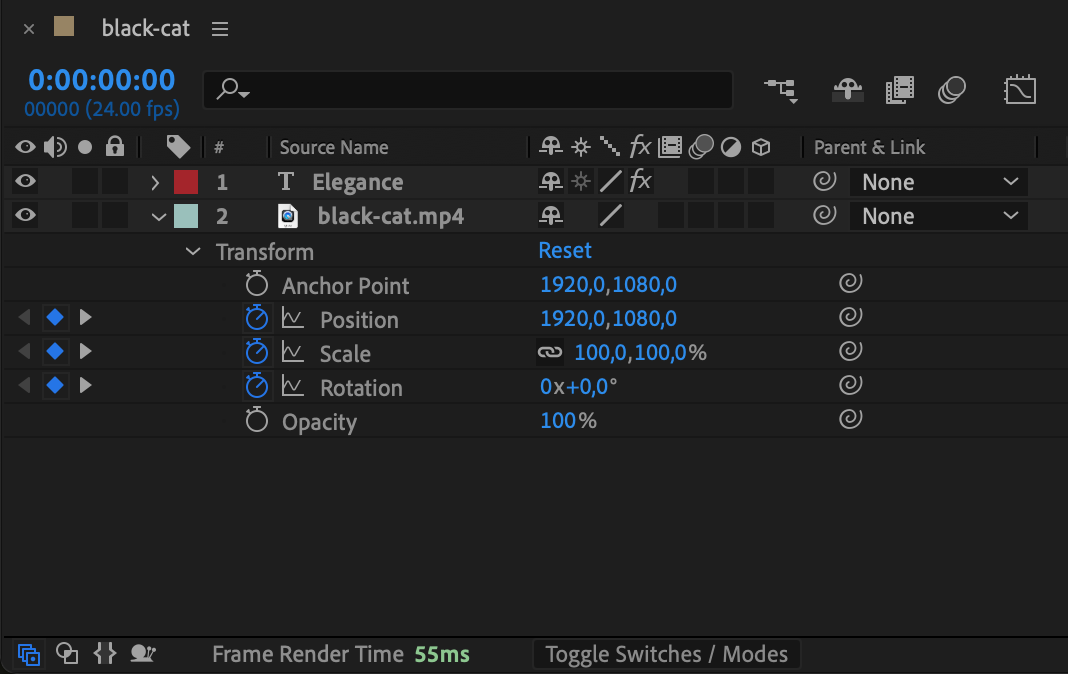
If you prefer to navigate manually, click the small triangle arrow next to a layer to expand its properties. Then, expand Transform, Effects, or Masks to find keyframed values like Position, Scale, Opacity, and more.
Step 5: Adjust Keyframes Efficiently
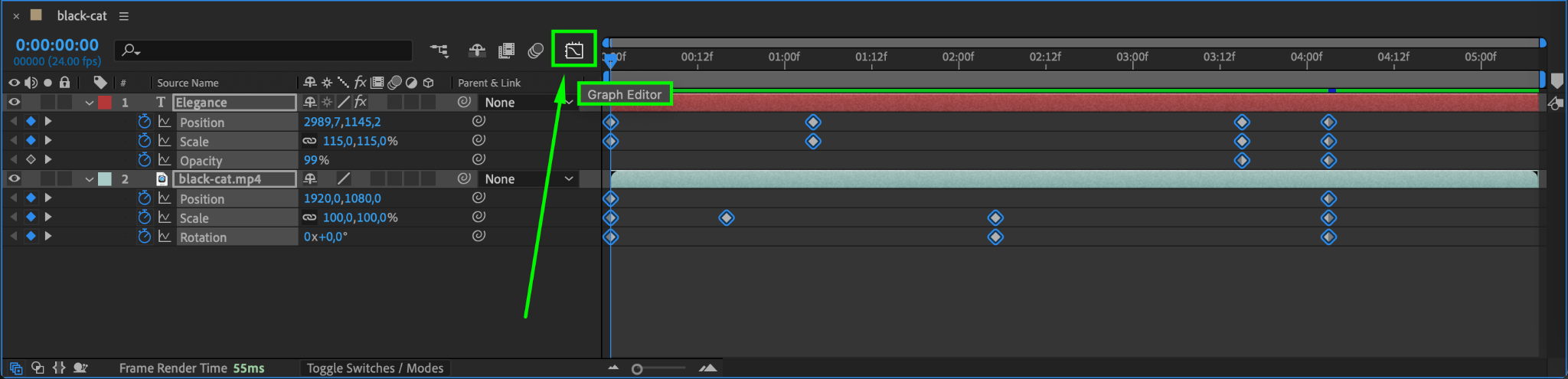
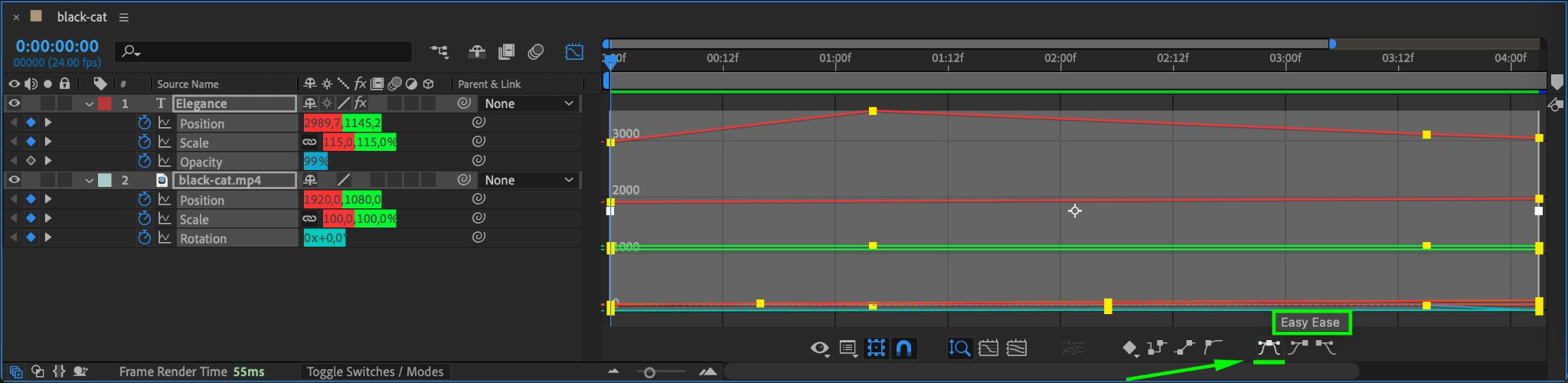
Once all keyframes are visible, you can easily move them, edit their values, or apply easing for smoother animations. Use the Graph Editor (by clicking the Graph Editor button) for more precise control over motion curves.
Step 6: Hide Keyframes When Not Needed
To collapse keyframes and declutter your timeline, simply press “U” again. This will hide the keyframes and return your timeline to its normal view.
Conclusion
Displaying all keyframes in After Effects is an essential skill for efficient animation workflow. Whether using the “U” shortcut or manually expanding properties, knowing how to quickly access keyframes helps you edit animations with precision. Try these steps in your next project to streamline your workflow!
Our Bestsellers
Our Bestsellers


