Free Plugins
Products
All Access
Resources
HomeBlogHide controls in After Effects

Hide controls in After Effects

Tips
13 Nov, 2023

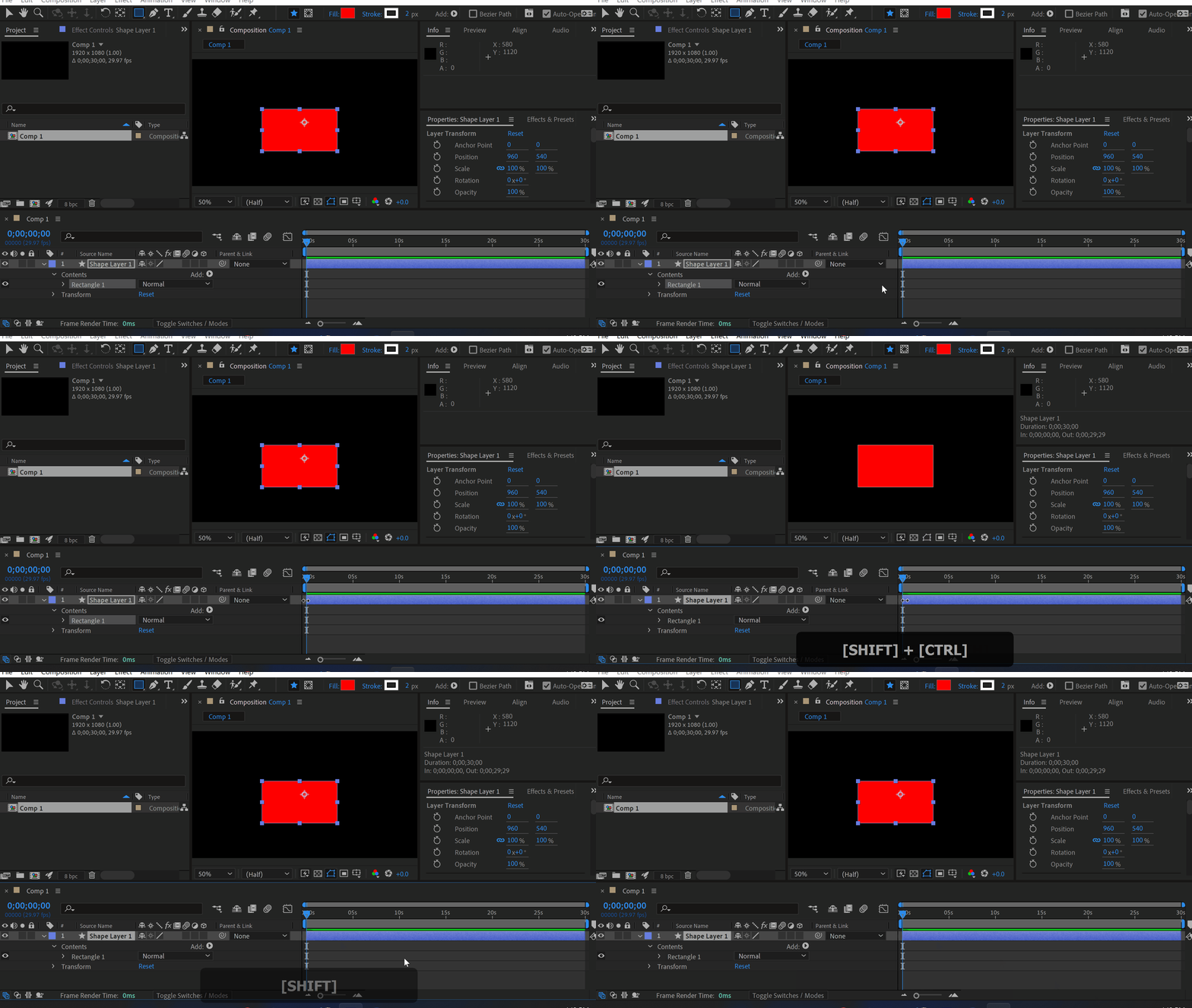
Sometimes controls get in the way. Use shortcut Ctrl+Shift+H (Shift+Command+H) to hide them.
Click here to receive more tips by email.

Our Bestsellers

Similar Articles
thumbnail-fallback.16c3af4eHow to Slice a Clip into Multiple Sections in After Effects
Tutorials
thumbnail-fallback.16c3af4eHow to Slice a Clip into Multiple Sections in After Effects
Tutorials
thumbnail-fallback.16c3af4eHow to Skip Ahead 15 Frames in After Effects
Tutorials
thumbnail-fallback.16c3af4eHow to Skip Ahead 15 Frames in After Effects
Tutorials
thumbnail-fallback.16c3af4eHow to Skew a Shape in After Effects
Tutorials
thumbnail-fallback.16c3af4eHow to Skew a Shape in After Effects
Tutorials
3526675
Email usAnswer within 24 hoursHelp centerDetailed documentation
Quick Links
HomeAffiliatesPrivacy PolicyTerms of UseRefundsContact
Support
ProductsFree PluginsWhat's new?BlogAboutStart Selling
Get 10% Off – Straight to Your Inbox!
By subscribing you agree to your email being stored and used to receive the emails in accordance to our Privacy Policy
Copyright © 2021 - 2026 AEJuice LLC. All rights reserved.
support@aejuice.com