
Introduction
When working with multiple layers in After Effects, you may notice that some of them start later in the timeline. To keep your animation organized or synchronize all layers from the beginning, it’s helpful to move them to the start of your composition. This can be done manually or with simple shortcuts.
Step 1: Open Your Composition
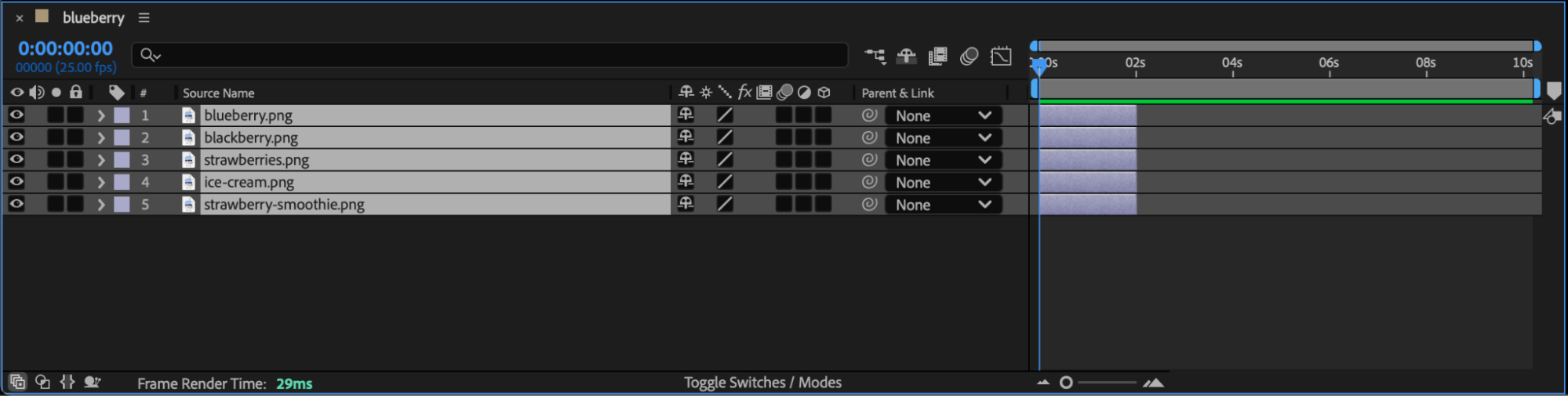
Start by opening your project in After Effects and selecting the composition you want to edit. In the Timeline panel, you’ll see the layers and their in-points (where each layer starts).
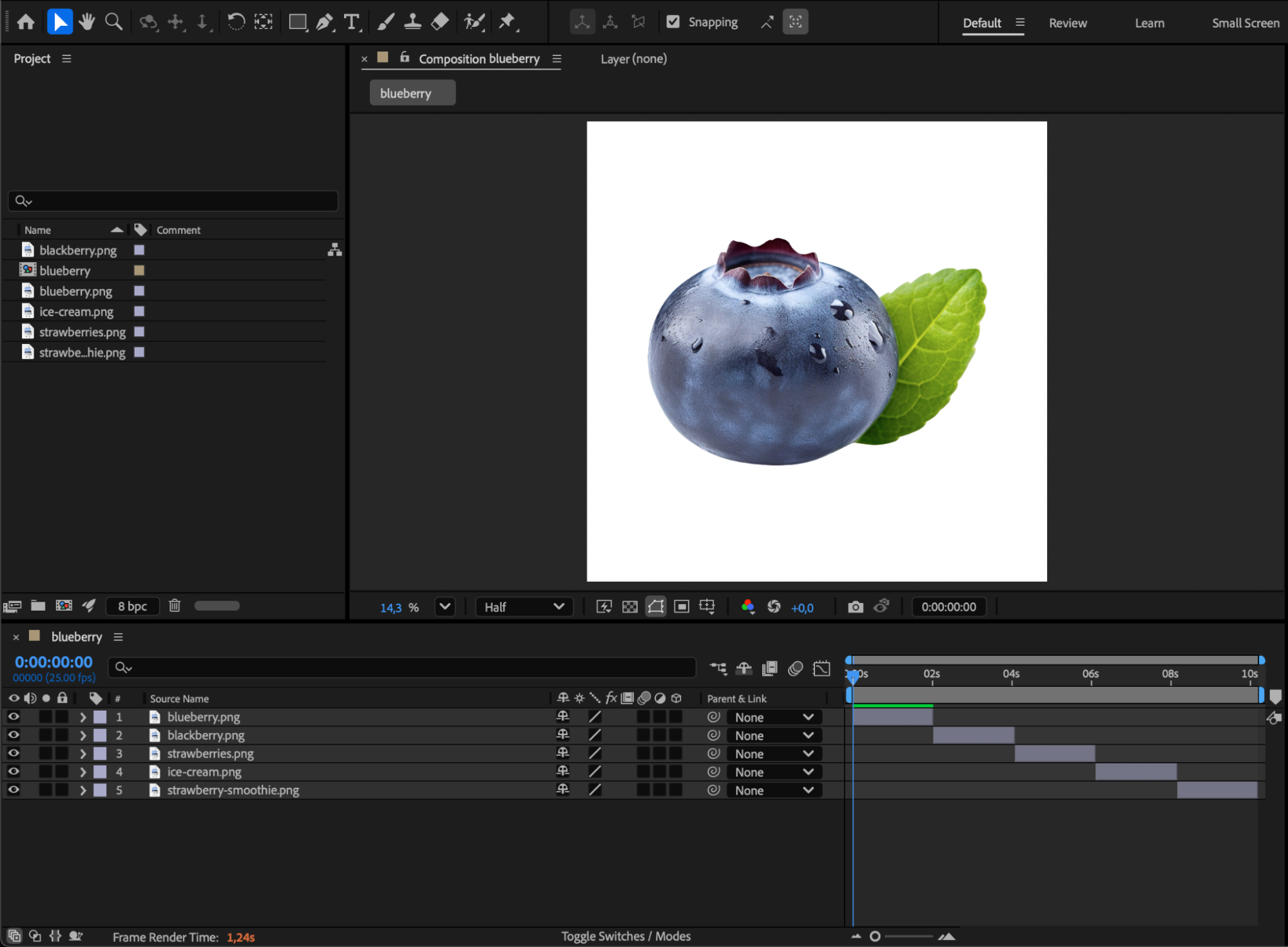
Step 2: Move Layers Manually
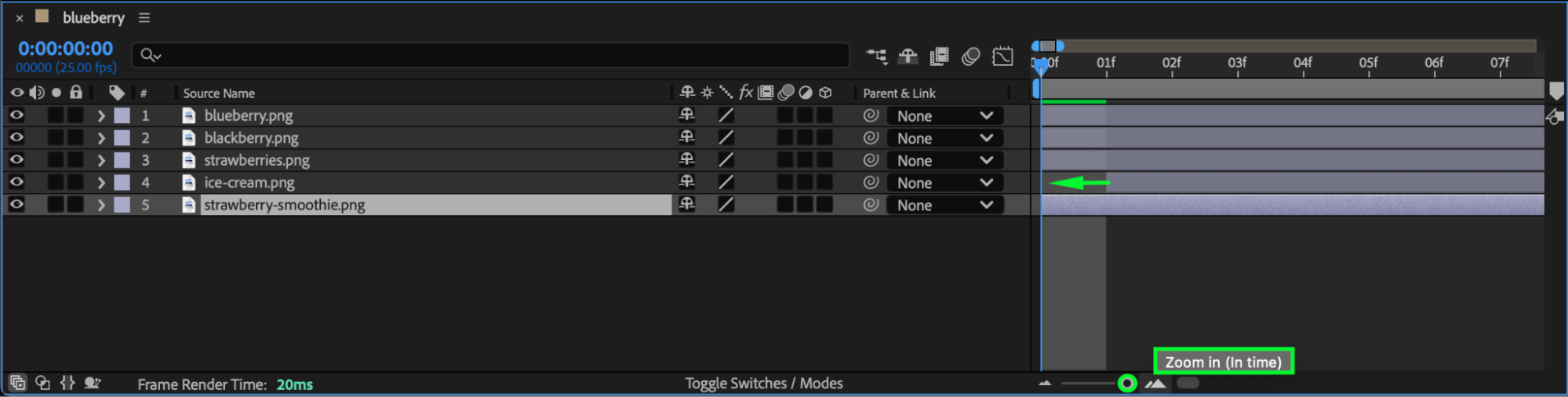
You can manually drag each layer to the left so they all start at the same time. You can also zoom in on the timeline for better precision when positioning them.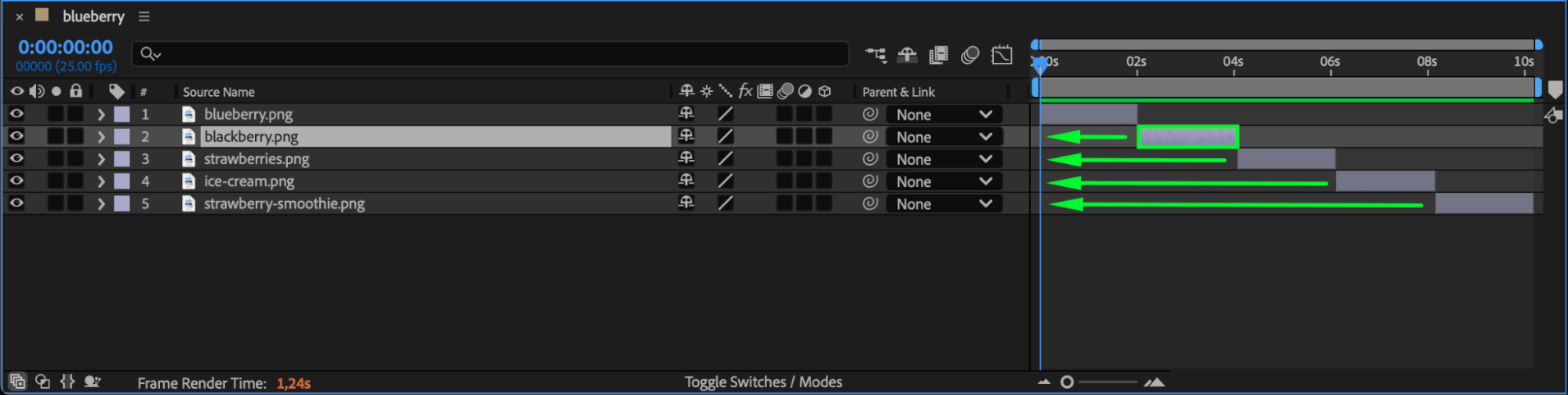
 Step 3: Use the Shortcut to Snap Layers to the Start
Press “Ctrl/Cmd + A” to select all layers in the composition, then press “[“ (left square bracket key). This instantly moves the in-point of every selected layer to the very start of the composition. It’s one of the fastest ways to synchronize all layers without manually dragging them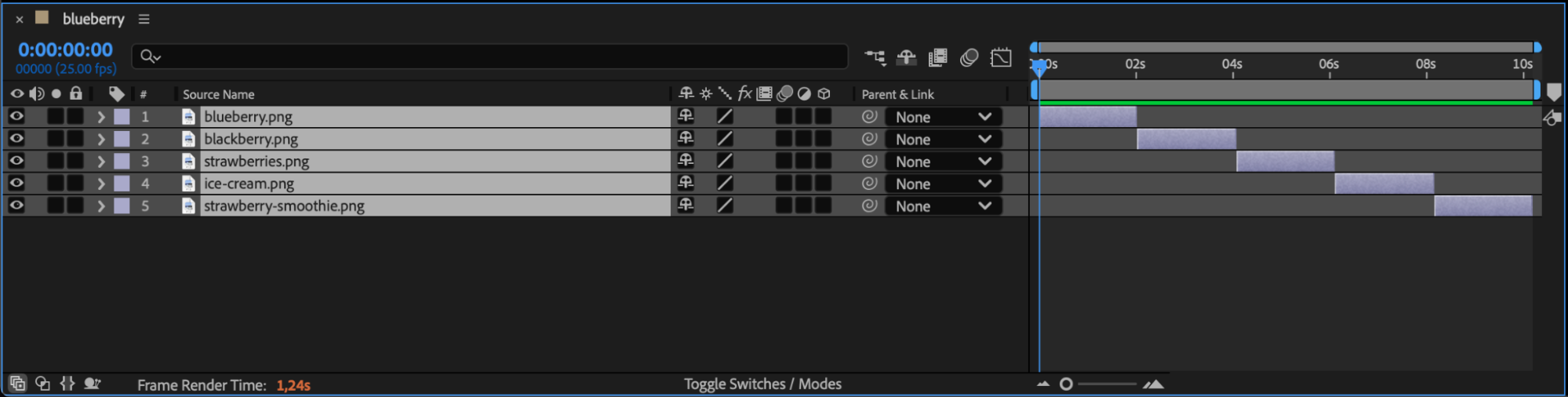
Step 4: Adjust Layer Properties
After all layers are aligned, expand each layer’s properties and adjust Scale, Position, and Rotation so that all elements are visible within the composition panel.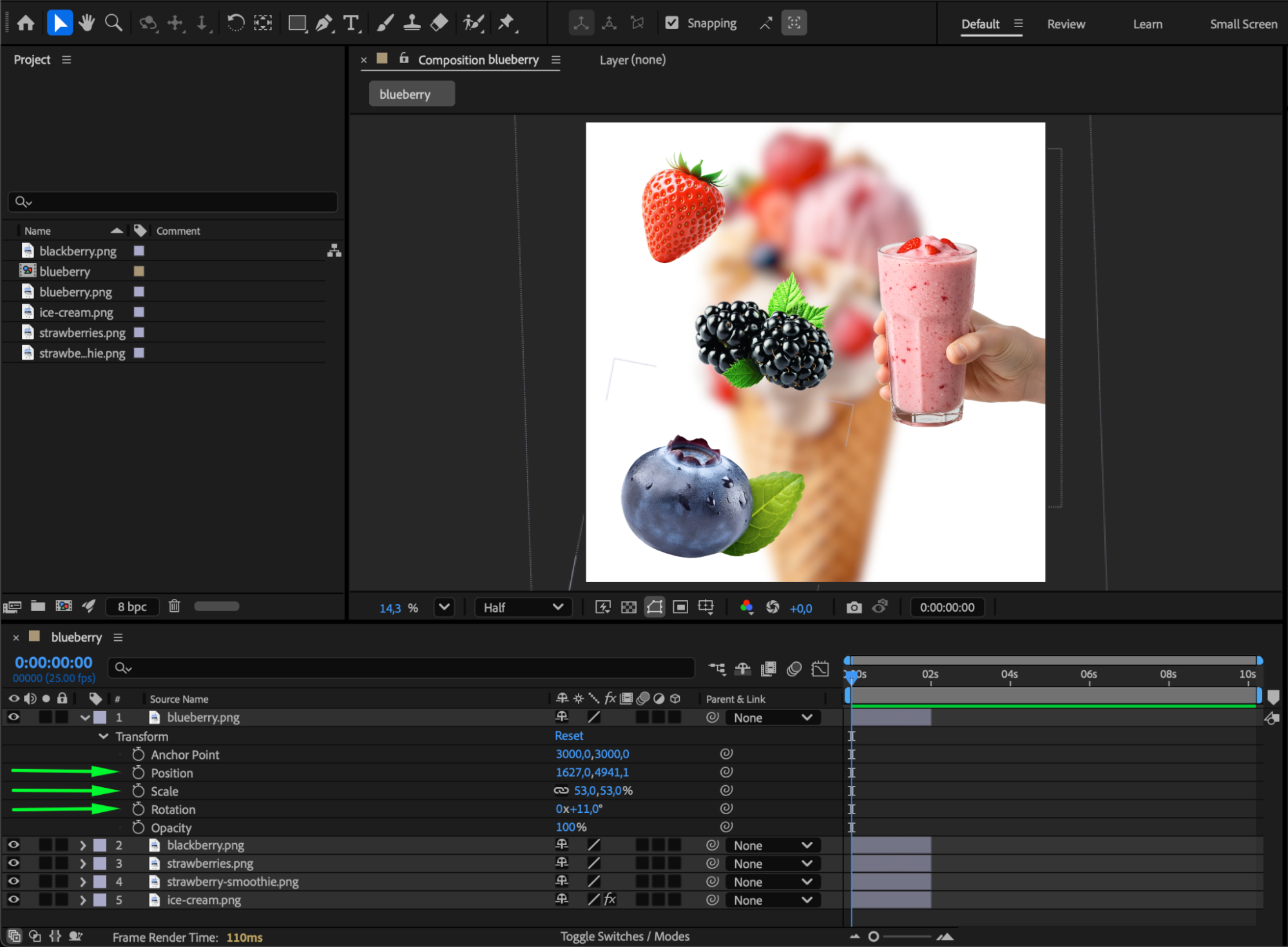
Conclusion
By selecting all layers and pressing the [ shortcut, you can instantly bring every layer to the start of your composition in After Effects. This helps maintain clean organization, consistent timing, and better control over your animation workflow.
Our Bestsellers
Our Bestsellers


