
Introduction to One-Sided Mask Feathering
Feathering one side of a mask allows for more precise blending, especially when you want to soften only a specific edge of an object or background. In After Effects, this is possible using the Mask Feather Tool, which gives you full control over the direction and amount of feathering on individual points.
Step 1: Import Your Footage or Image
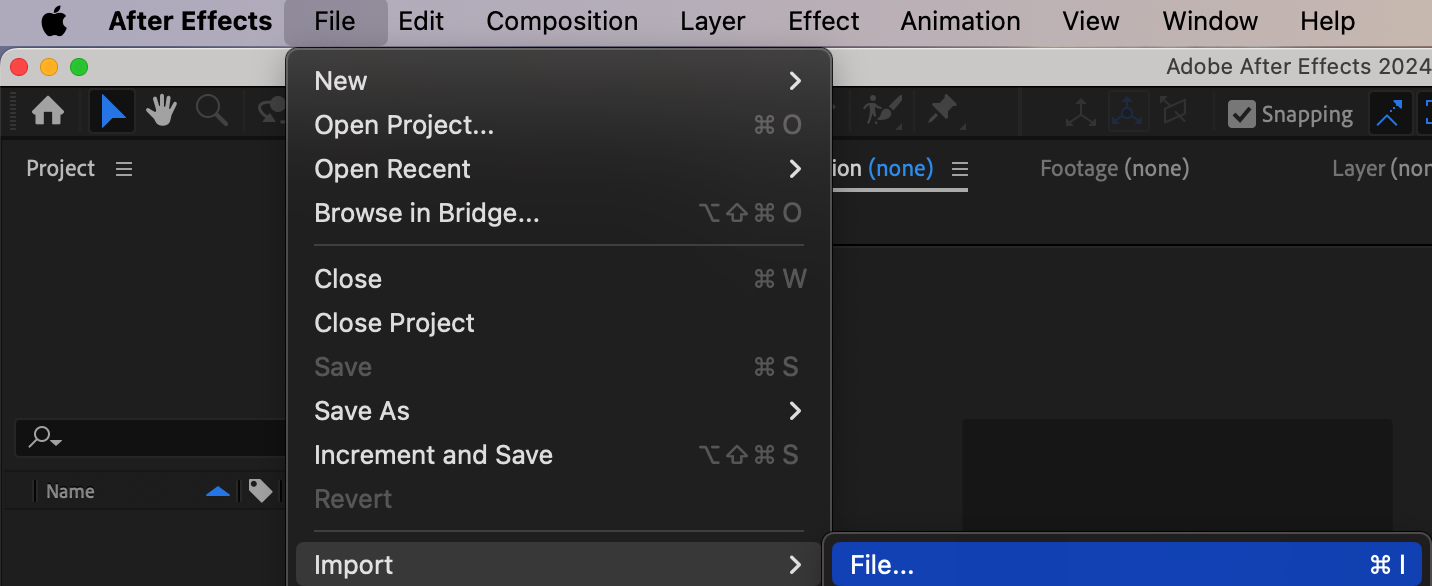
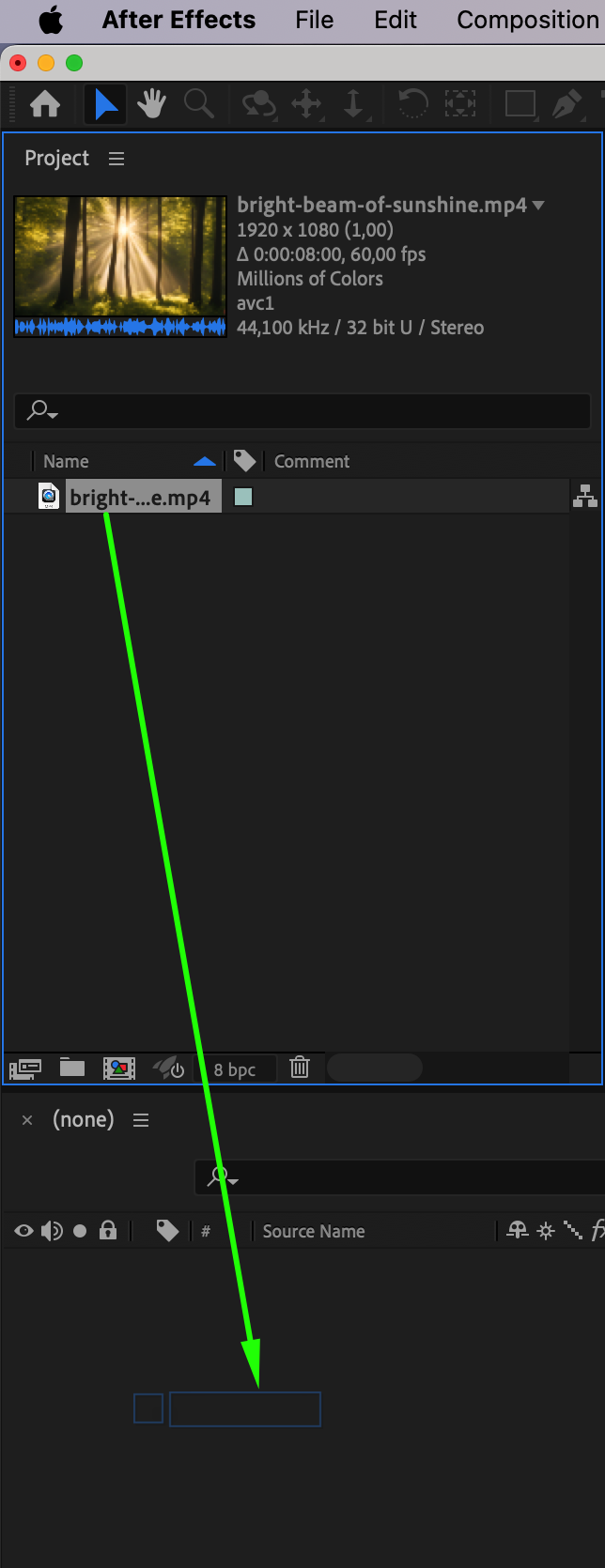
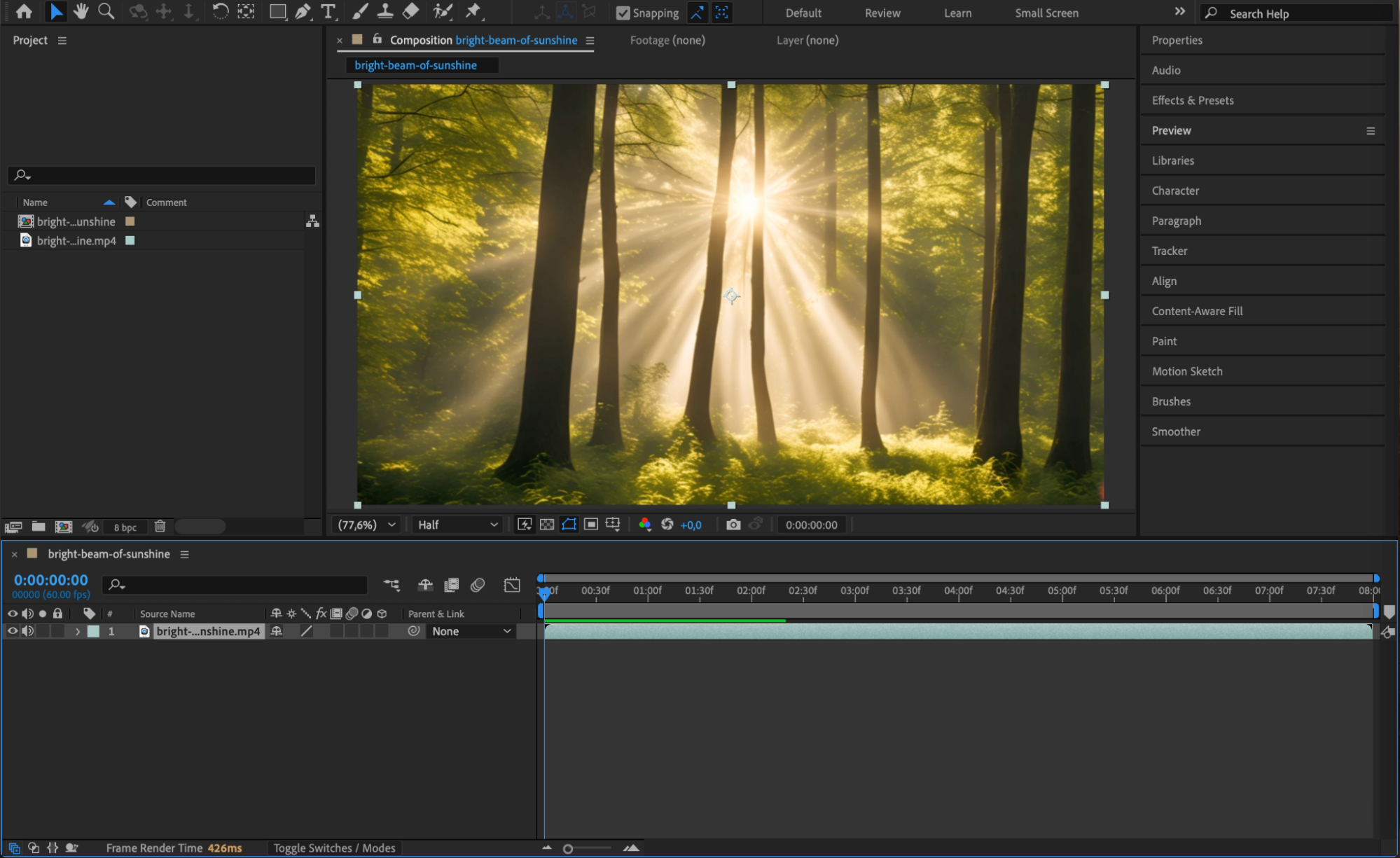
Go to File > Import > File, choose your video or image, and drag it onto the timeline to create a composition. This will be the layer where you apply the mask.
Step 2: Create a Mask on the Layer
Select your layer, then choose the Pen Tool (G) or Shape Tool (Q) from the top toolbar. Draw a mask around the subject or area you want to isolate or edit. In the Mask Mode, choose Add if you want to apply effects inside the mask.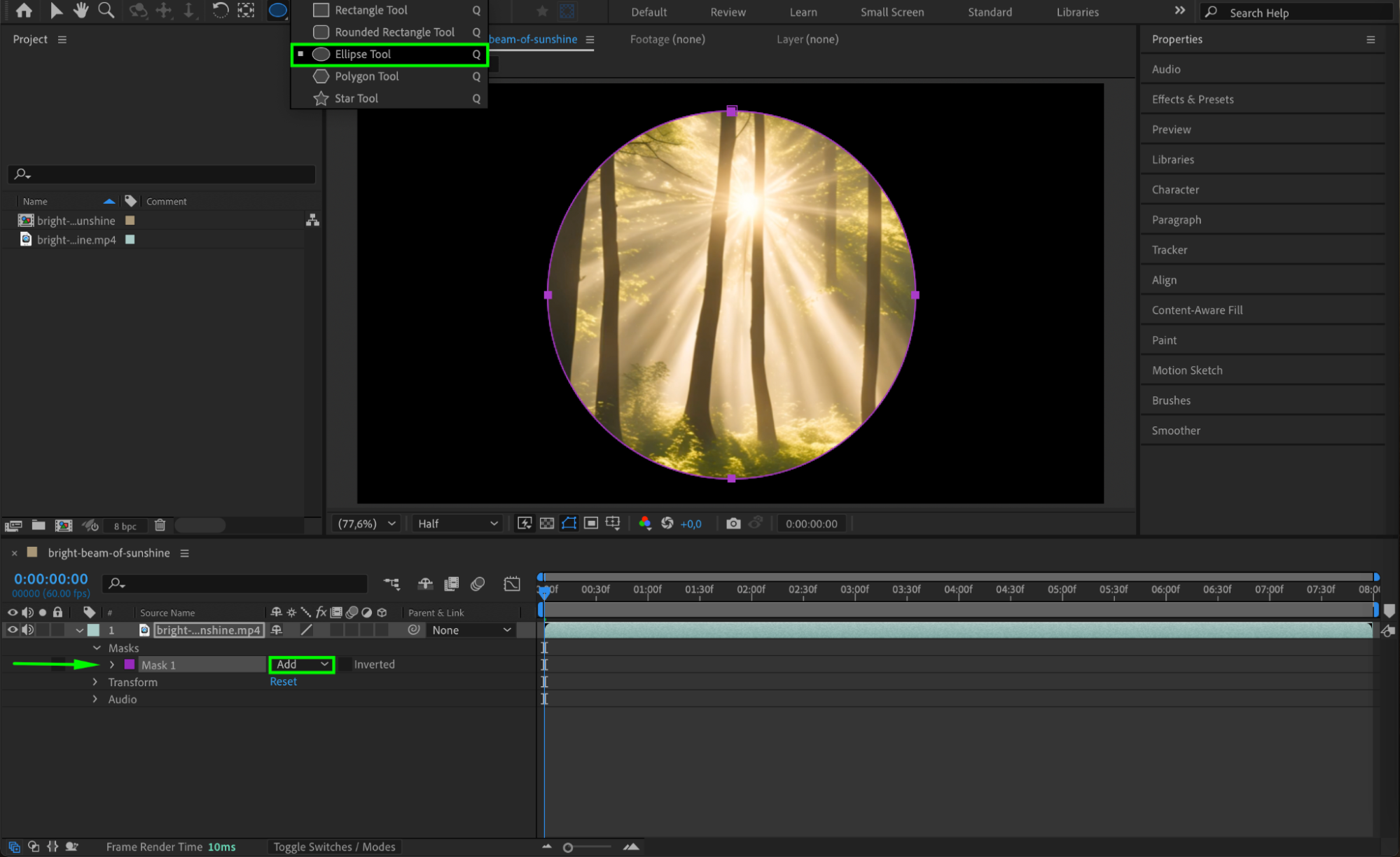
Step 3: Activate the Mask Feather Tool for One-Sided Feathering
Hold down on the Pen Tool icon in the top toolbar and select the Mask Feather Tool from the dropdown menu. Then go to the Timeline, find the Mask Feather property, and hold Alt (Windows) or Option (Mac) while clicking the stopwatch icon next to it. This enables advanced feather editing and switches you from shape drawing mode to feather adjustment mode. Now you can control the feather direction and intensity on specific points of the mask.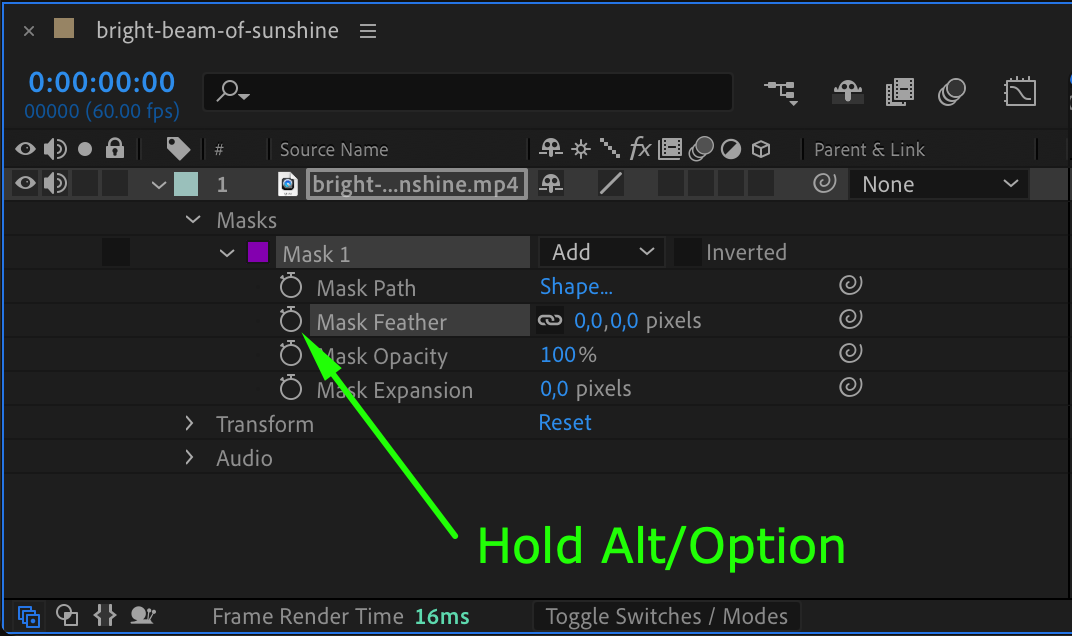 Step 4: Add Feather Points to the Mask
Click on the mask path points where you want to control feathering. Each point will get a feather handle. These handles represent the direction and intensity of the blur from that specific point.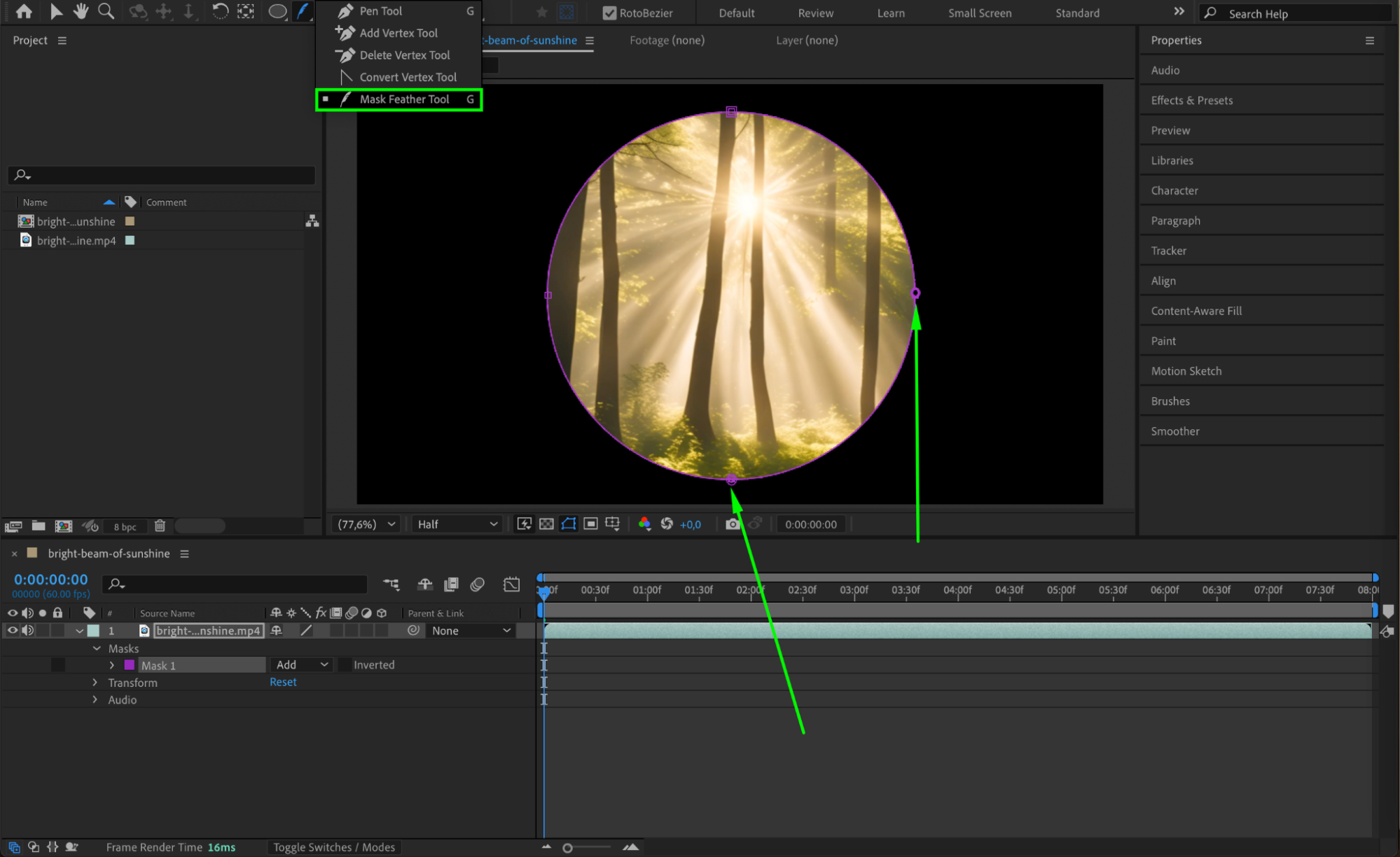
Step 5: Adjust Feather Direction and Strength
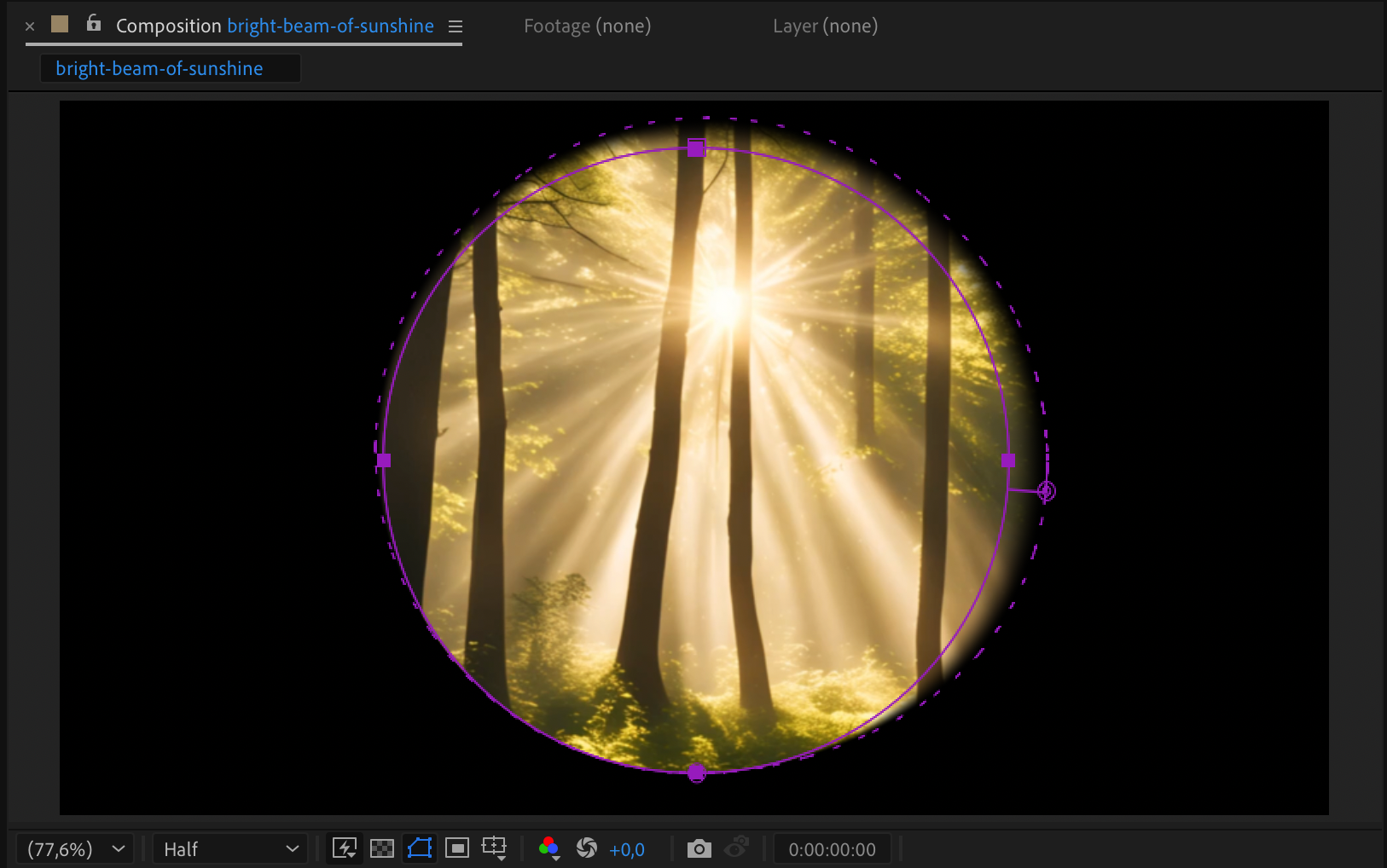
Drag the feather handles away from the mask to feather that side only. You can adjust the length (for more blur) and angle (to change direction). This gives you soft blending on one side while keeping other edges sharp.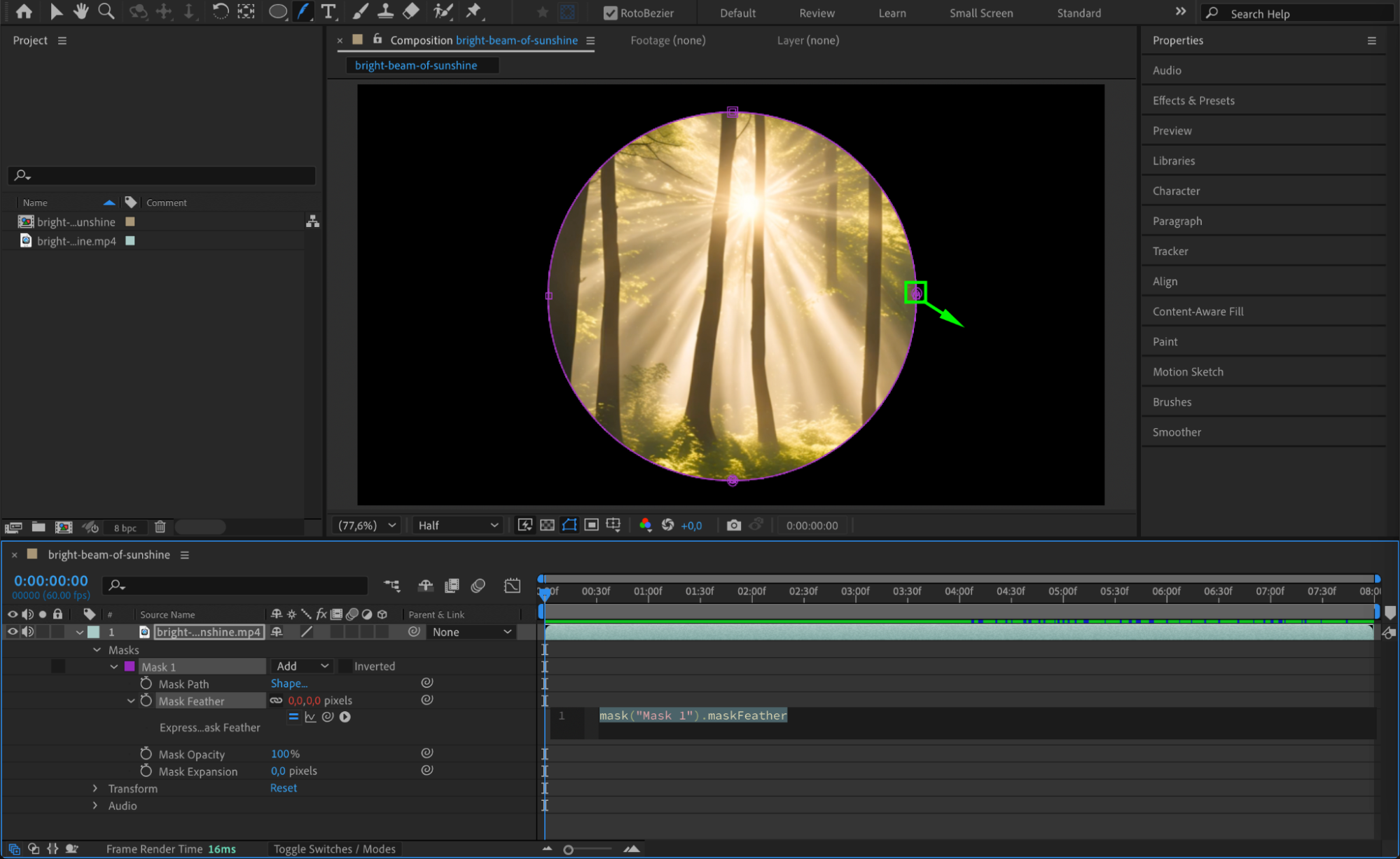
 Step 6: Preview Your Result
Press the spacebar to preview the animation or look at the current frame. Adjust any feather handles further if needed to get a natural and balanced look.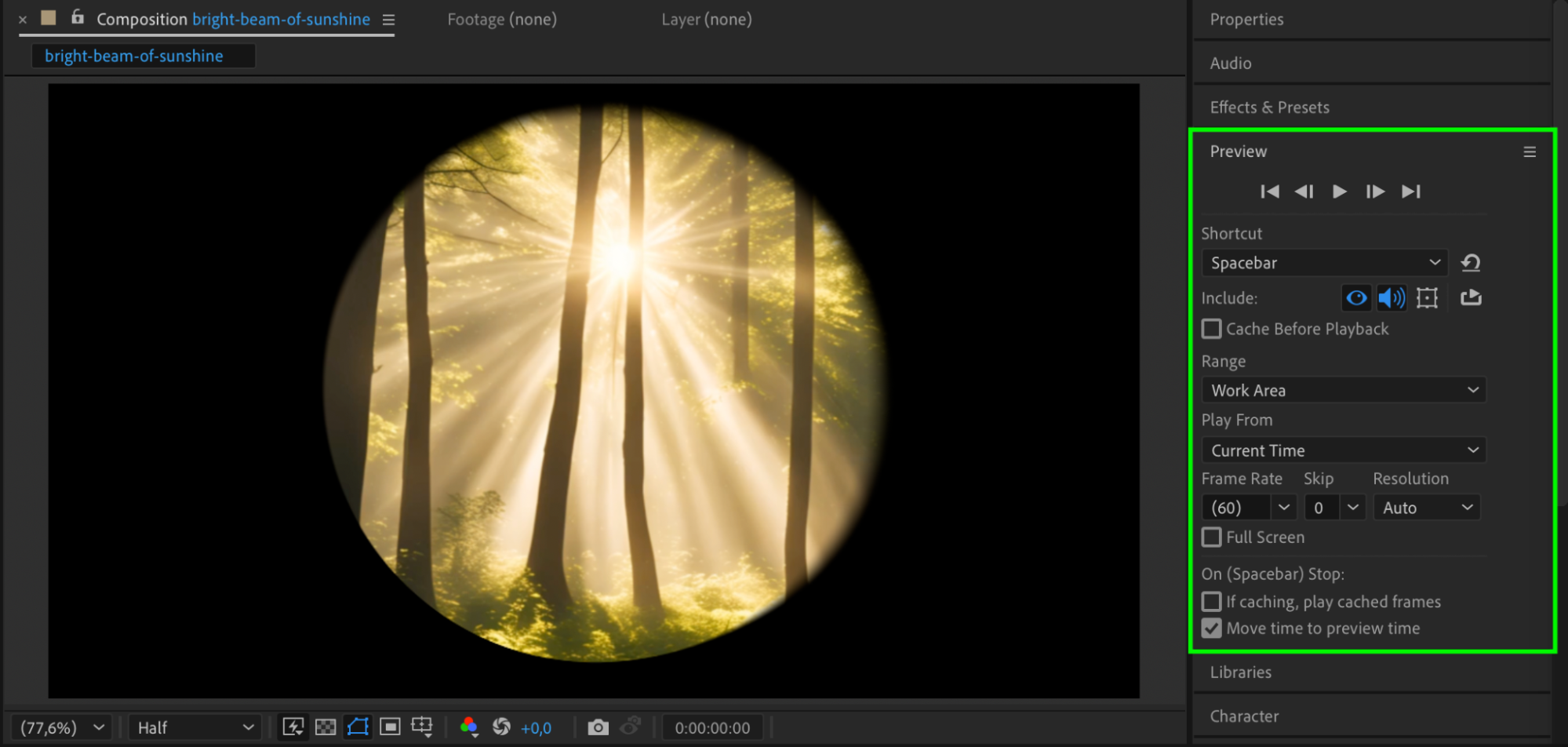
Conclusion
Using the Mask Feather Tool in After Effects gives you powerful control over feathering, allowing you to soften only one side of a mask. This technique is perfect for smooth transitions, blending layers, or adding focus to a subject without affecting the entire edge. It’s an essential skill for professional-level masking and compositing.
Our Bestsellers
Our Bestsellers


