
In Adobe After Effects, grouping layers together is a useful way to streamline your workflow and make it easier to work with complex compositions.
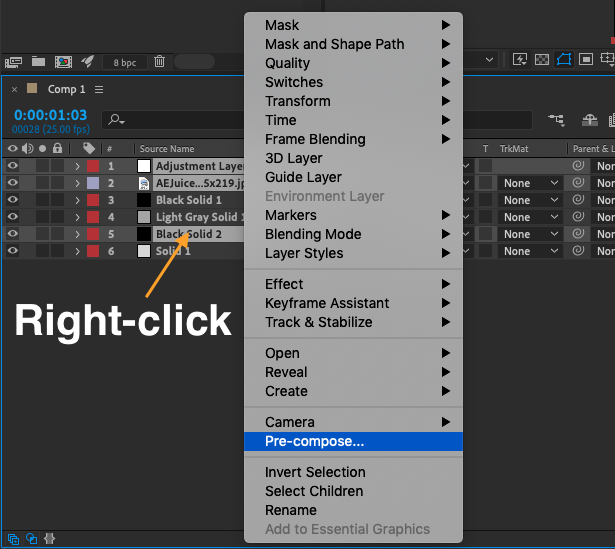
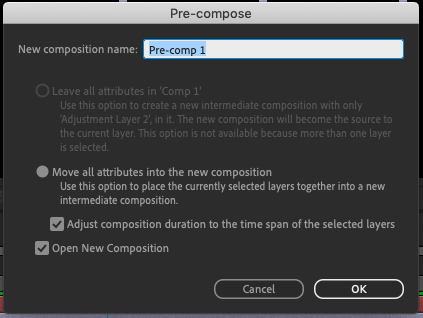
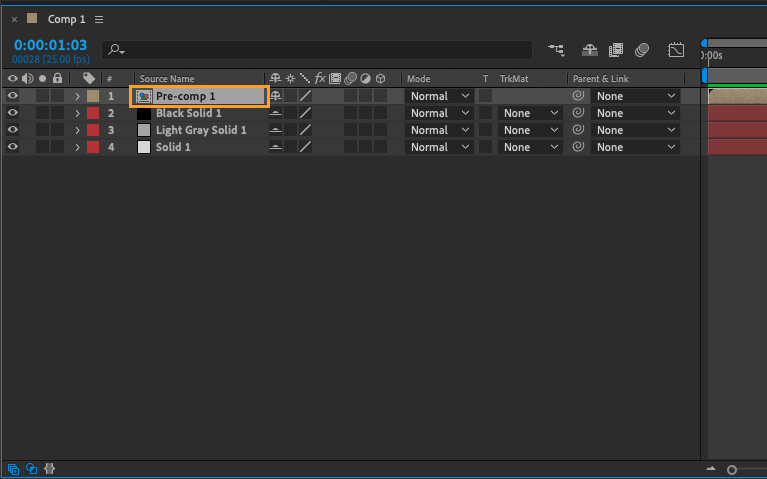
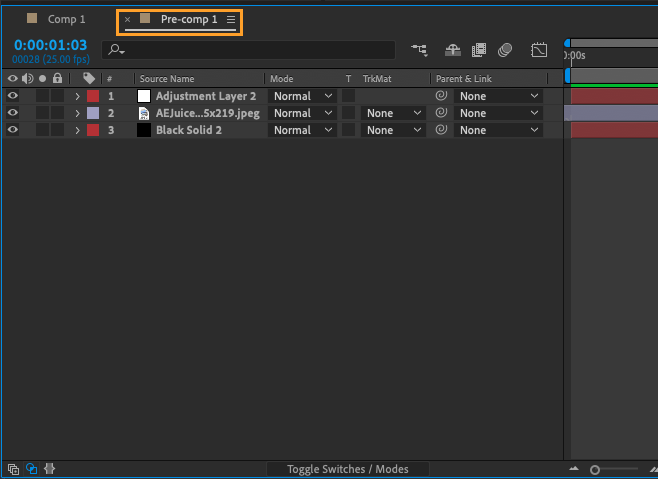
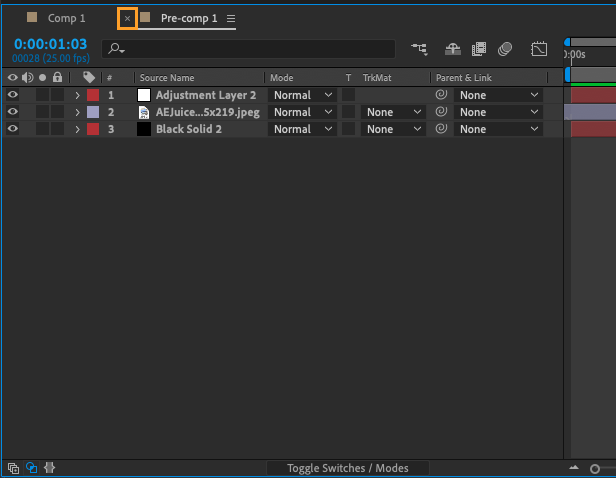
To group layers together in After Effects, follow these steps:
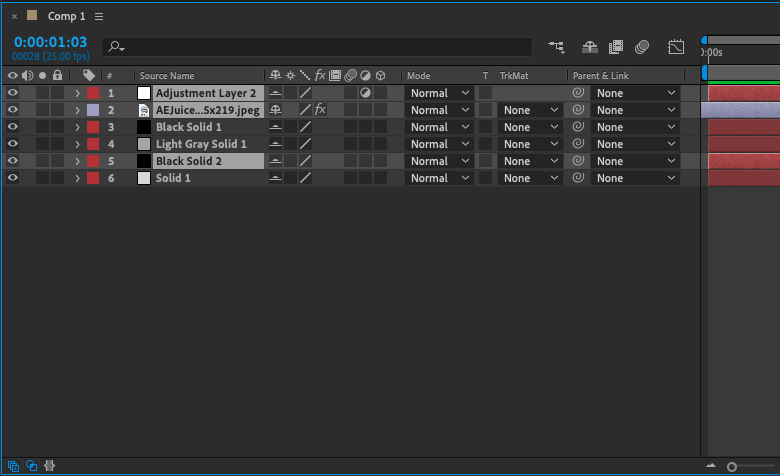
- Select the layers you want to group together in the Timeline panel. You can select multiple layers by holding down the Ctrl (Win) or Command (Mac) key while clicking on layers.
Conclusion
By grouping layers together in this way, you can easily manipulate multiple layers as a single entity, which can save a lot of time and effort when working with complex compositions. It’s also a great way to keep your project organized, as you can nest groups within other groups to create a hierarchical structure that makes it easy to navigate your project and find what you need. So next time you’re working on a complex composition in After Effects, consider grouping your layers together to streamline your workflow and keep your project organized.
Our Bestsellers
Our Bestsellers
Similar Articles

