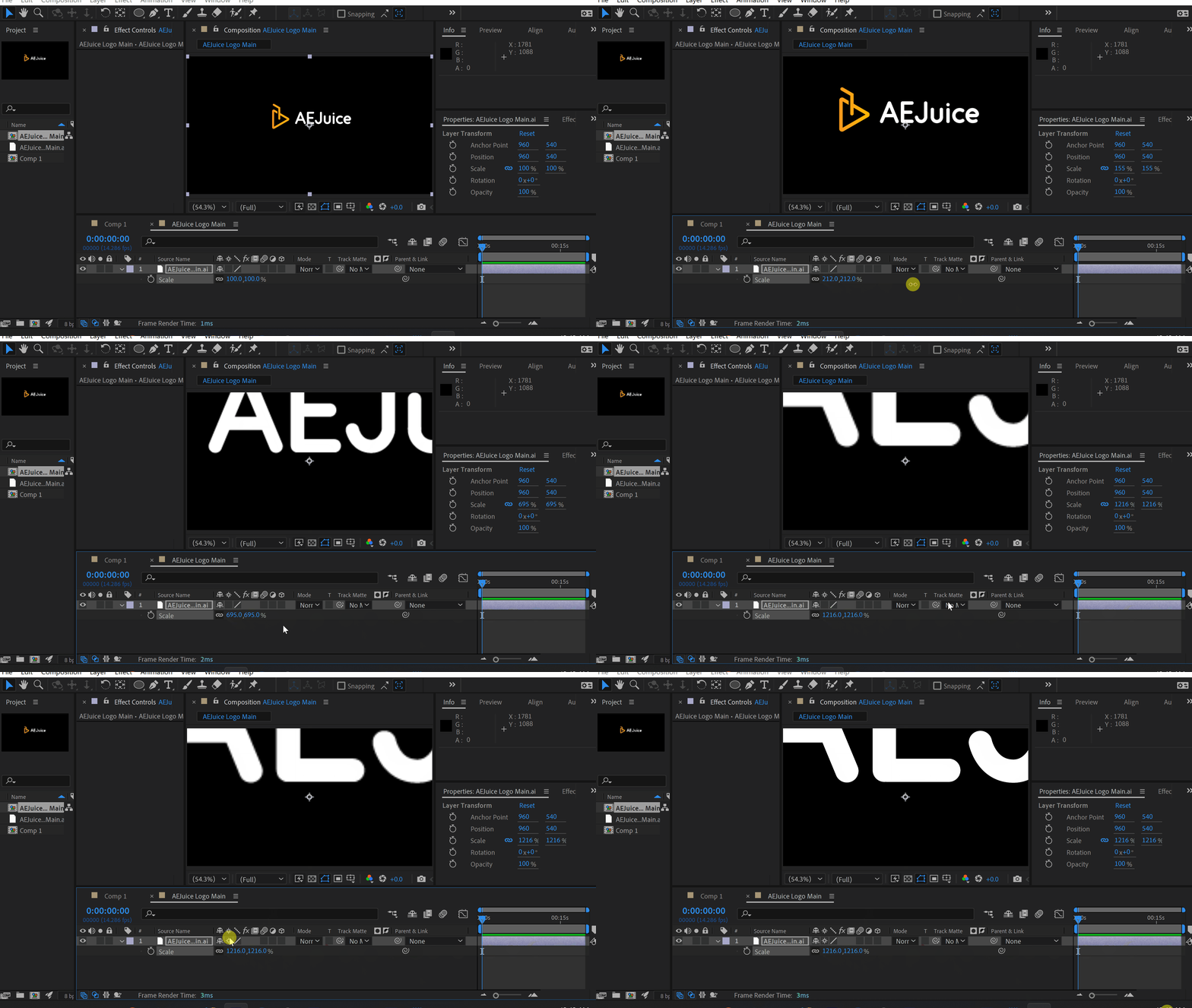
Have you noticed pixelated edges when you try to scale a shape or an illustrator file? There is a way to fix it. Click on the continuous rasterization icon. Click here to receive more tips by email. -50%-50%00hrs : 00mins : 00secHappy HolidaysSale sitewideShop nowOur BestsellersOur BestsellersJacob SyrytsiaSimilar ArticlesHow to Animate a Cape in the Wind in After EffectsTutorialsHow to Animate a Cape in the Wind in After EffectsTutorialsHow to Align Objects on a Diagonal Axis in After EffectsTutorialsHow to Align Objects on a Diagonal Axis in After EffectsTutorialsHow to Animate a Jumping Logo in After EffectsTutorialsHow to Animate a Jumping Logo in After EffectsTutorials